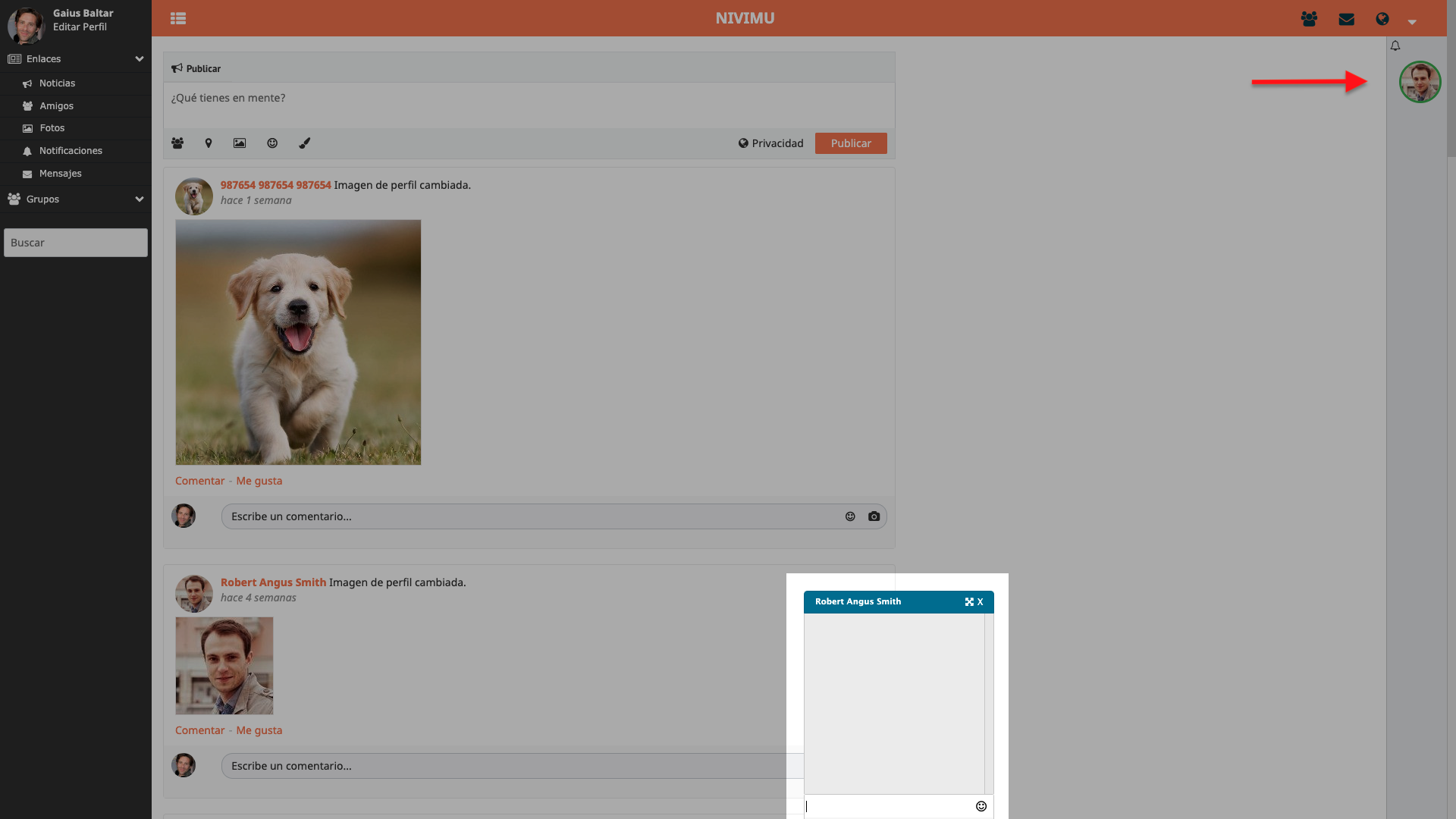
Friends
In this section you can see who your friends are, those users who can see your private publications or chat with you.
To be friends with a user, you have two options:
- Accept a friend request from that user
- Add a user as a friend
To accept or reject a friend request, you will have to go to the top menu, to the friend requests section and click on confirm or reject, depending on whether you want to accept it or reject it.
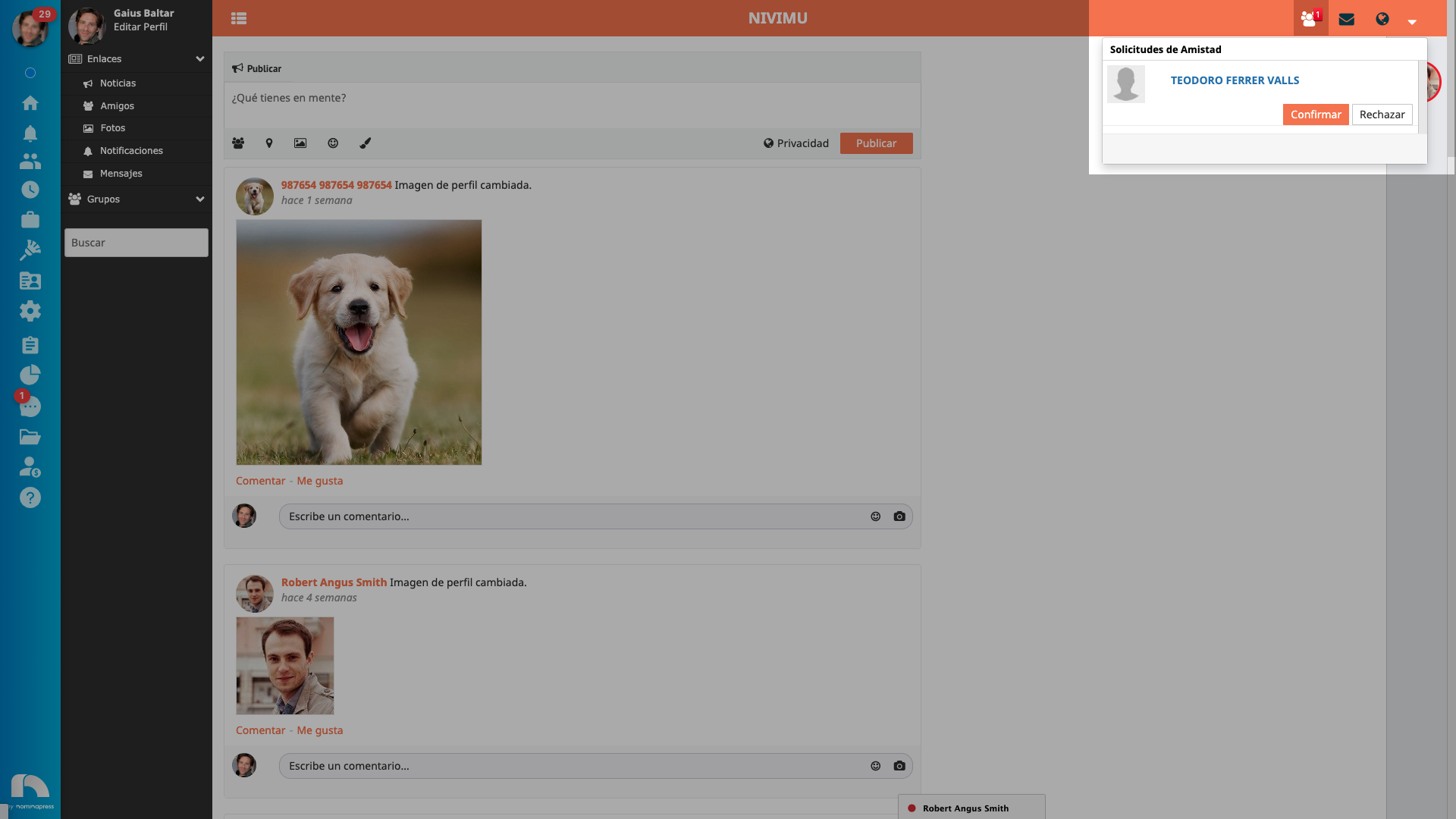
To search for your coworkers and add them as friends, use the search engine in the right side menu, write the name and/or surname and all people with that name and/or surname will appear. Click on their name and you will access their profile, there you must click on add friend and you will send them a friend request, which they will reject or accept to join your friends list.

When you access their profile, you can see their publications, their friends and the photos they have uploaded, you will also have the option to send them a friend request, send them a message or even block them. If you have sent a friend request, you can cancel it.
To block someone click on the dropdown. If you decide to block someone they will not be able to send you friend requests or messages.
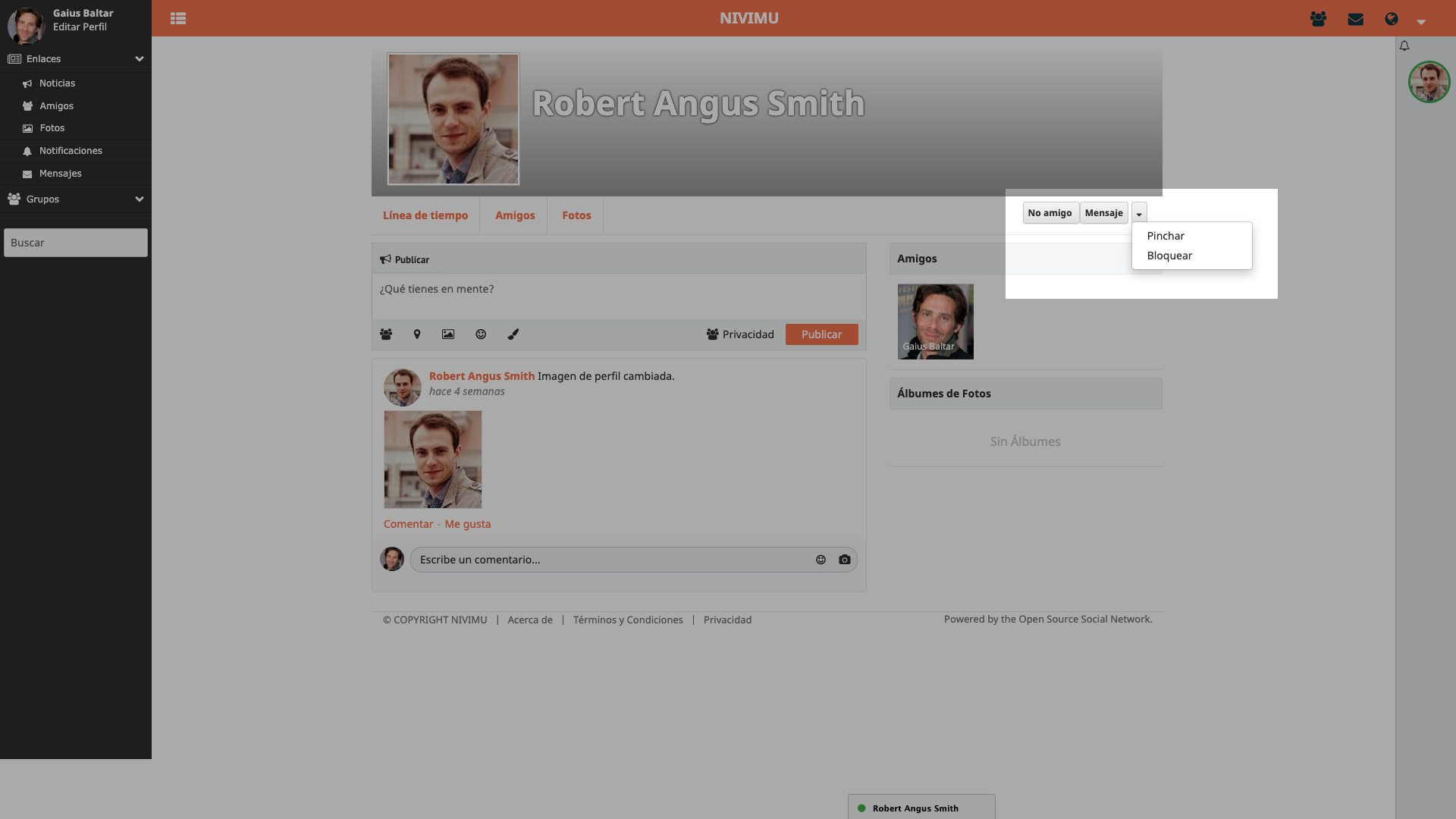
If you click on "poke", it will send a notification to that user saying that you have poked them.
To remove someone as a friend, click on the "Not friend" option.
Once you have added friends you can click on them in the right side menu and a dropdown with your conversation will open.