News
In this section the wall with all the publications that have been made will appear (profile picture changes, uploaded photos, etc.). You can see the ones you have made, those of your friends and those that are public. You can create publications from the news section or from your profile.
To make a publication:
- Write something in the publication box.

- If you want to tag friends click on the icon

- If you want to add a location, click on the icon

- If you want to add an image, click on the icon

- If you want to add emoticons, click on the icon

- If you want to put a color in the background, click on the icon

- Click on publish.
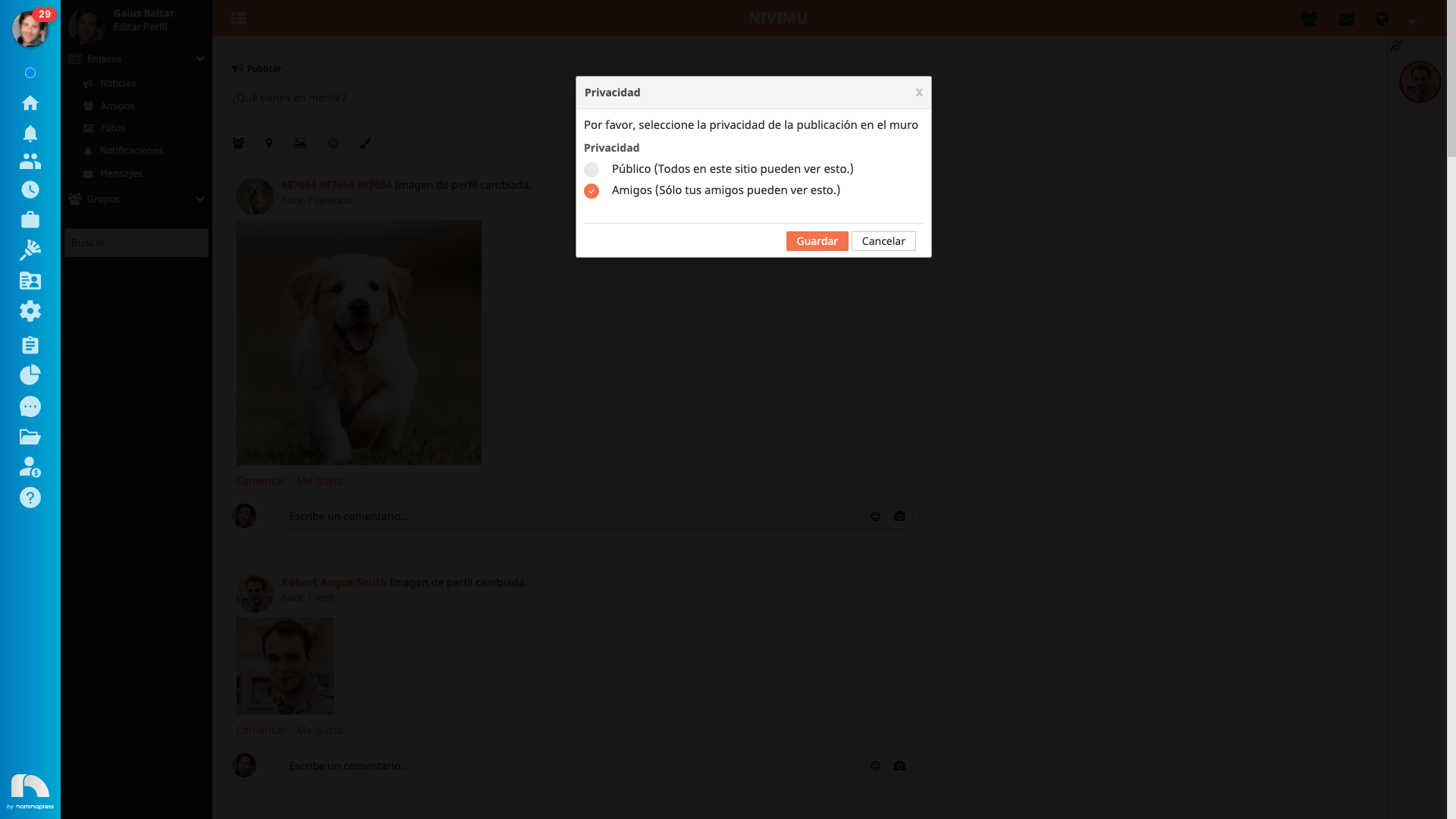
To change the privacy of the publication so that only your friends see it, click on Privacy and choose the Friends option.
To edit and delete your publications, click on the publication dropdown and choose the option you want.

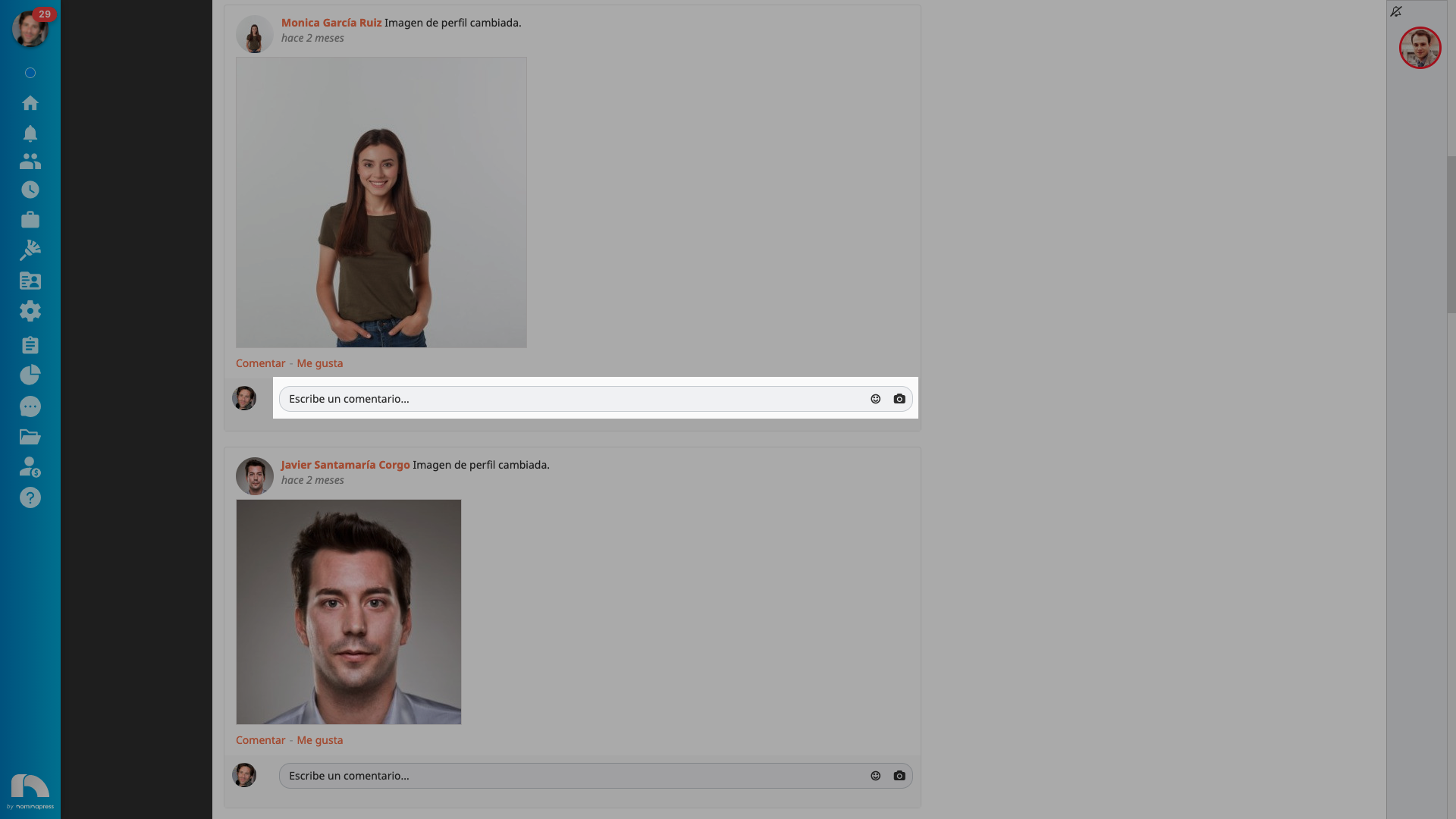
To write a comment on a publication, write what you want in the gray box and press enter. If you want to add emoticons or images, click on the corresponding icons.
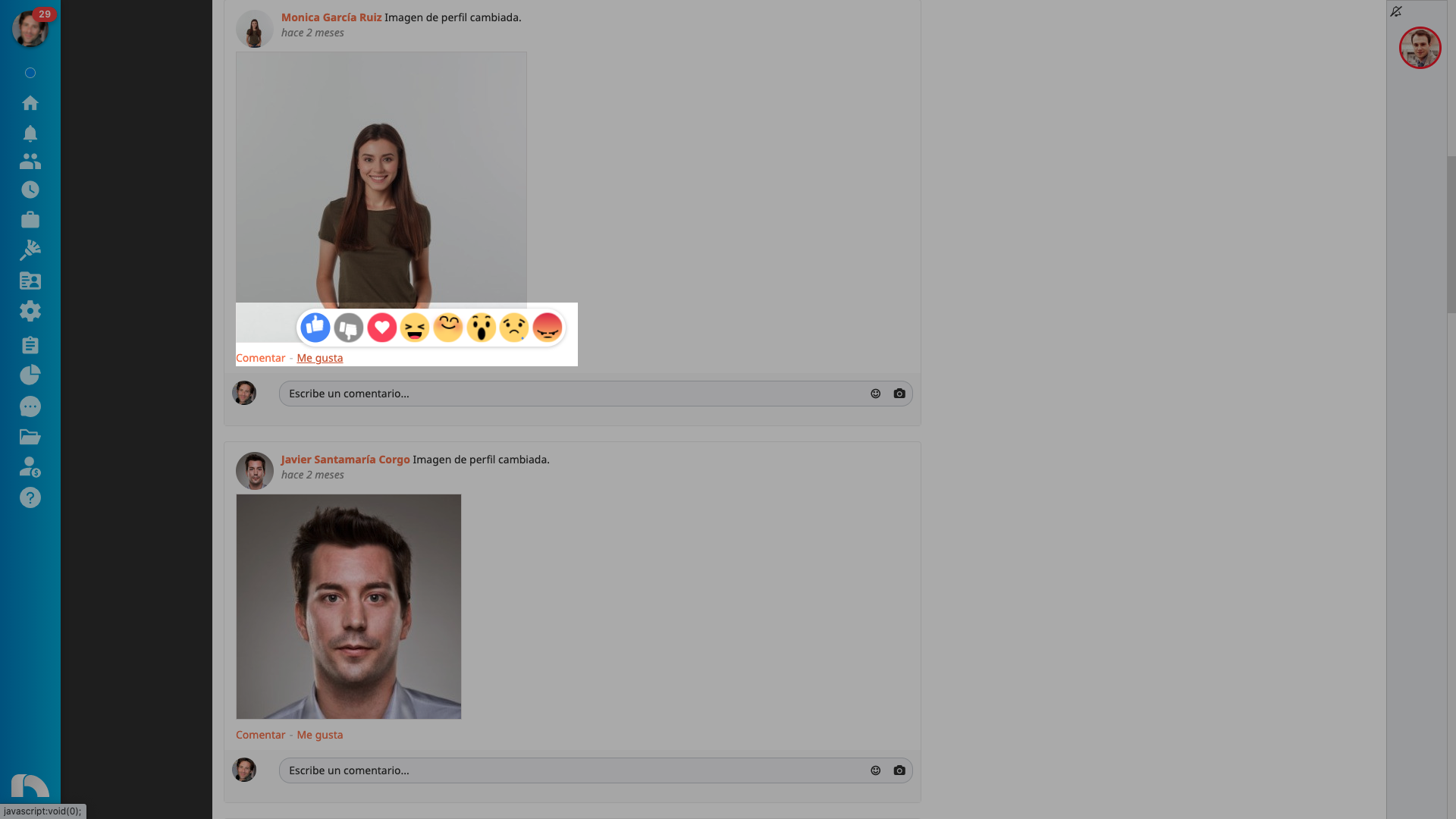
To react to a publication, slide the mouse cursor over "like" and click on the emoticon with which you want to react.