Messages
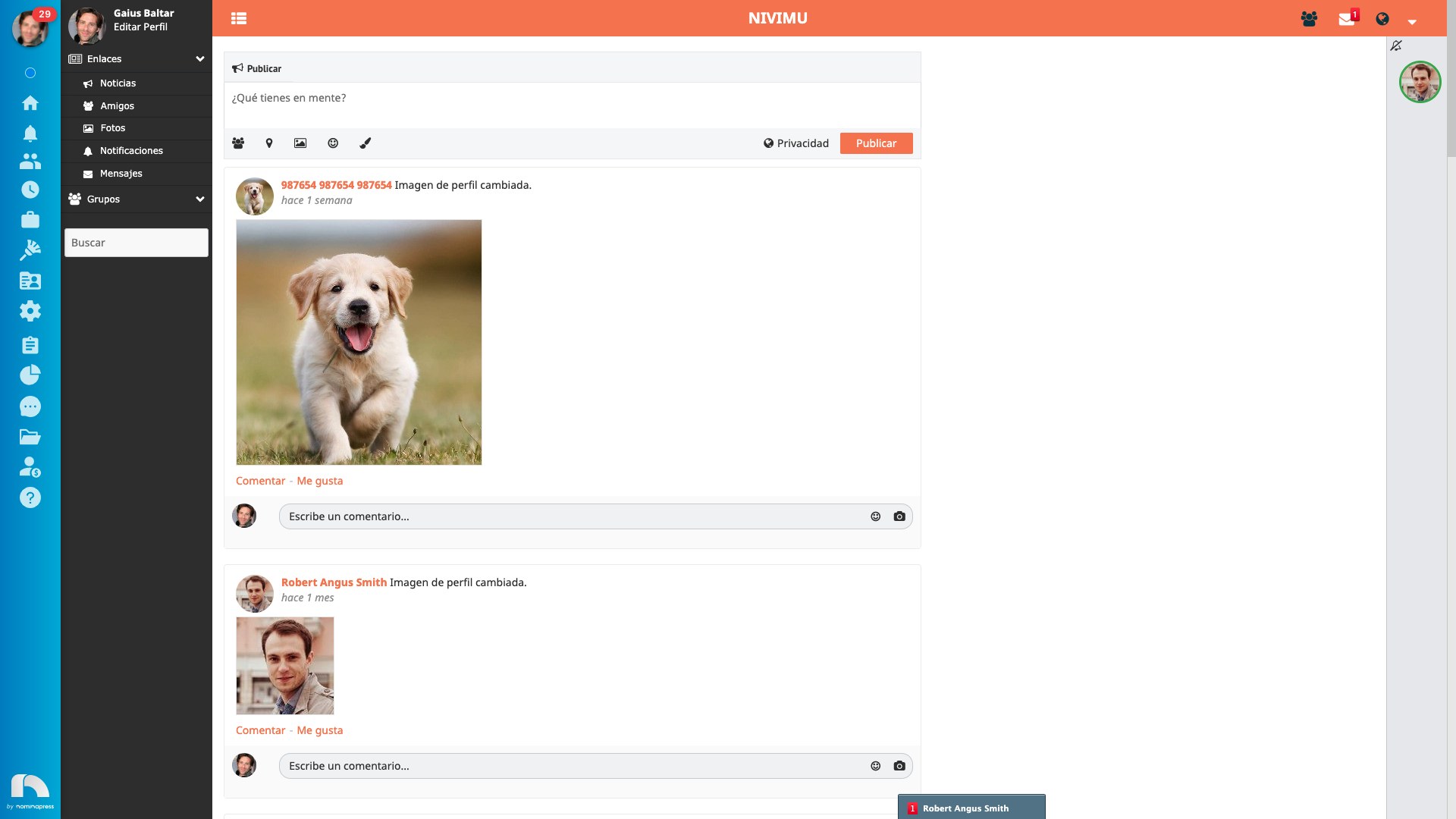
In this section you will see the messages that are sent to you or that you have sent. If a number appears in the messages icon it means you have received a new message.
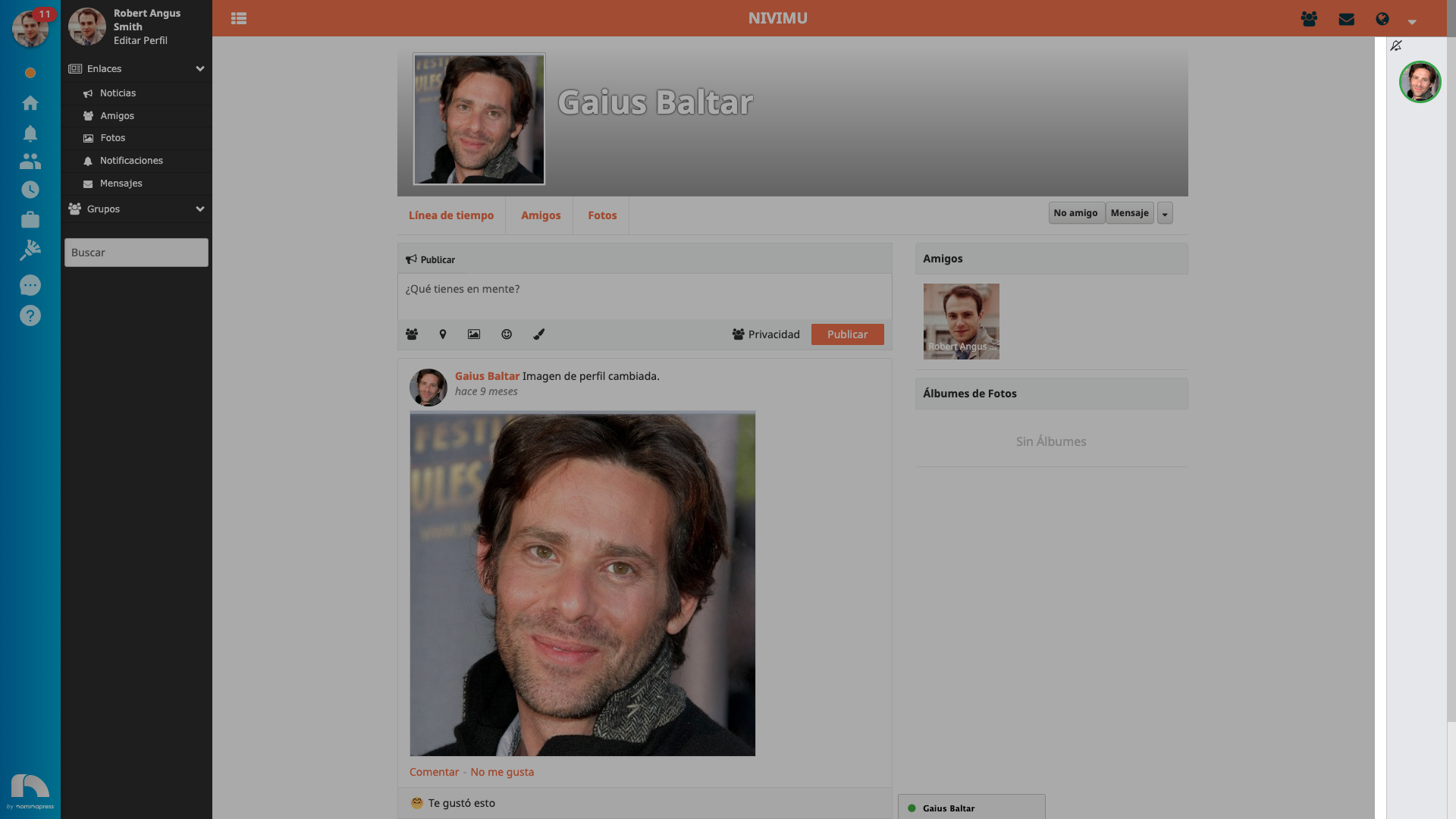
To send a message to someone, go to their profile and click on the message option. You can even add emoticons if you wish.
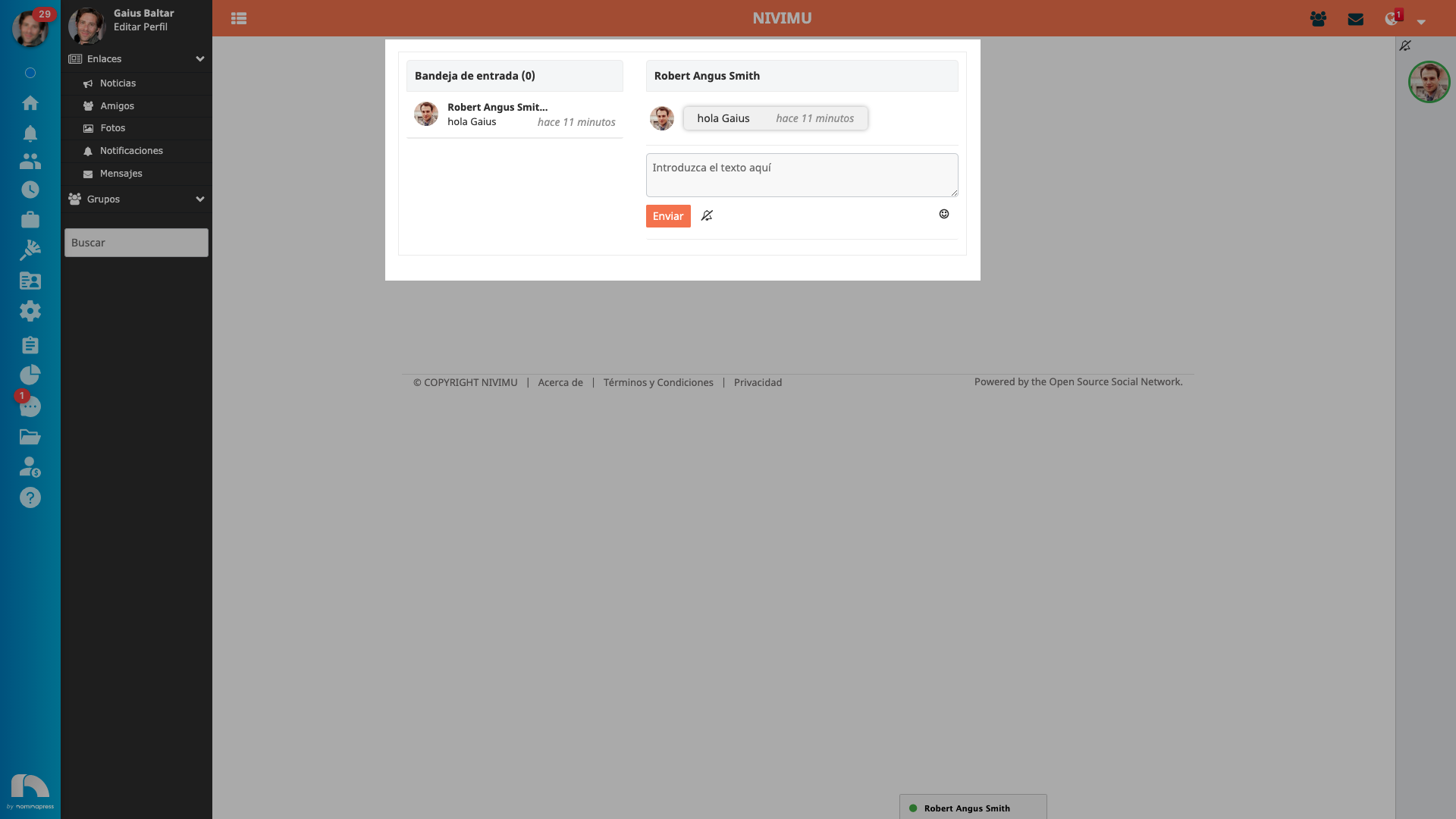
After sending a message, the entire conversation with this person will appear.
To delete a message from the conversation that you have sent, click on it, if you want to delete it for both, click on the first option, if you only want to delete it for yourself, click on the second option.
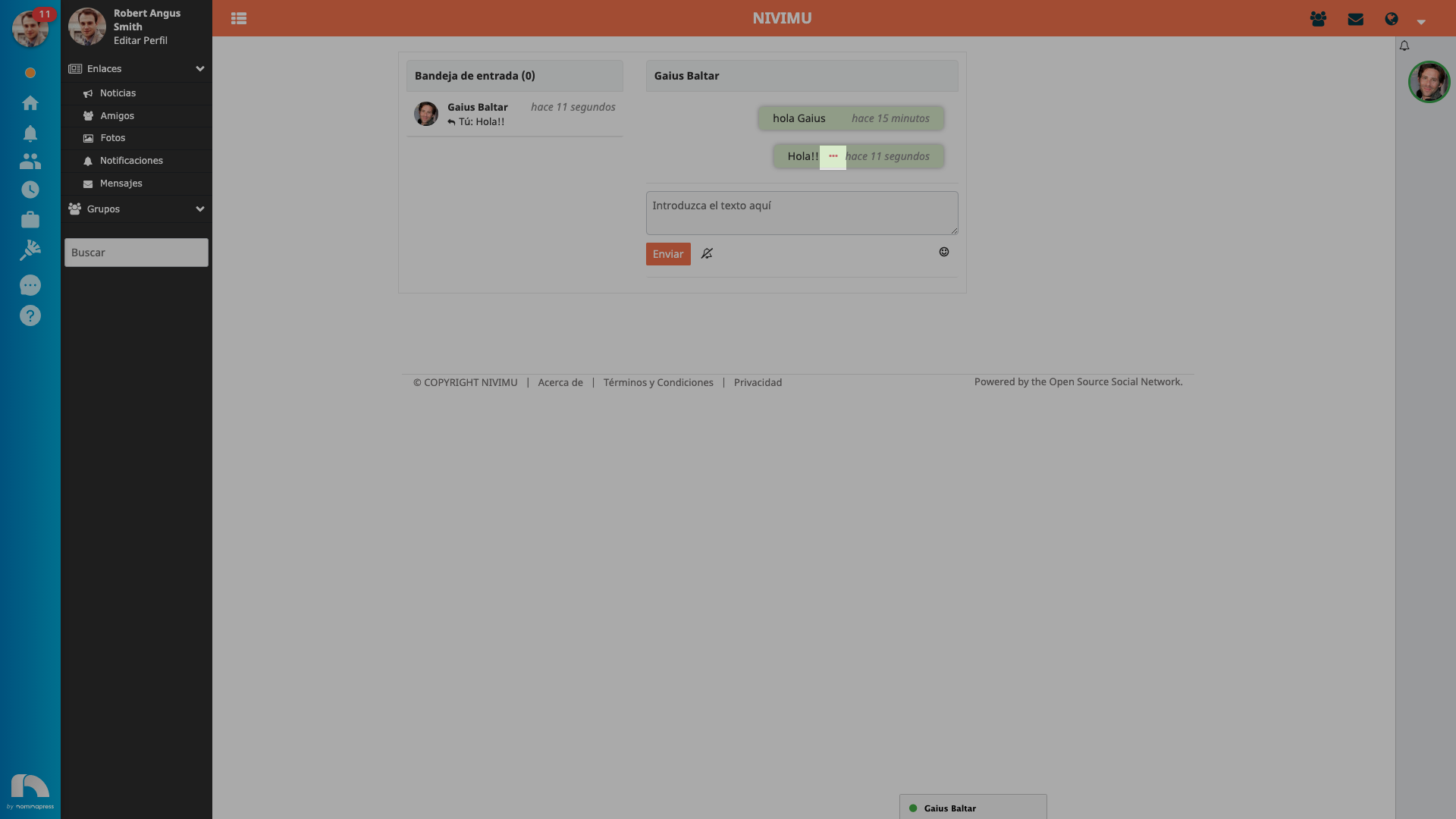
You can also click on messages that have been sent to you, but in that case, they will only be deleted for you.
In addition, you can have direct access to conversations with your friends from the right by clicking on their profile picture in the right side menu and opening the chat window that will appear.