Groups
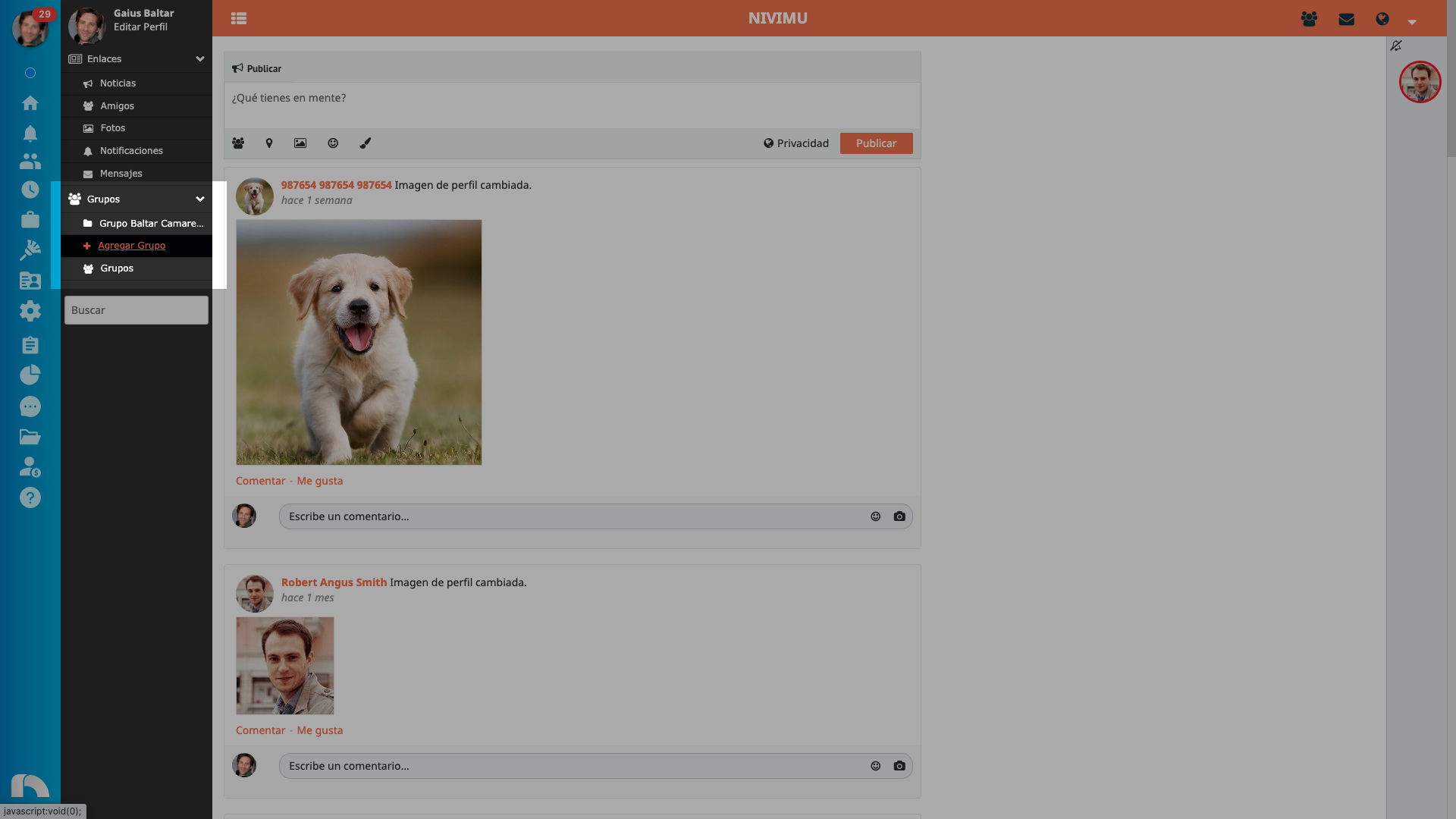
Here you can create groups and join the ones already created. Groups are made to share publications with a specific group of people, and not with all your friends and/or company members. For example, you can create a group for your department, or a group with people interested in a specific topic (for example: new restaurant recipes, links to leadership courses and talks, etc.). To create a group, in the left side menu, click on groups, in add group.
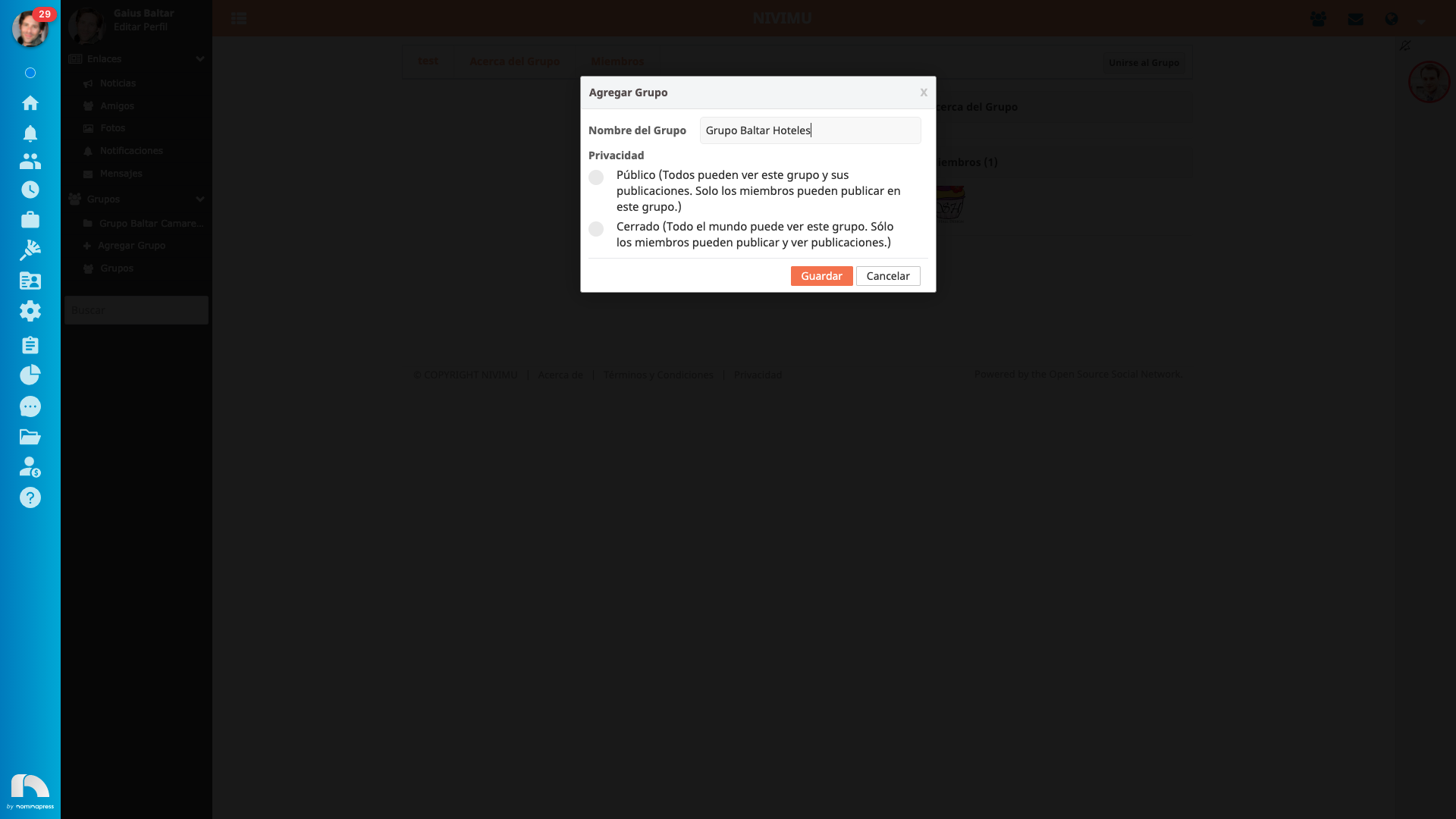
When creating a group you must give it a name and indicate what type of privacy you want: public or closed.
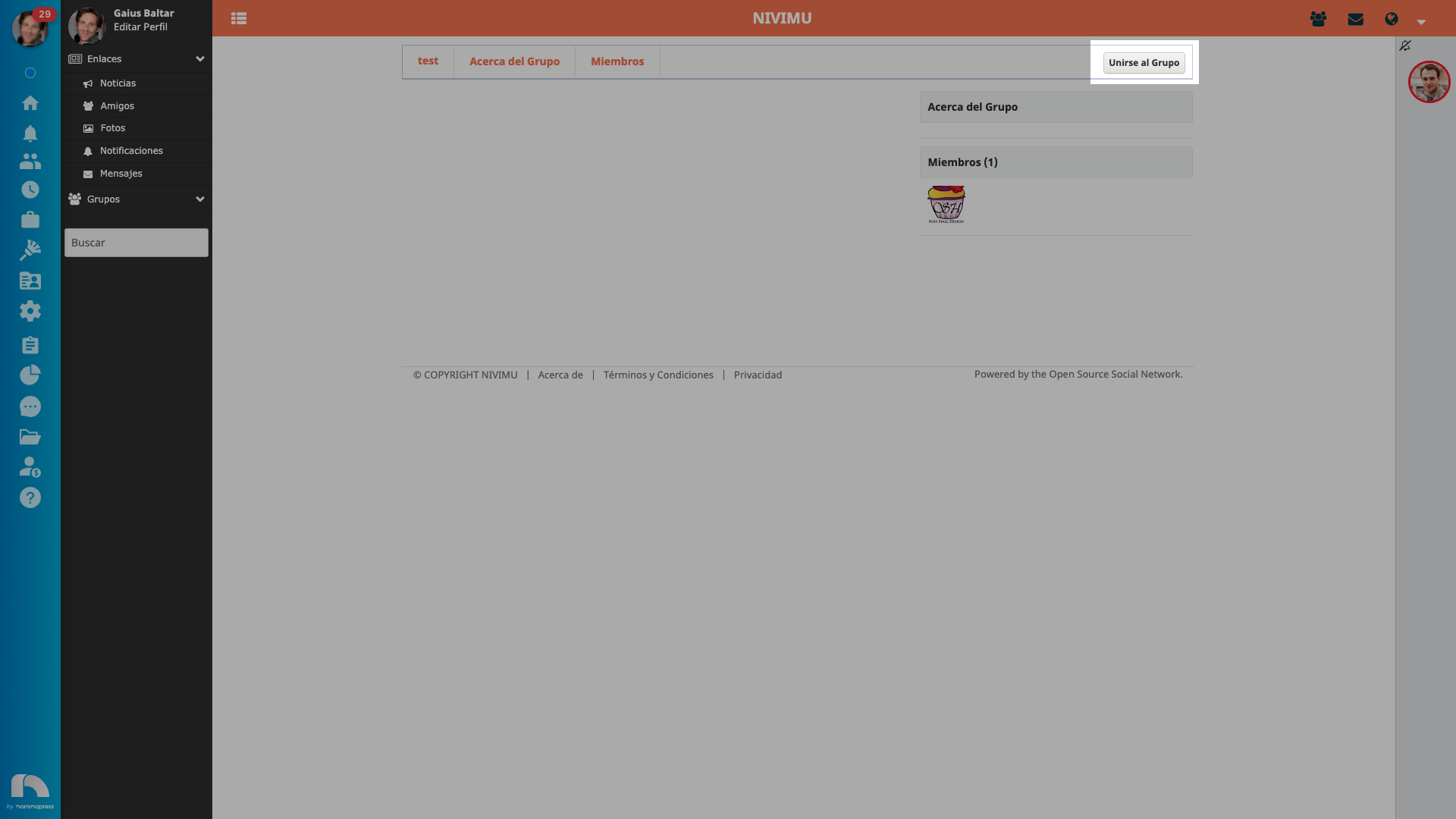
To see the groups you can join, click on groups and choose the one that interests you most. To join it, click on join the group.
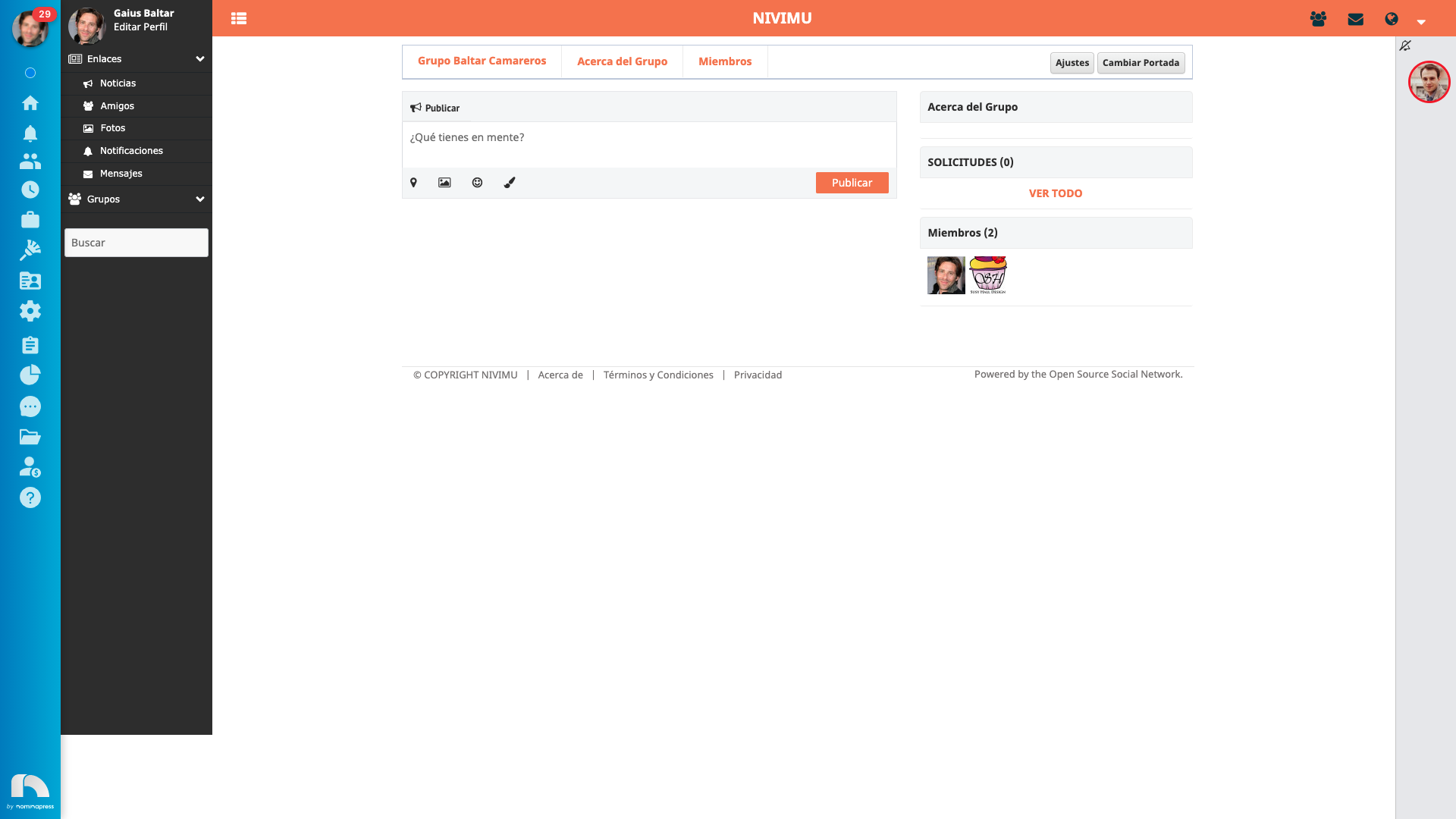
To make publications in the group you have created, configure it, etc. click on groups and then, on the name of your group.