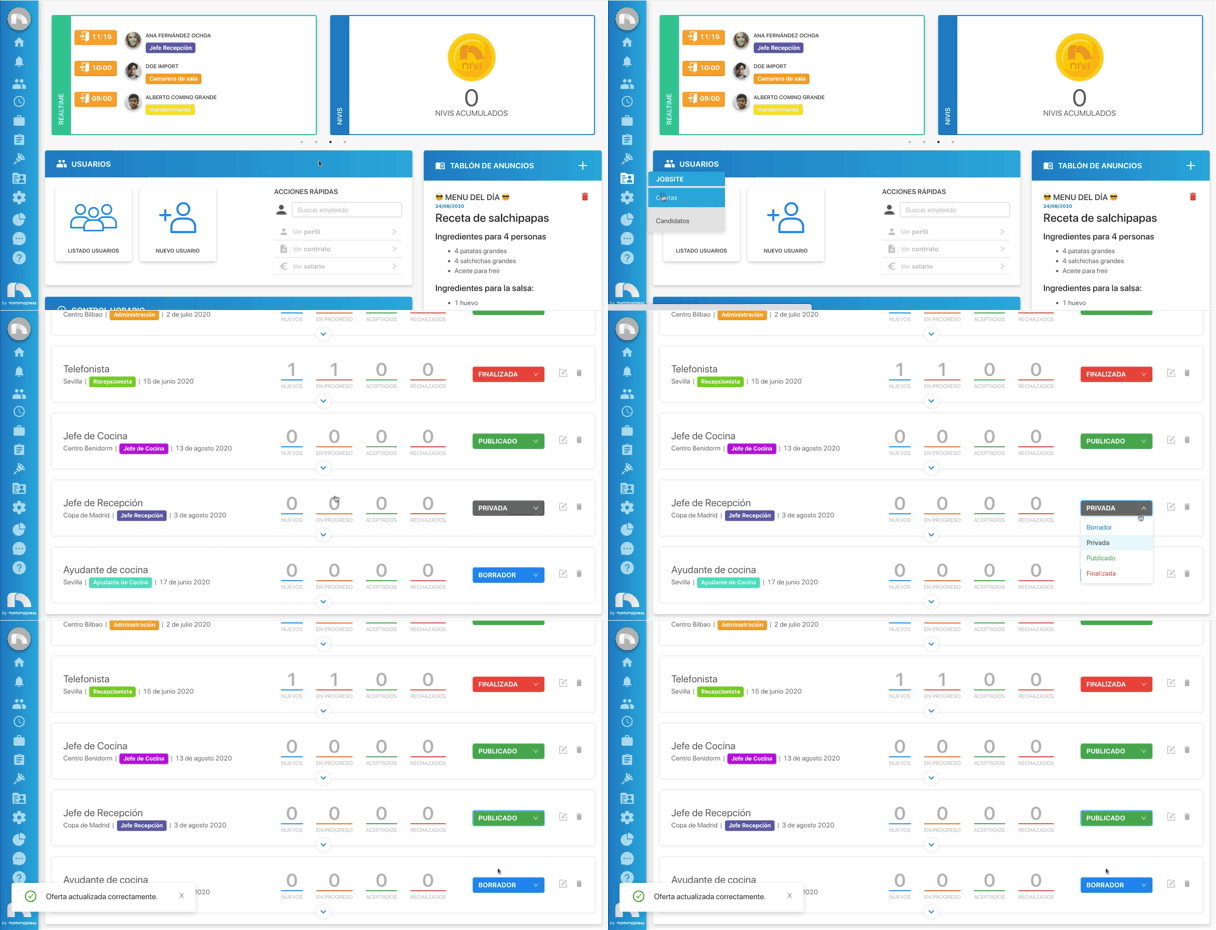
Offer statuses
Offers created on the platform can have different statuses:
- Draft: the offer will only be in the application, it will not be published anywhere else.
- Private: the offer is published on the platform, but can only be accessed through a link. You can find the link at the bottom of the edit offers menu.
- Published: the offer is published on the platform and visible to everyone.
- Finished: the offer has already finished and will not appear on the public offers page.
Change the offer status
There are different ways to change an offer's status.
- When editing an offer: when you edit an offer you can change its status at the bottom of the menu. Offers with the status of private or published will have a link at the bottom to access said offer.
- In the Offers section of Jobsite: when you access offers you can see a complete list with all created offers. Each offer has a dropdown menu where you can choose the status.