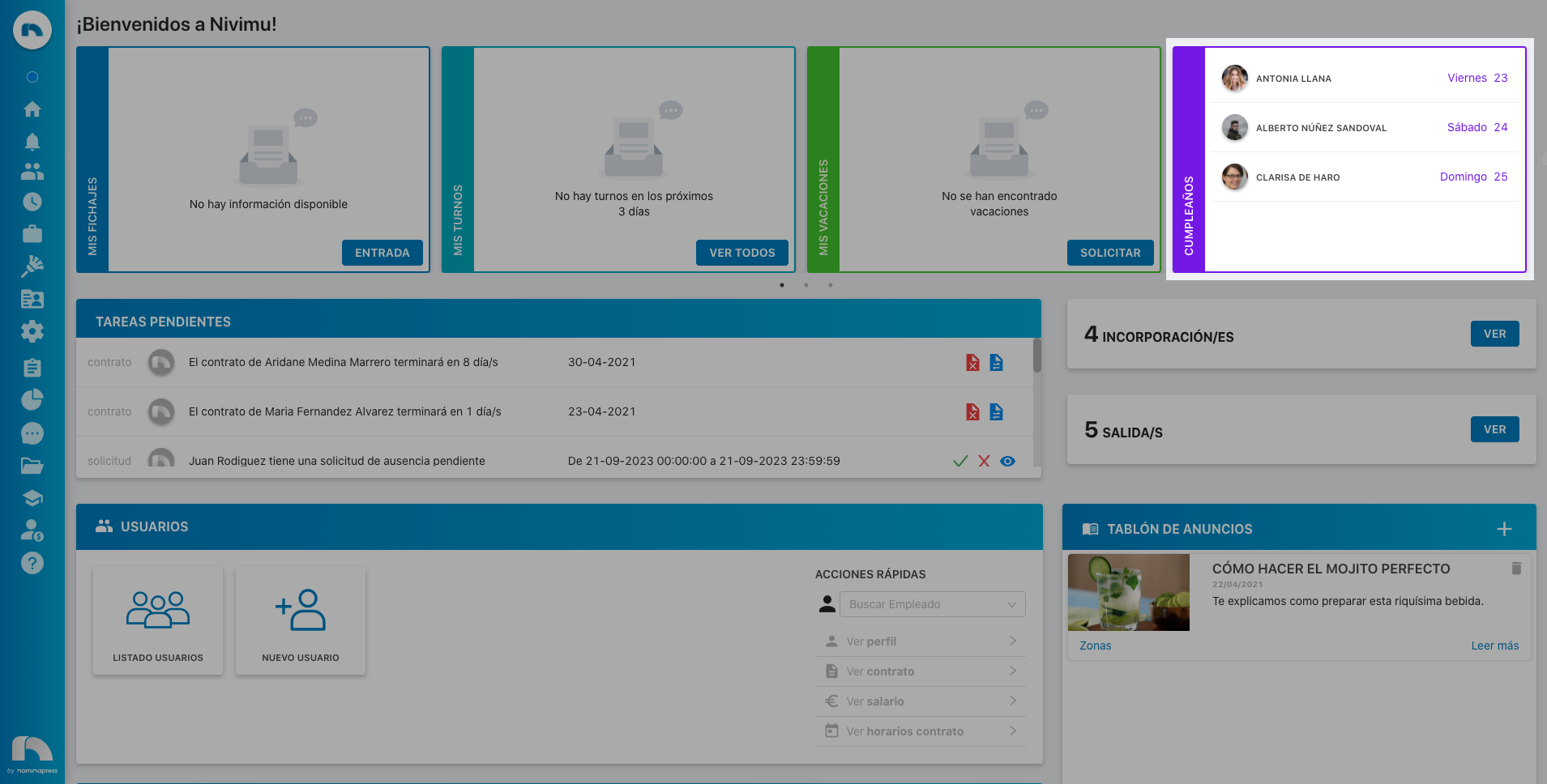
Birthdays Widget
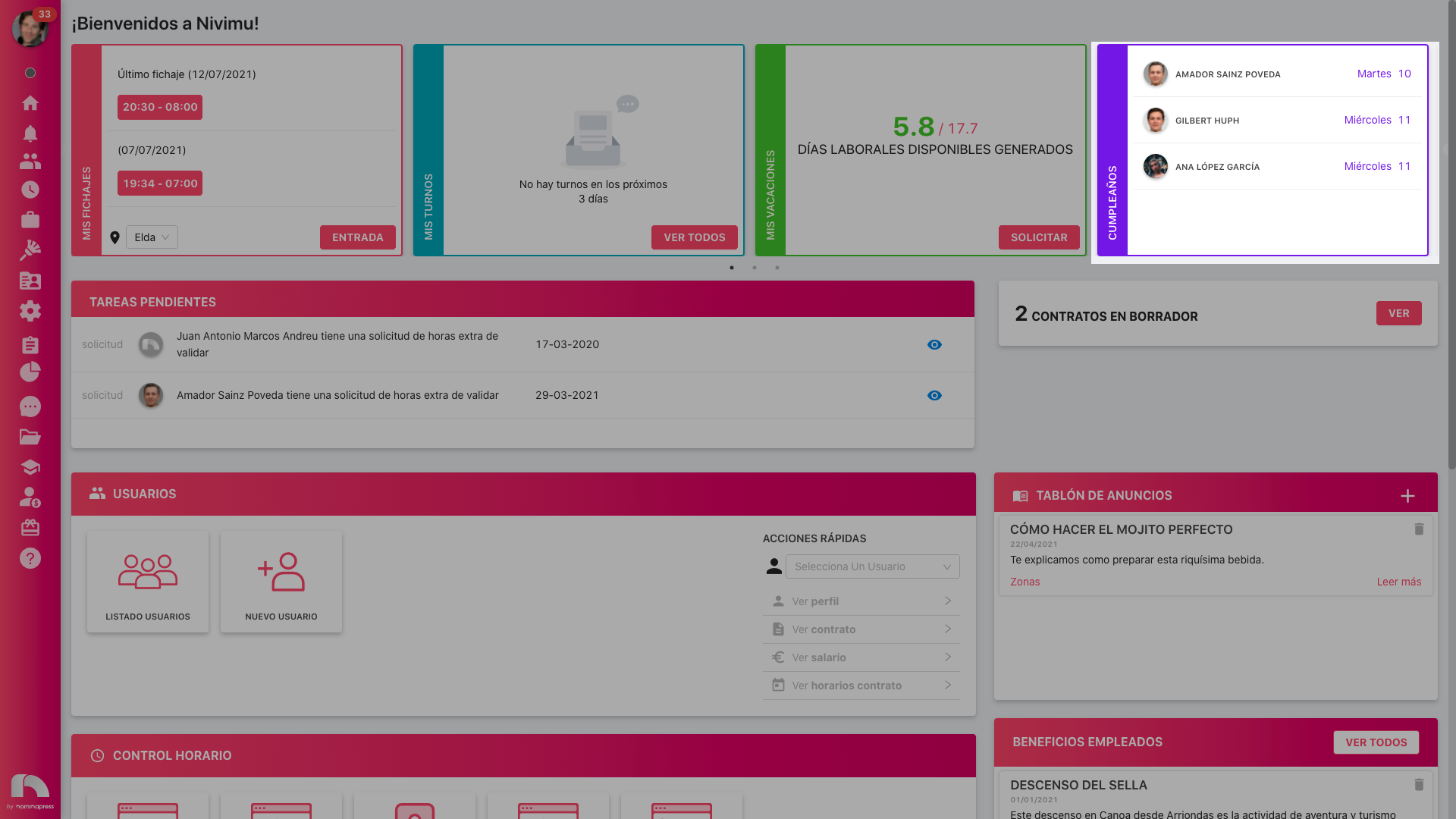
The birthdays widget shows, by default, the birthdays of users listed under each employee profile. A manager will only see birthdays for their direct reports. You can disable the widget so no birthdays are shown, or enable it so employees can see all users' birthdays.
Disable the birthdays widget:
- Open the app menu and go to Settings → Permissions.
- Click Users and pick the user to disable the widget for.
- Under "Dashboard" disable permission #79 - Widget Birthdays.
Enable employees to see all birthdays:
- Open the app menu and go to Settings → Permissions.
- Click Users and pick the user to configure.
- Under "Dashboard" enable permission #236 - View all user birthdays.
important
If you don't have permission to edit these settings, contact Customer Success.