Consent
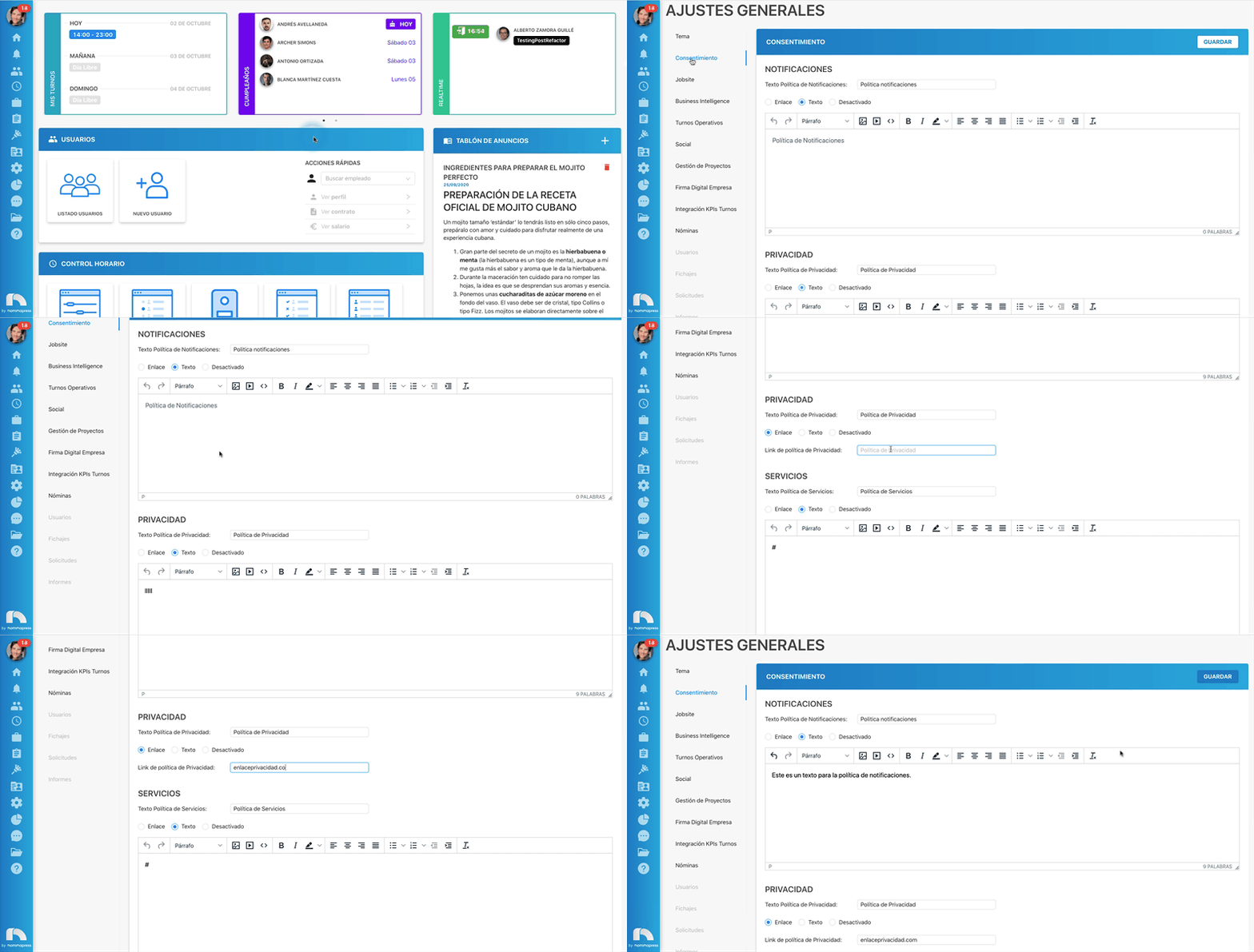
When a user accesses the application for the first time, they will see a message to accept the Notification Policy and Privacy and Services Policy. These messages will appear as external links or in text format.
To customize them:
- Open the application menu and in the Settings section click on General.
- Within general settings click on Consent.
- In this section you will find 3 sections: Notifications, Privacy and Services.
- In any of the 3 you can choose to include a link, a text or disable the corresponding section.
- In the Text section, a text editor will be enabled, where you can format the text, as well as include images, videos, links, etc.
- Finally, click on Save.