Settings Permissions
EXTERNAL ACTIONS
15. External Digital Signature:
This permission is currently not available
CALENDAR SETTINGS
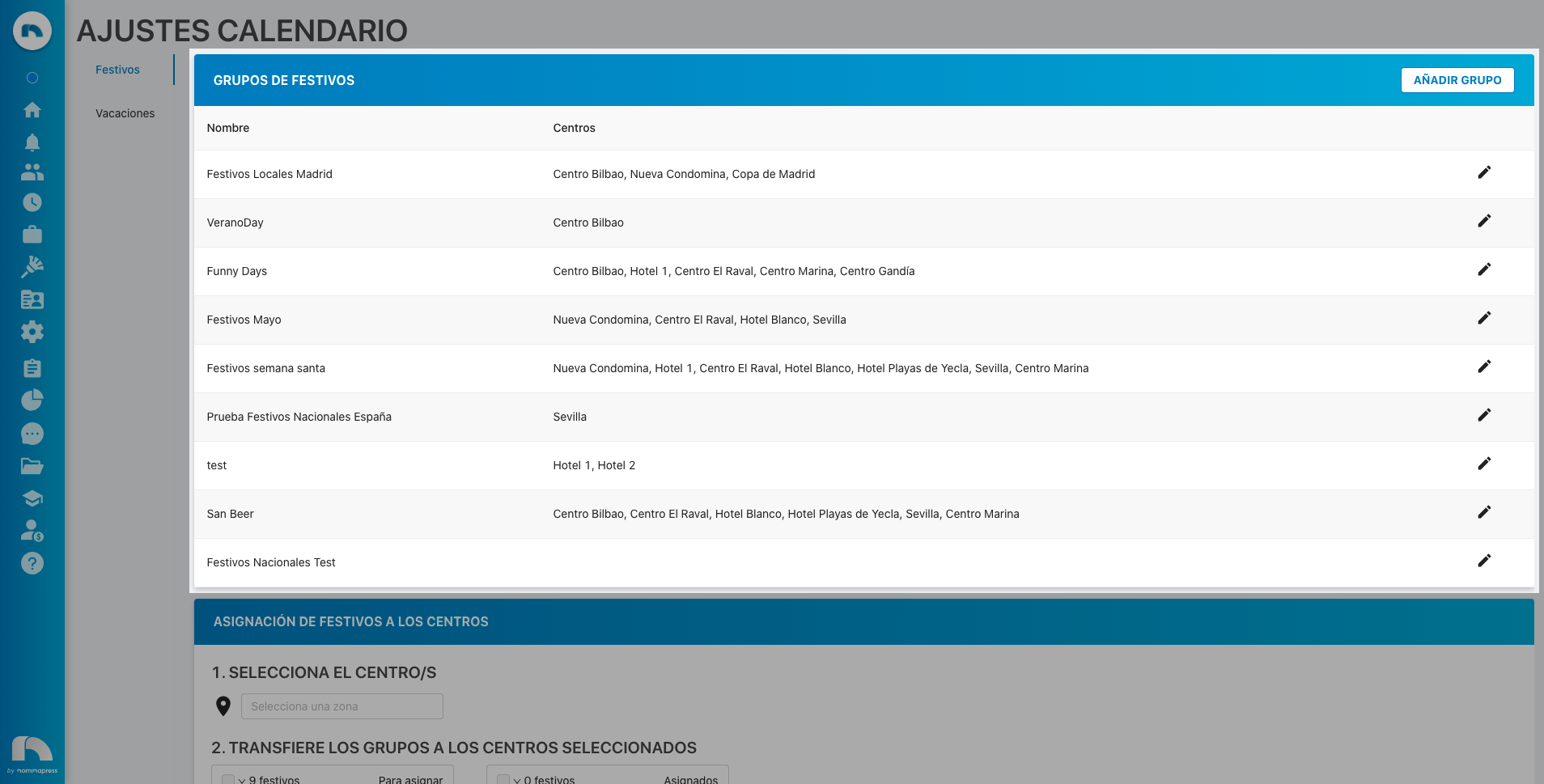
4. Holiday Settings: If you activate this permission, in the View option, access to view holiday settings in Calendar Settings is enabled. In the Edit option, it is enabled that holidays appearing in the application can also be edited and assigned to the corresponding work centers.
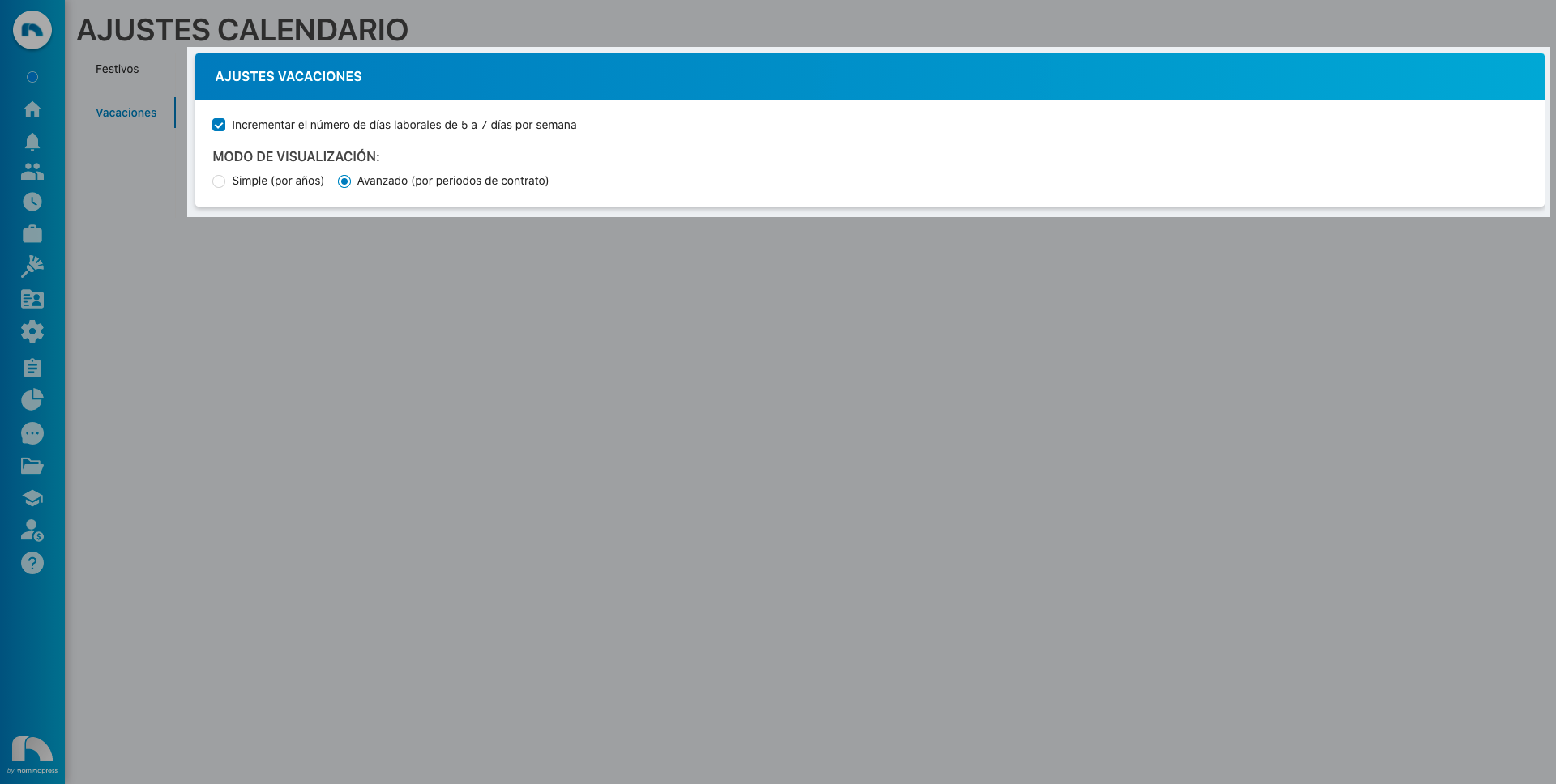
10. Vacation Settings: If you activate this permission, both in the View option and in the Edit option, editing vacation settings in Calendar Settings is enabled.
GENERAL SETTINGS
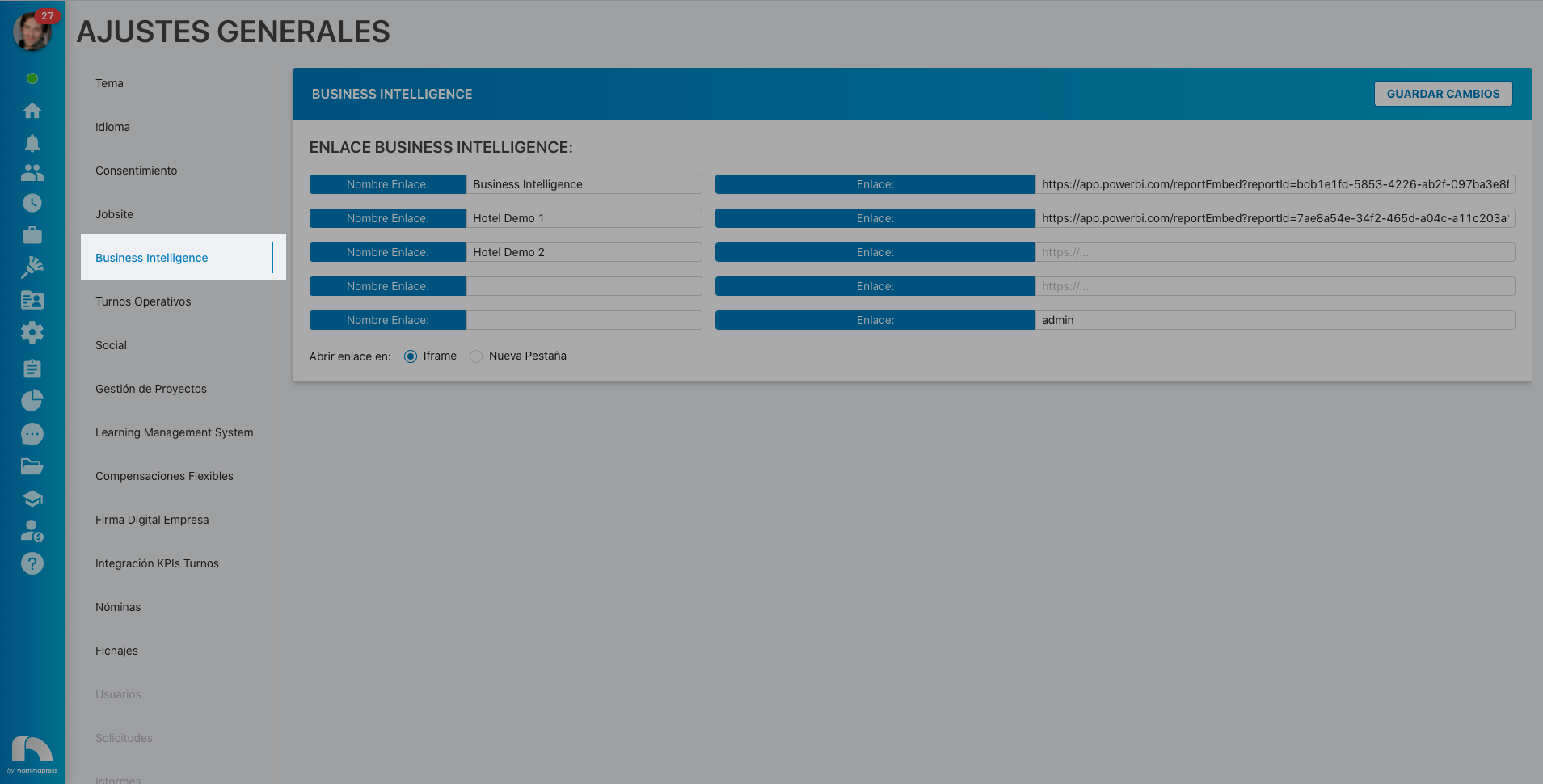
13. Business Intelligence: If you activate this permission, both in the View option and in the Edit option, the option to view and modify Business Intelligence module settings is enabled in General Settings.
95. Center configuration:
This permission is currently not available
3. Internal Categories: If you activate this permission, in the View option, access to view the company's internal categories in Settings is enabled. In the Edit option, it is enabled that these internal categories can also be edited, assigning salary according to agreement, etc.

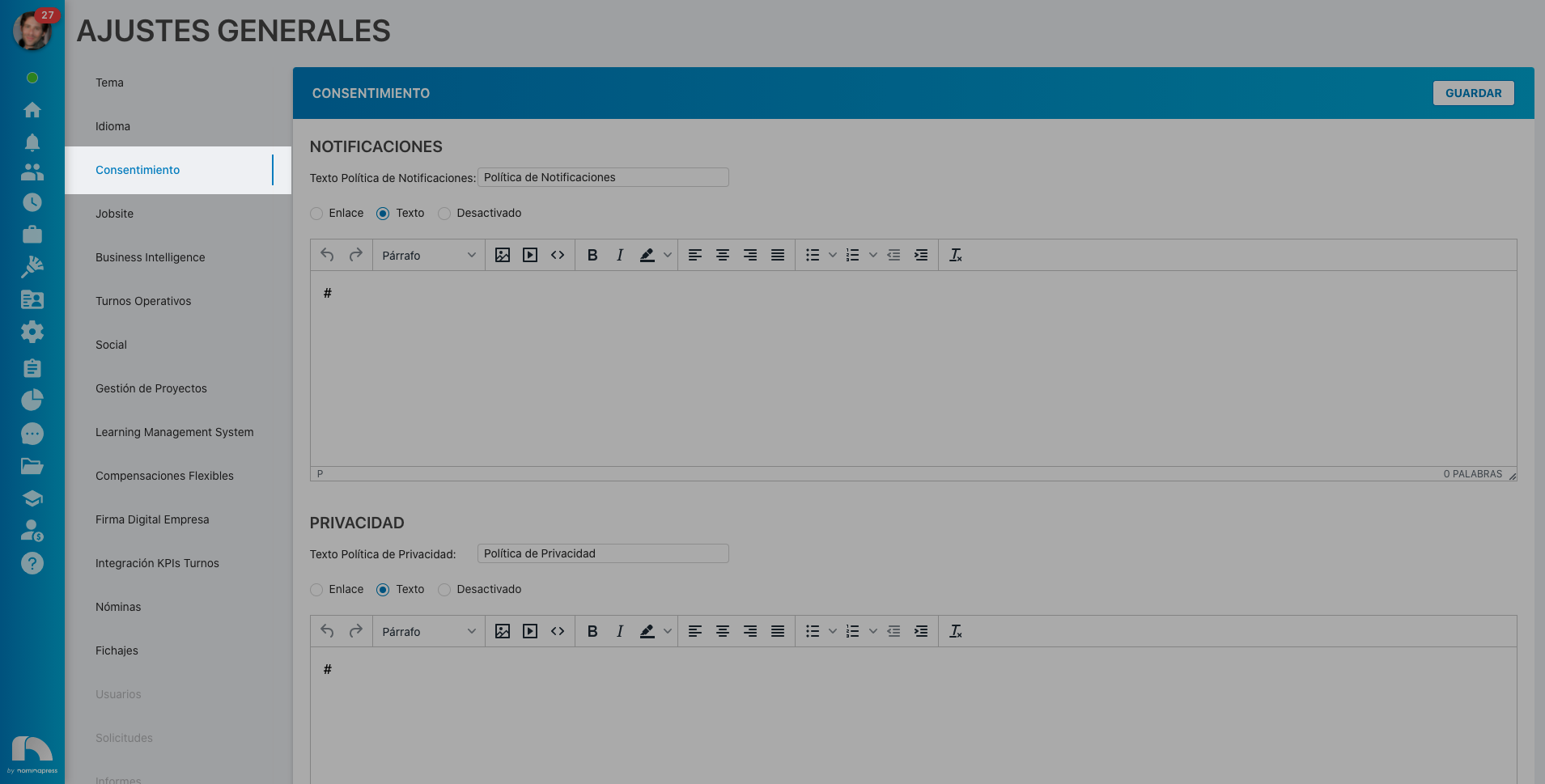
84. Consent: If you activate this permission, both in the View option and in the Edit option, the option to view and modify consent settings (notification policy, privacy policy, etc.) appears in General Settings.
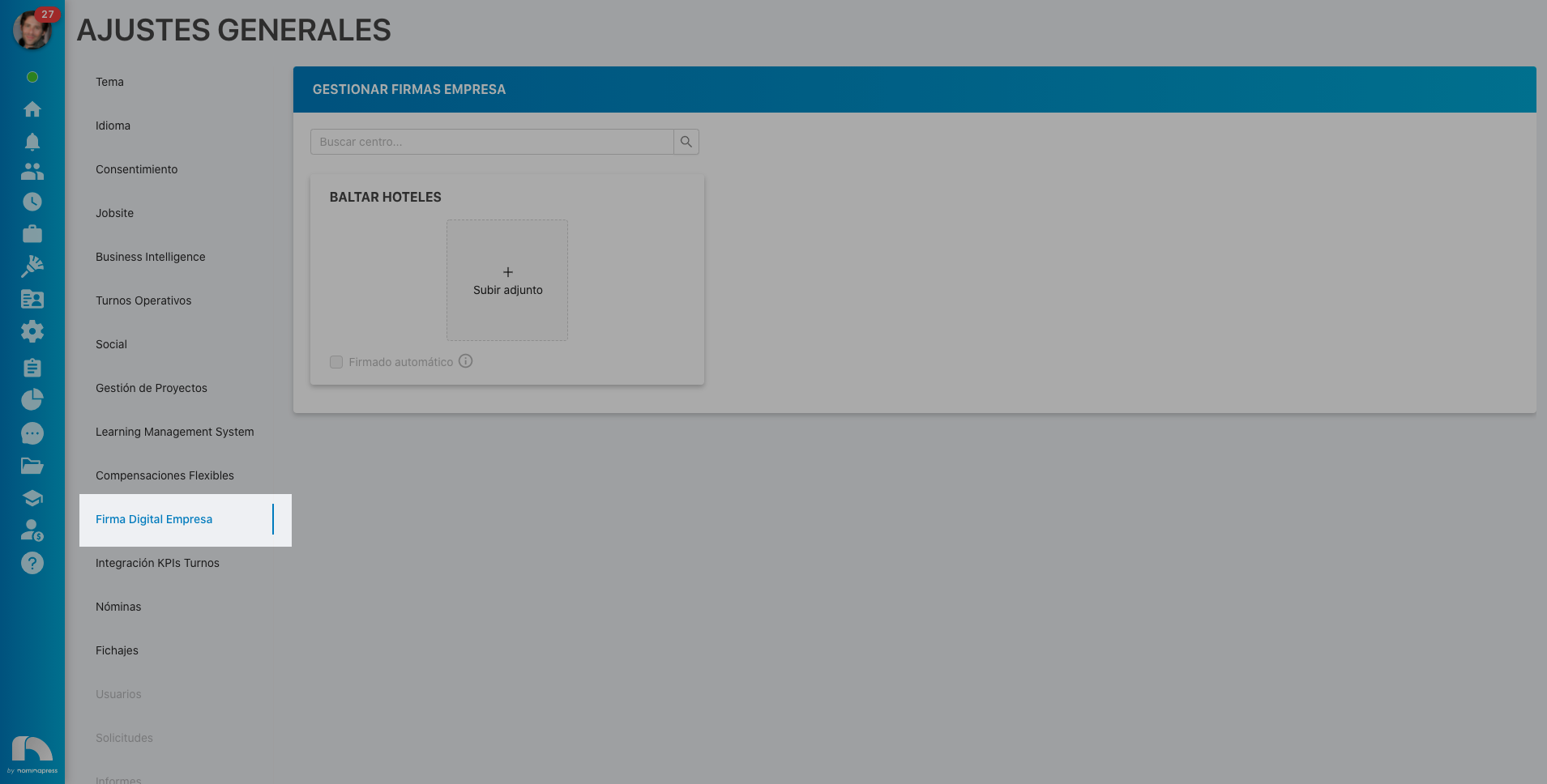
129. Company signatures: If you activate this permission, in the View option, access to view the company's digital signatures in General Settings is enabled. In the Edit option, it is enabled that the company's digital signatures can also be edited and automatic signing of documents by the company in the application can be activated.
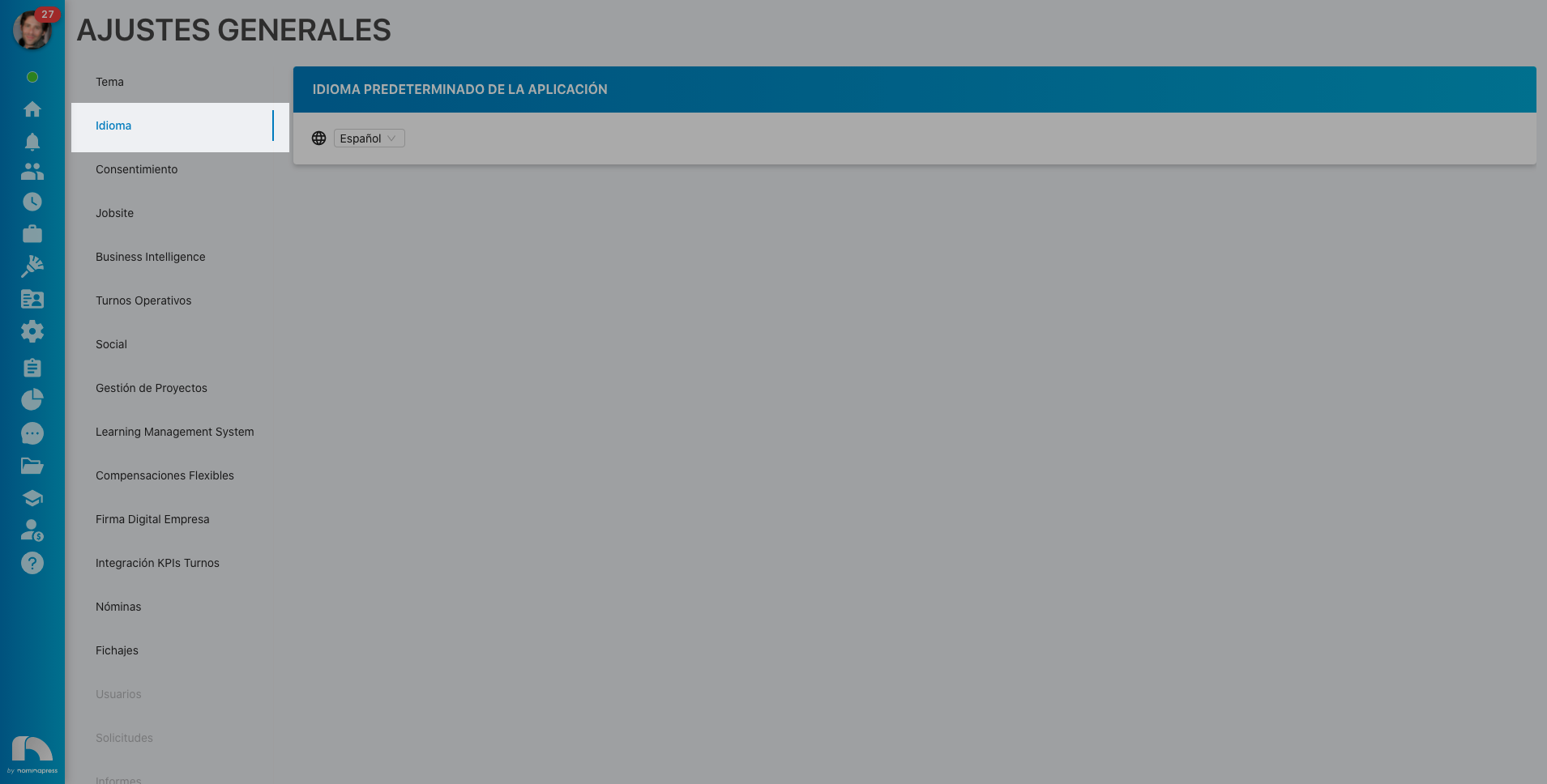
218. Language: If you activate this permission, both in the View option and in the Edit option, the option to view and modify the application's default language settings appears in General Settings.
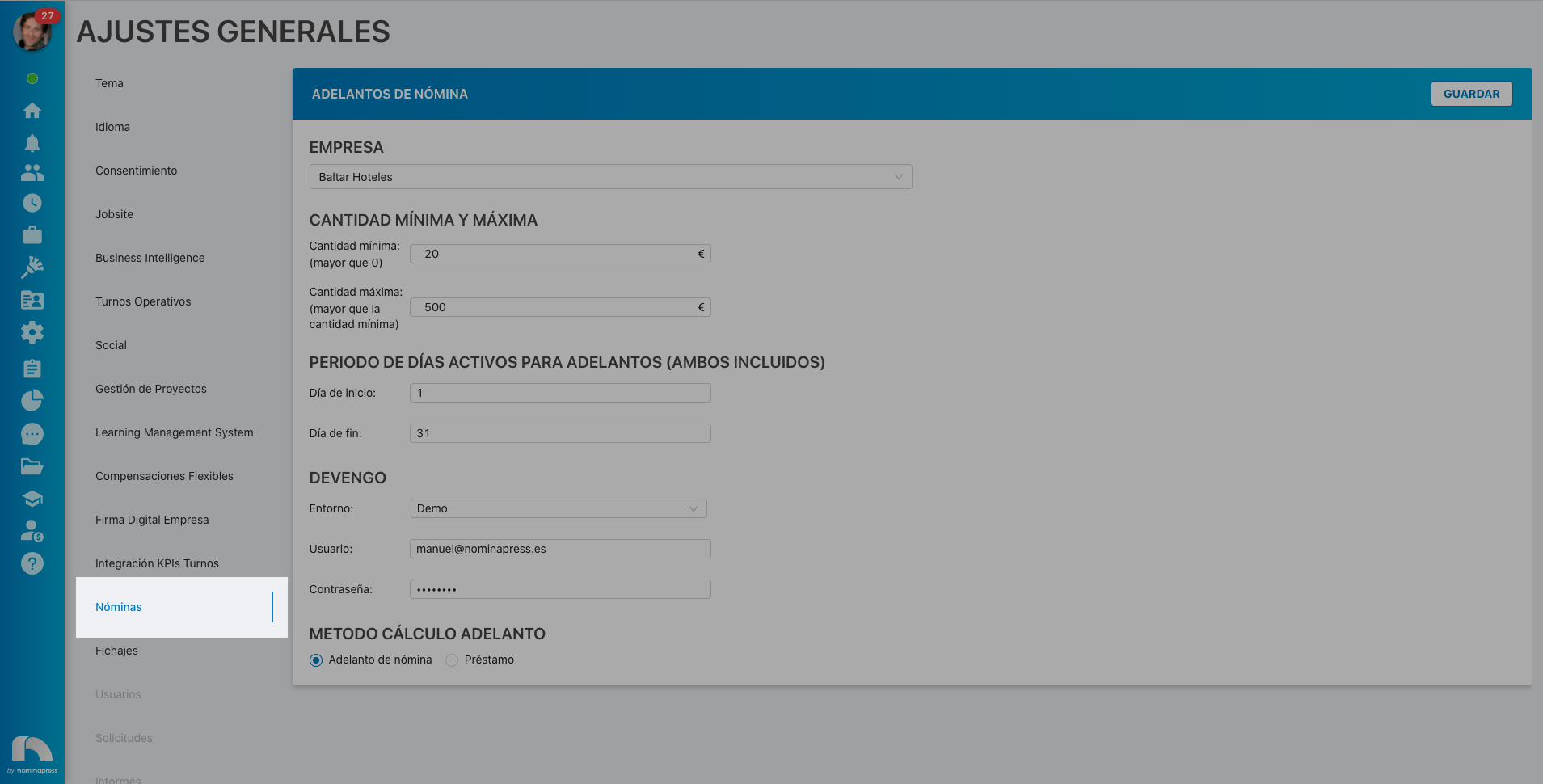
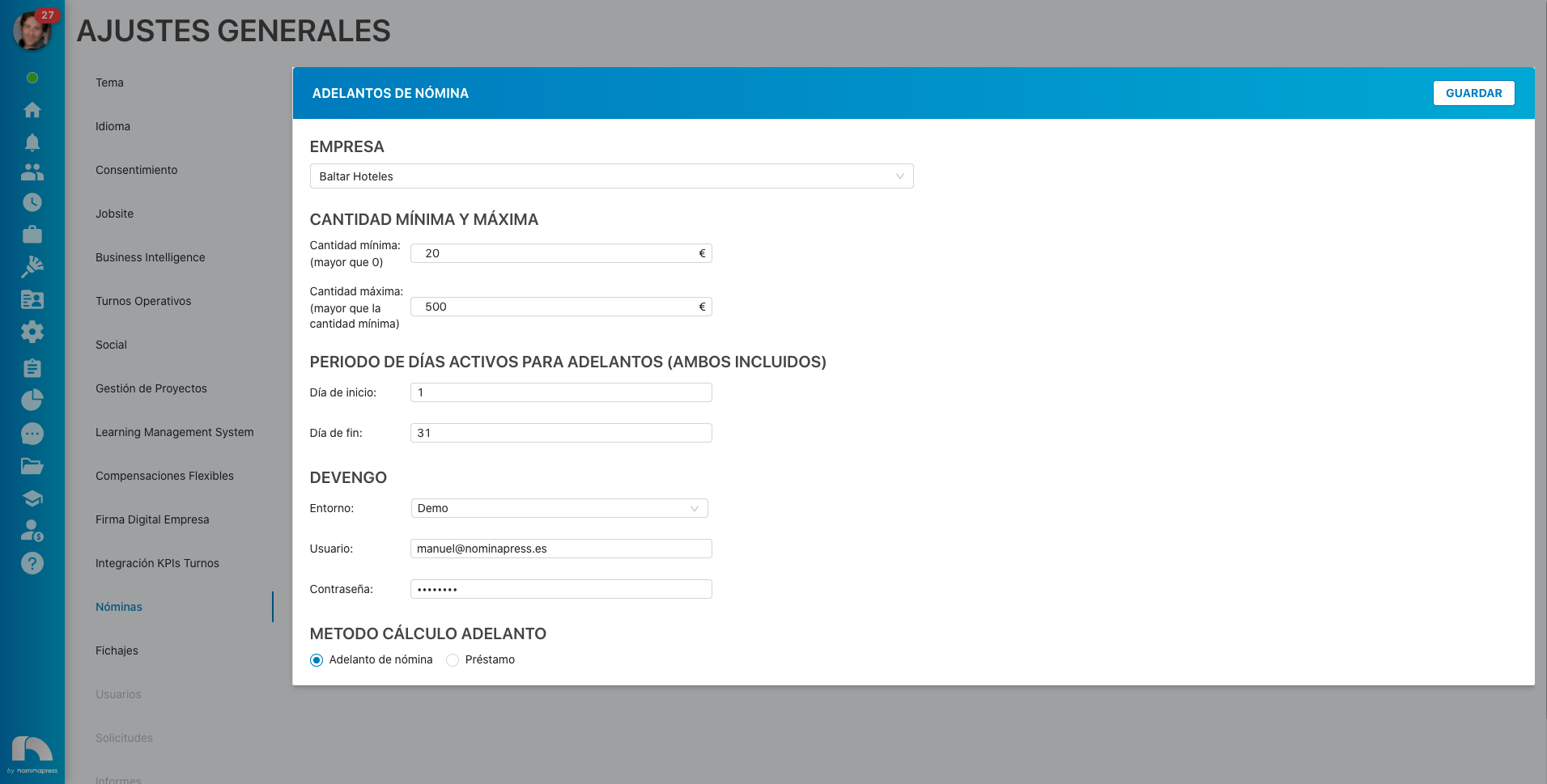
135. Payrolls : If you activate this permission, both in the View option and in the Edit option, the option to view the payroll settings tab appears in General Settings.
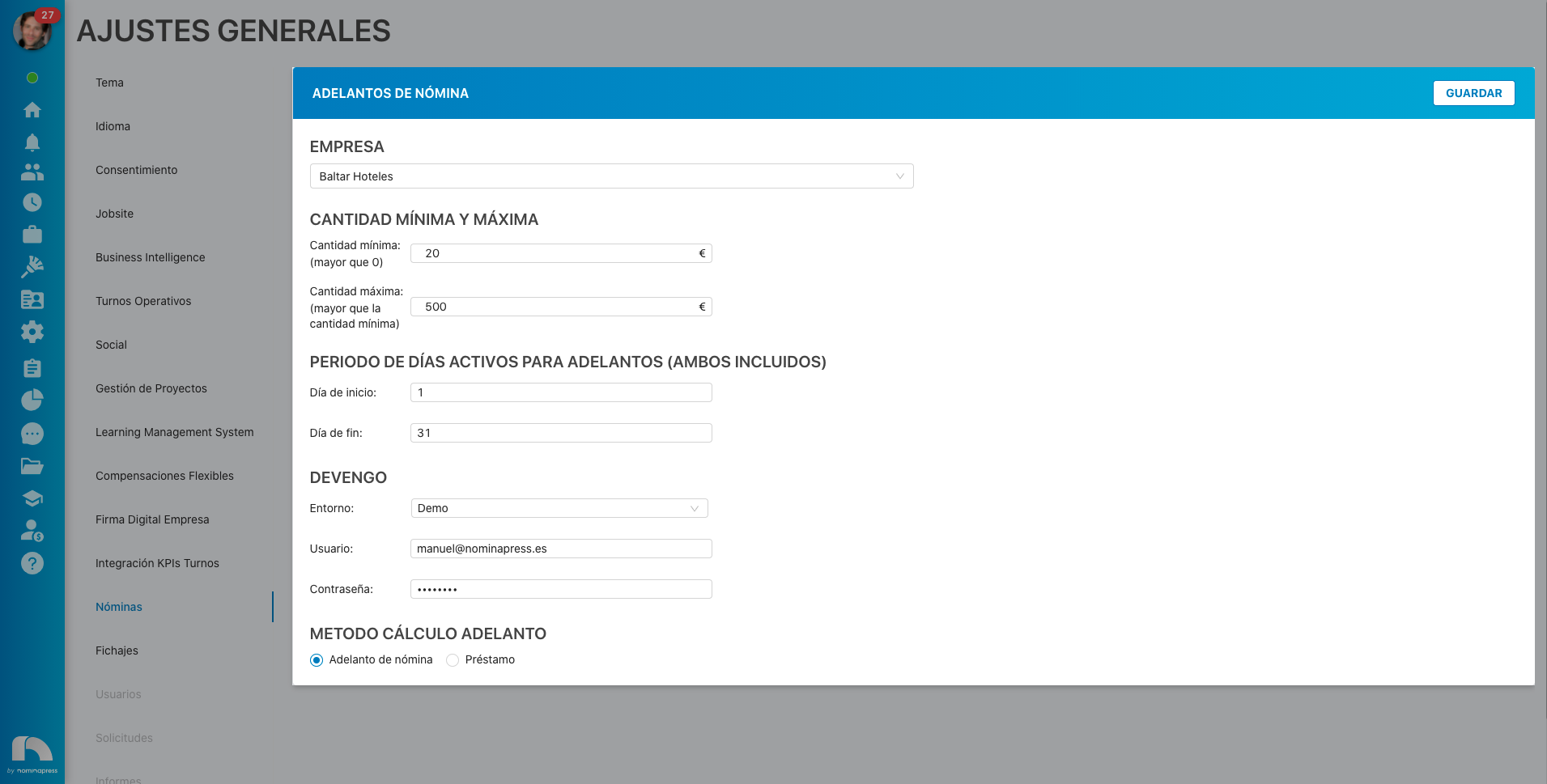
136. Payrolls / Payroll Advances: If you activate this permission, both in the View option and in the Edit option, the option to view the payroll settings detail and make changes appears in General Settings.
139. Payroll system: This permission is used for communication with the payroll system. It is recommended not to modify it.
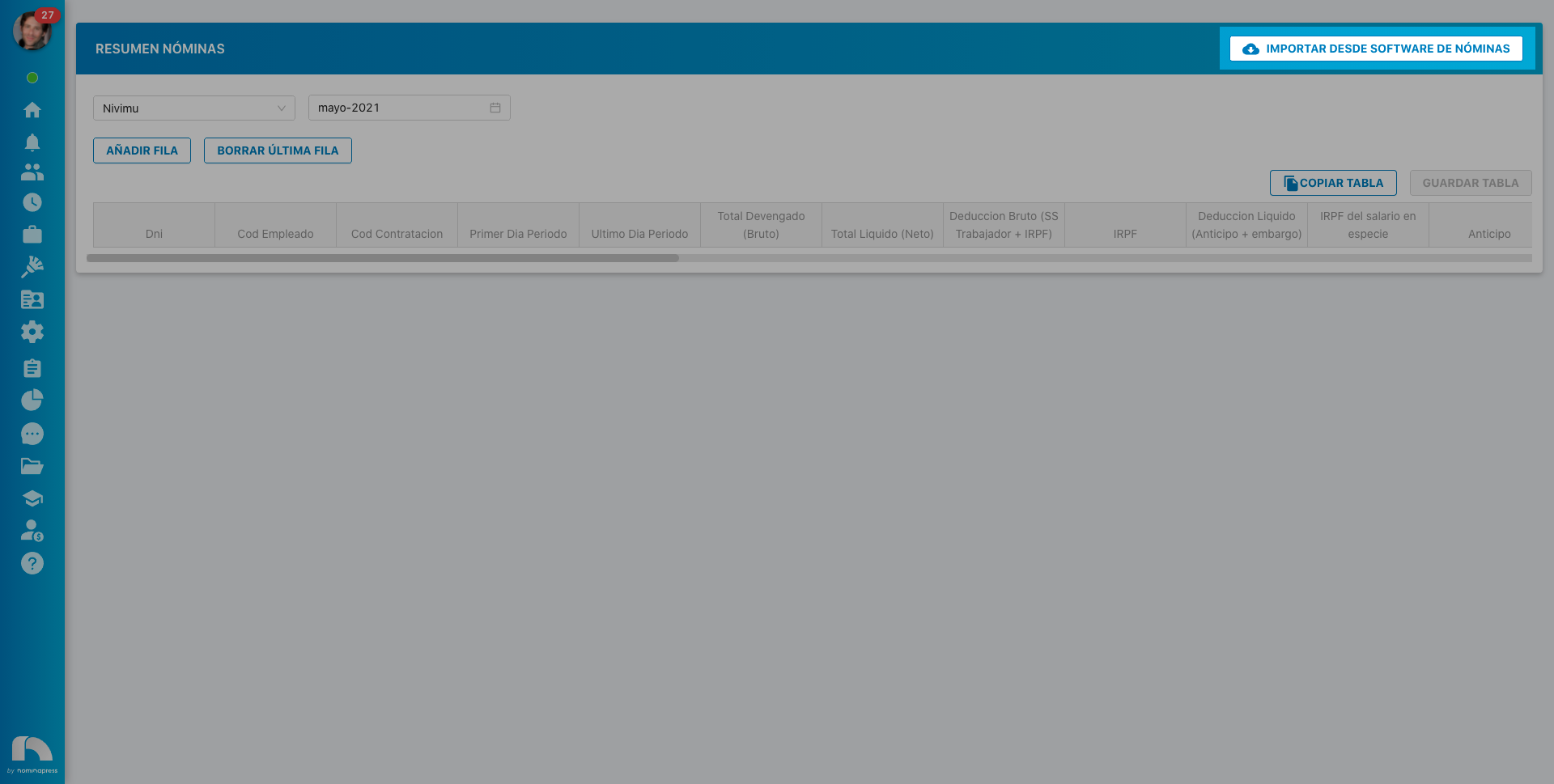
223. Import payroll system summary: This permission is used for communication with the payroll system, so that the payroll summary can be imported.
It is recommended not to modify it.
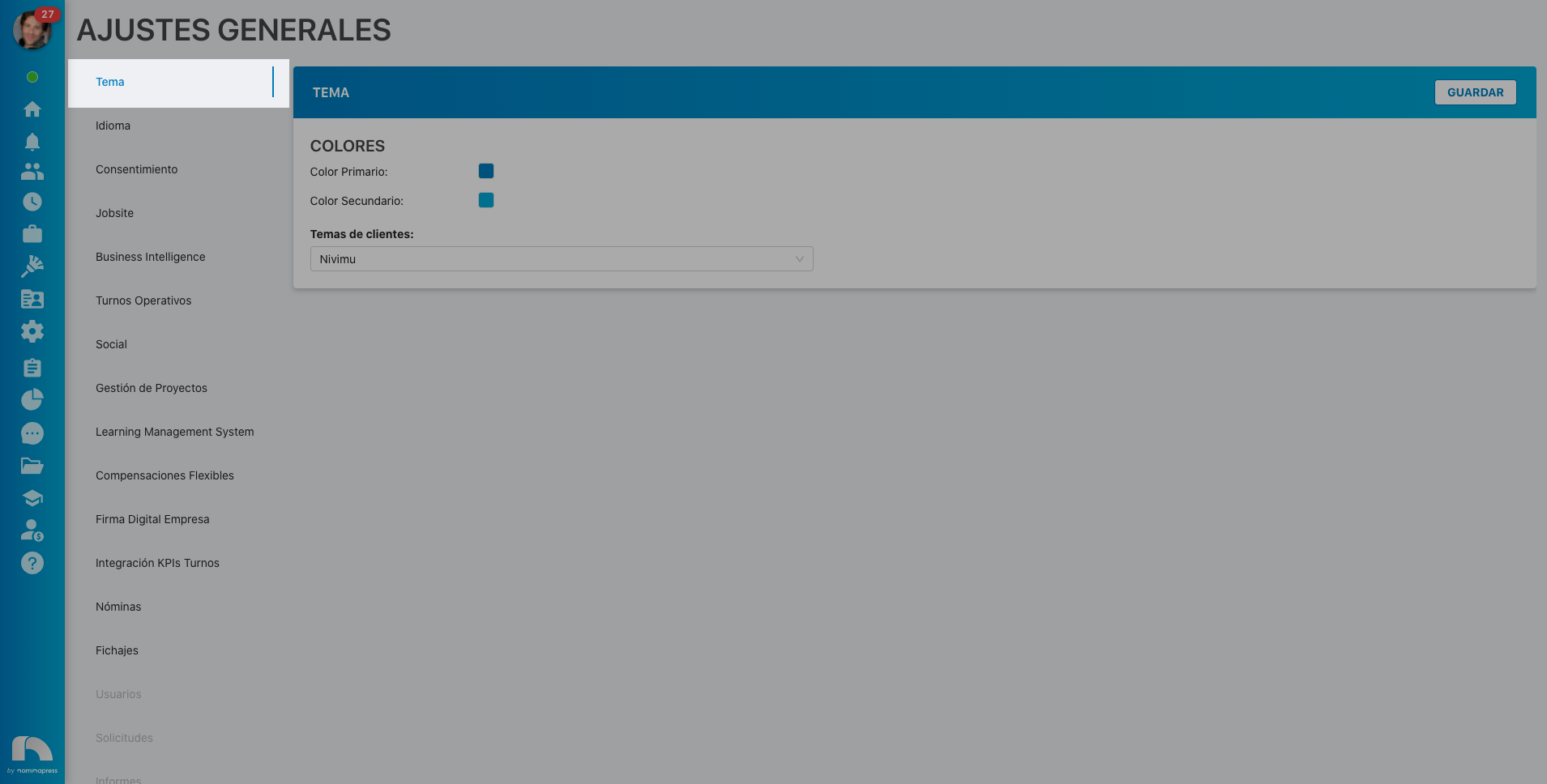
5. Theme: If you activate this permission, in the View option, access to view the application theme (its colors) in General Settings is enabled. In the Edit option, it is enabled that the theme can also be edited and therefore, colors can be changed.
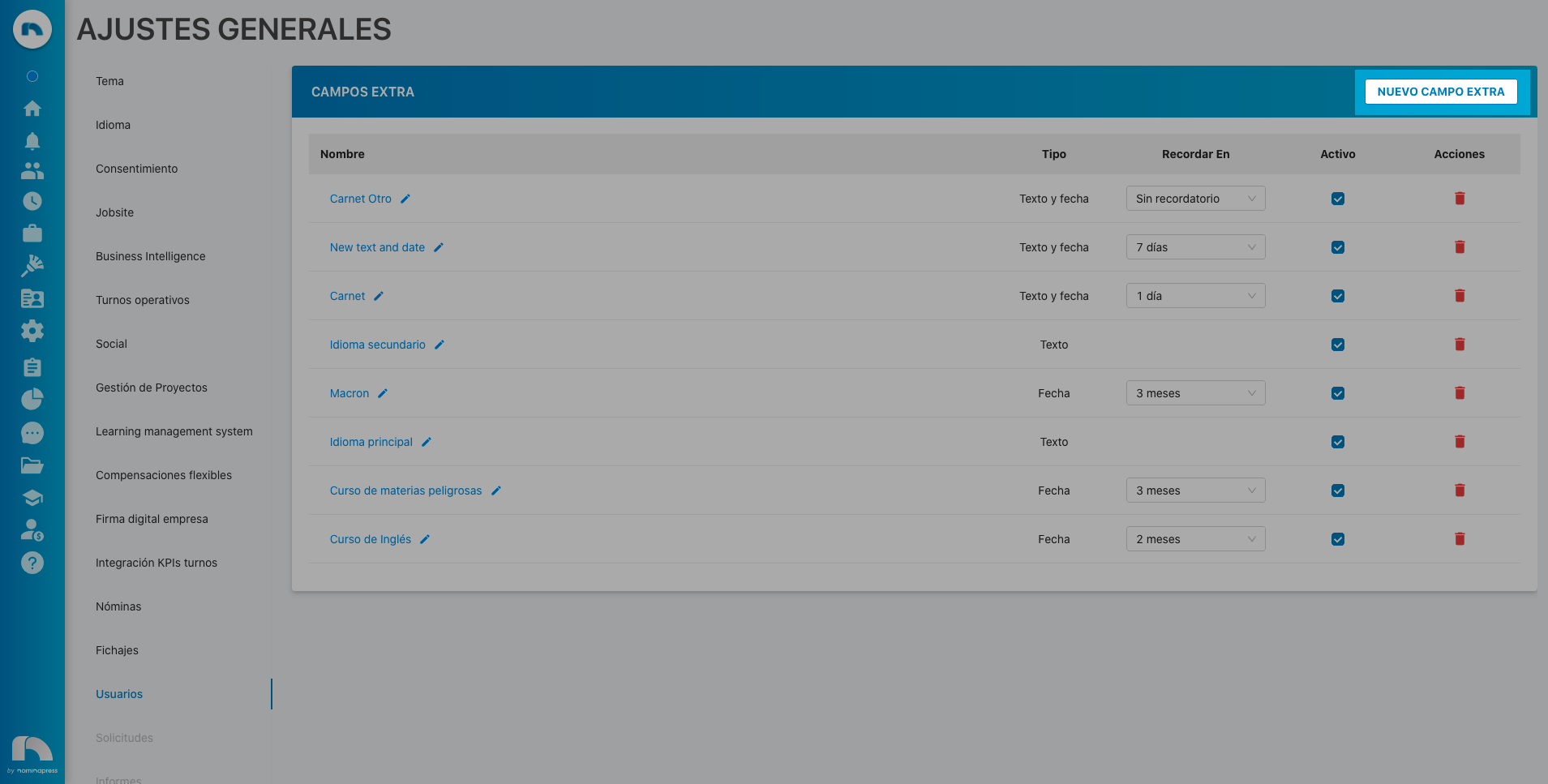
224. Extra fields: If you activate this permission, in the View option, the users option appears in General Settings. In the Edit option, it is enabled that the employee's information extra fields can also be edited (add extra field in the dropdown, reminders, etc.).
JOBSITE SETTINGS
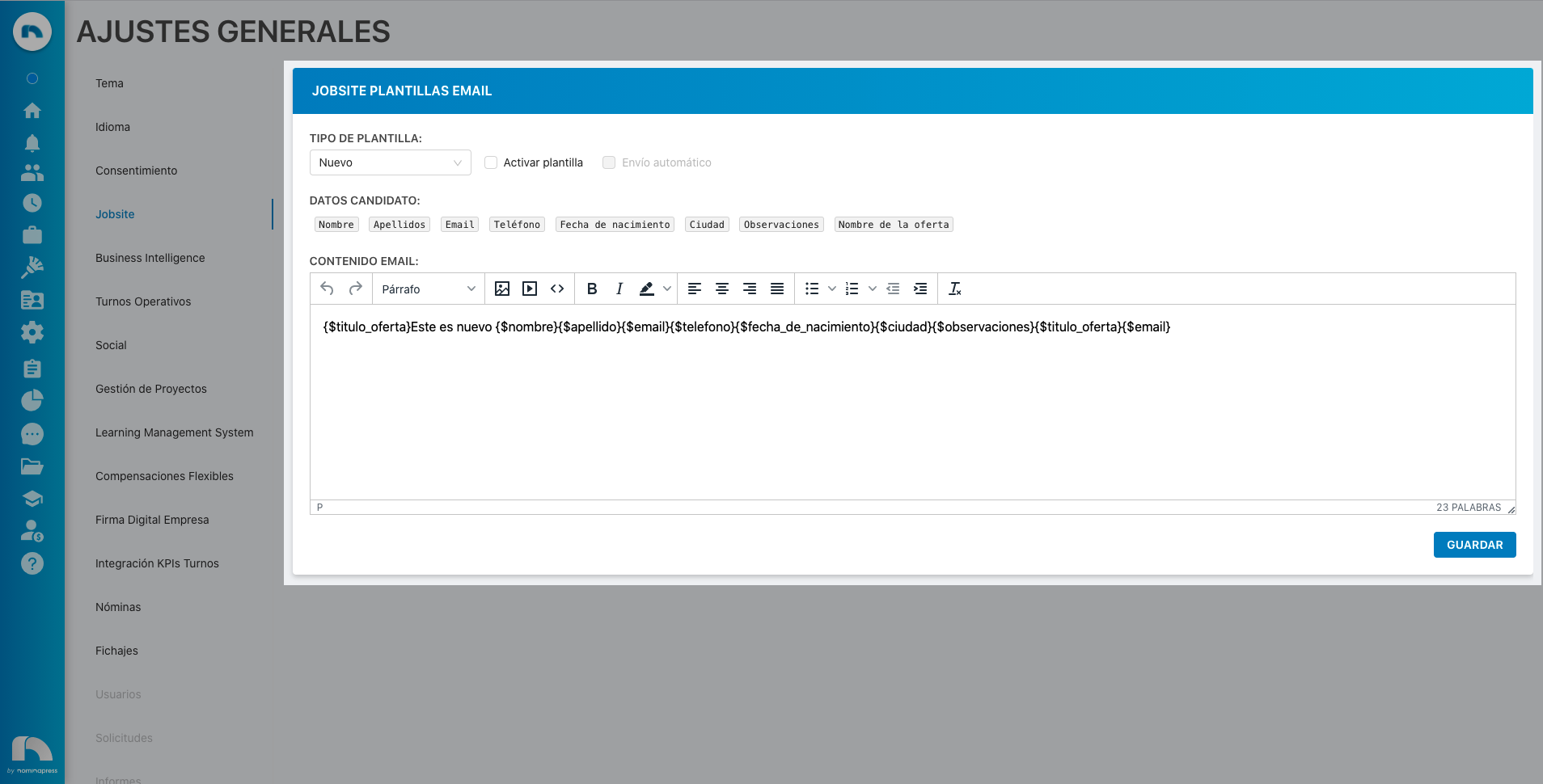
102. Jobsite Email Templates: If you activate this permission, both in the View option and in the Edit option, the option to view and modify Jobsite email templates appears in General Settings.
PREFERENCES SETTINGS
117. Settings activate center change:
If you want to make changes with this setting, please contact support.
116. Settings activate notification sending:
If you want to make changes with this setting, please contact support.
118. Settings notice days advance shift creation:
If you want to make changes with this setting, please contact support.
113. Settings rest between shifts:
If you want to make changes with this setting, please contact support.
112. Settings minimum rest:
If you want to make changes with this setting, please contact support.
115. Settings notification email:
If you want to make changes with this setting, please contact support.
119. Settings report generation:
If you want to make changes with this setting, please contact support.
109. Settings site preferences:
If you want to make changes with this setting, please contact support.
108. Settings user preferences:
If you want to make changes with this setting, please contact support.
114. Settings courtesy time:
If you want to make changes with this setting, please contact support.
110. Settings maximum shift:
If you want to make changes with this setting, please contact support.
111. Settings minimum shift:
If you want to make changes with this setting, please contact support.