Expenses Permissions
EXPENSES
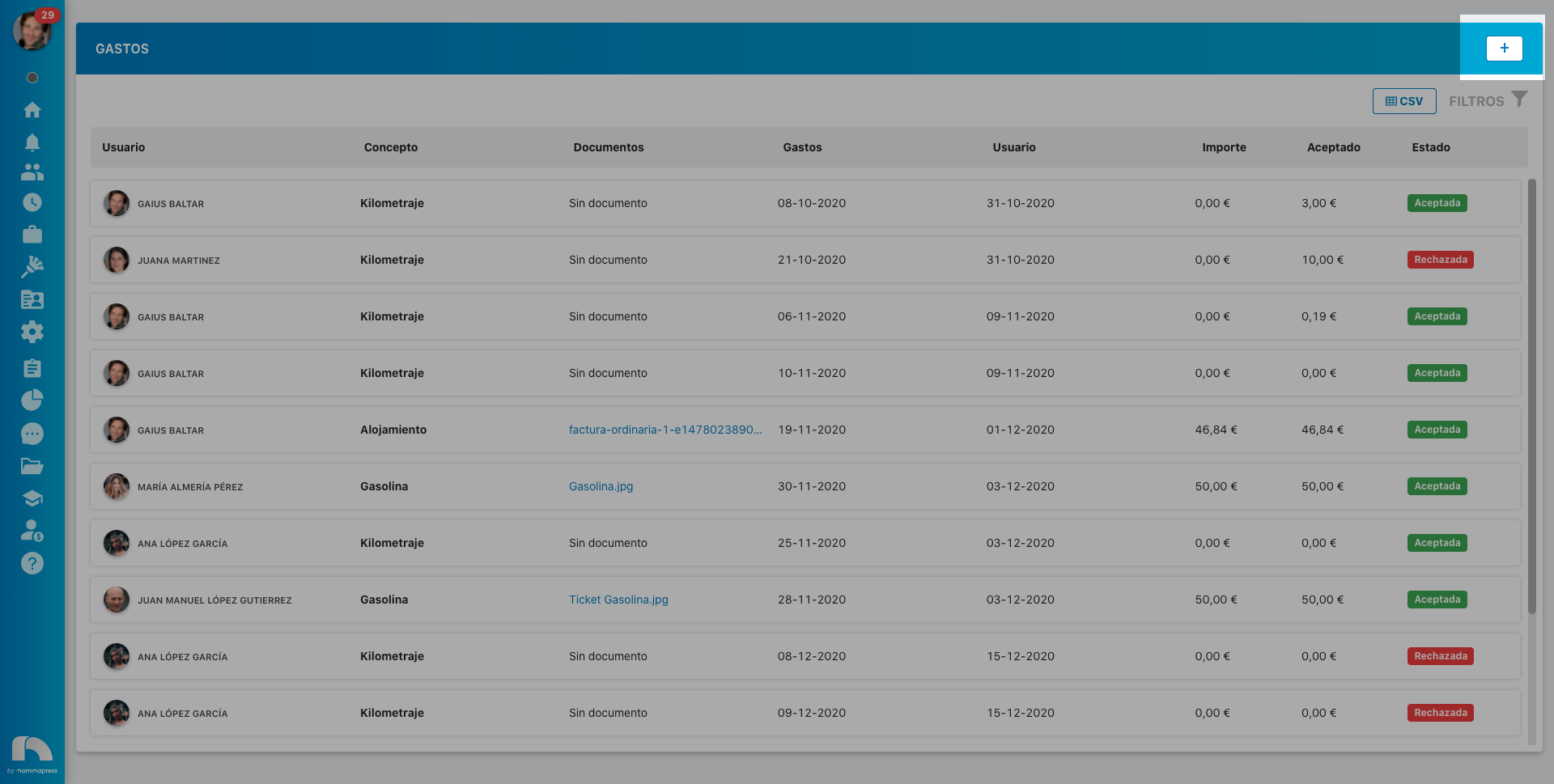
179. Create expenses: If you activate this permission, in the Edit option, expenses can be created.
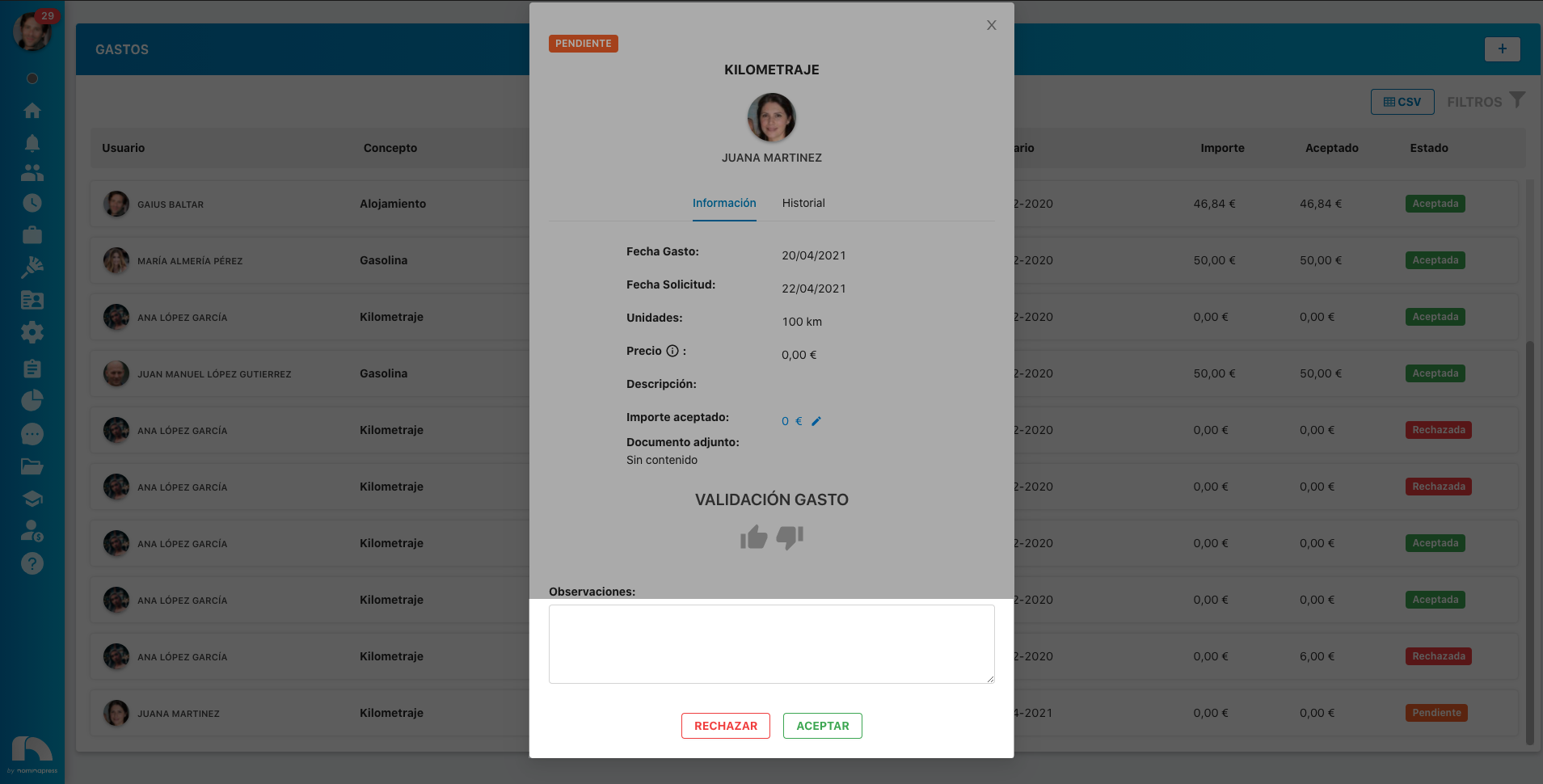
181. Resolve expenses: If you activate this permission, both in the View option and in the Edit option, the option to approve or reject employee expenses is enabled.
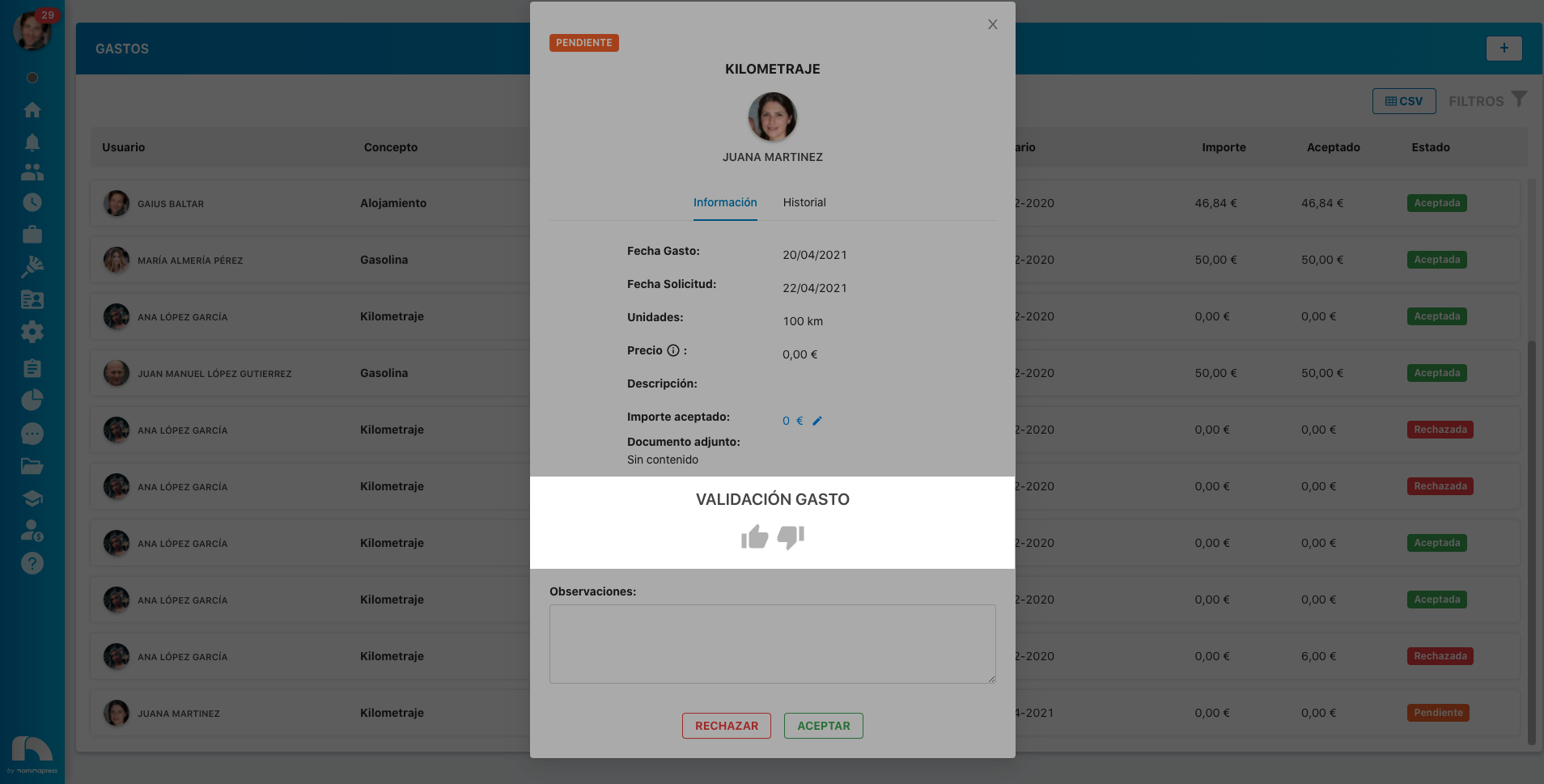
180. Validate expenses: If you activate this permission, the option to validate employee expenses is enabled.
187. Accepted value: If you activate this permission, in the View option, the accepted amount of the employee's expense appears. In the Edit option, it is enabled that it can also be modified.
