Dashboard Permissions
DASHBOARD
134. Payroll Advance: If you activate this permission, both in the View option and in the Edit option, it enables that on Home the "Payroll Advance" option appears and clicking it redirects you to the "Payroll Advance" request.

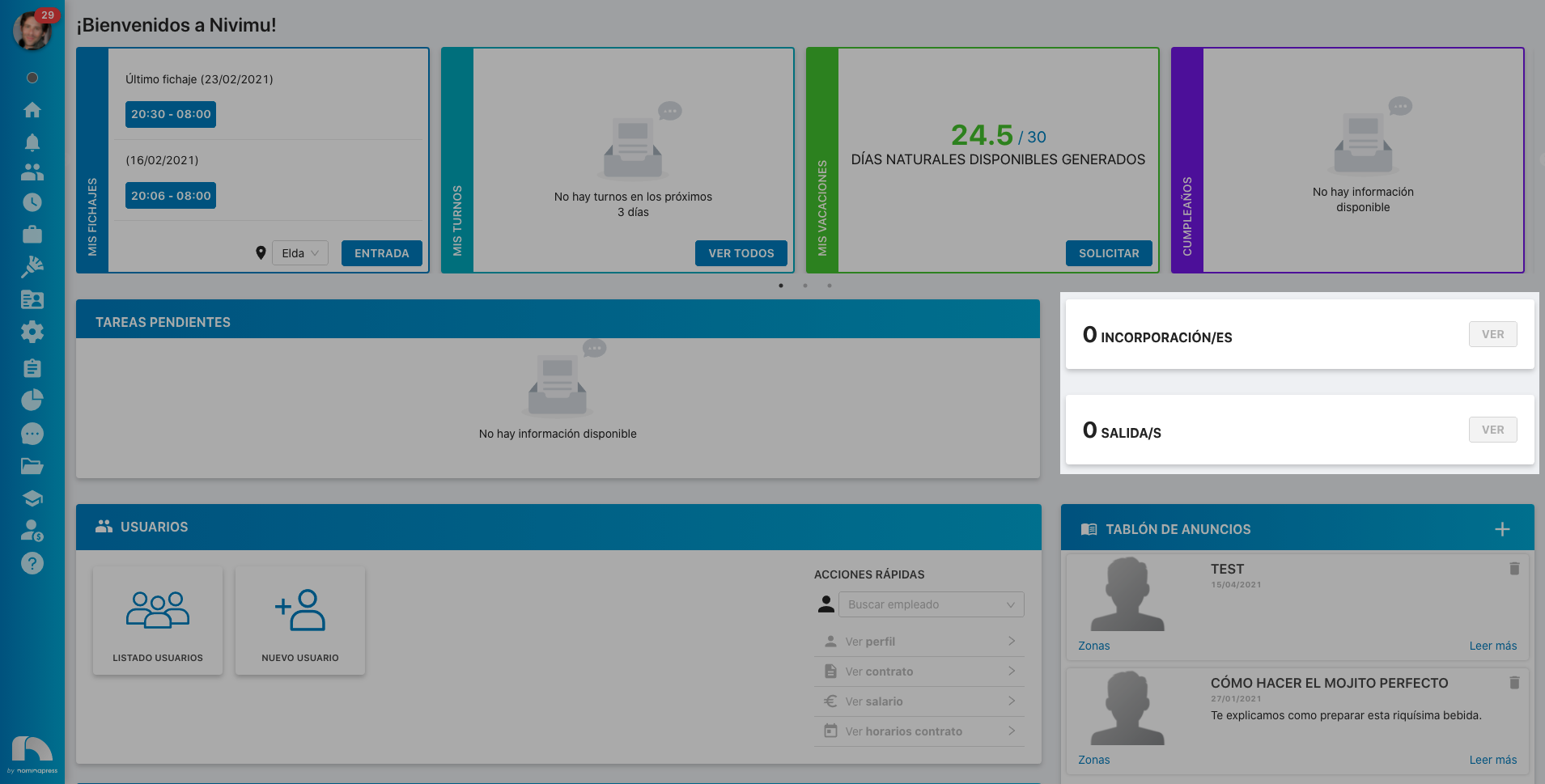
194. Incorporations and Departures: If you activate this permission, both in the View option and in the Edit option, it enables that on Home the incorporations and departures of the next 15 days appear.
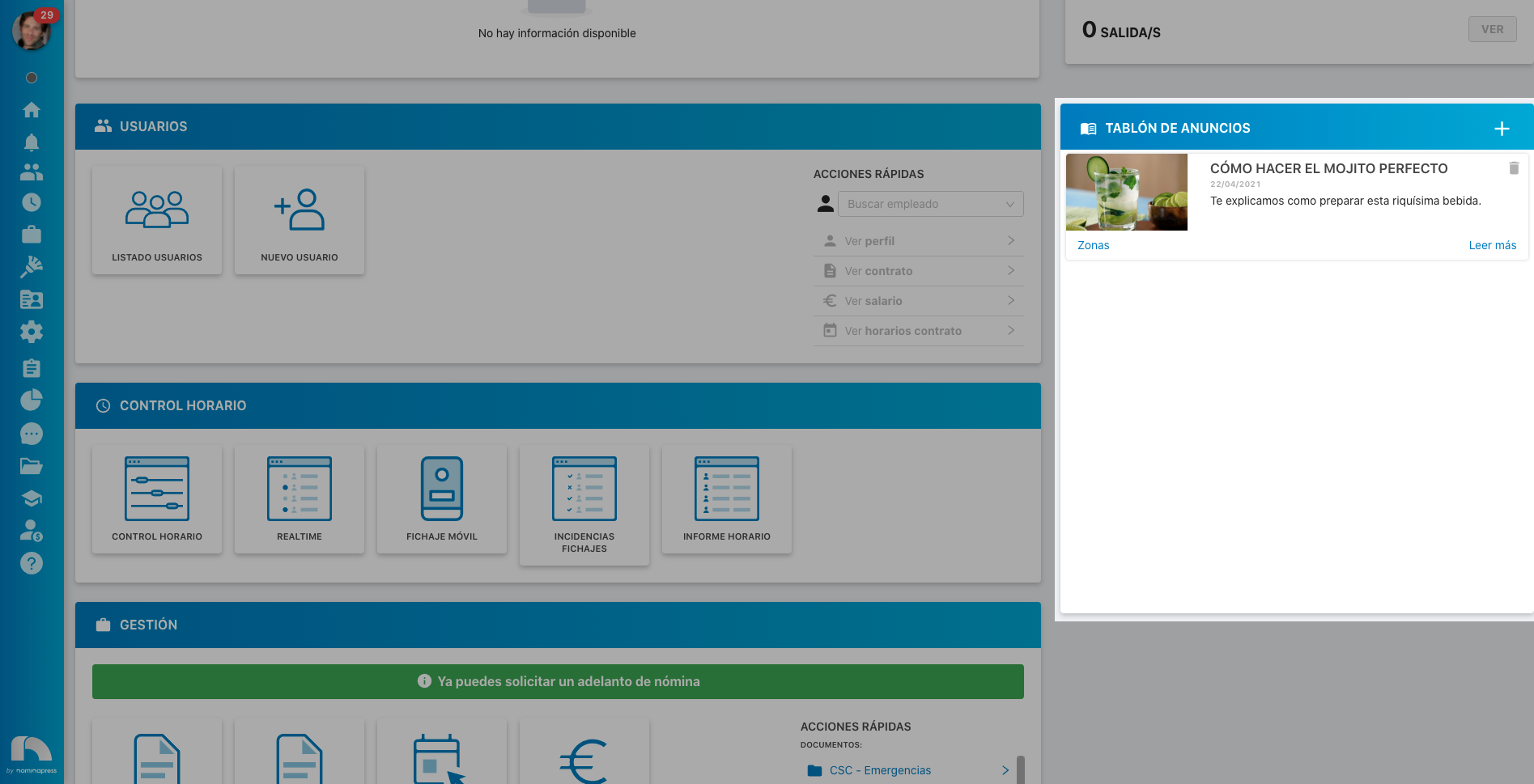
83. Bulletin Board: If you activate this permission, in the View option, the Bulletin Board can be viewed. In the Edit option, it enables that publications can also be made on the Bulletin Board.
216. Probation Period End Tasks: If you activate this permission, both in the View option and in the Edit option, it enables that on Home, in pending tasks, it appears when employees' probation periods end. For this, the pending tasks permission must be activated.
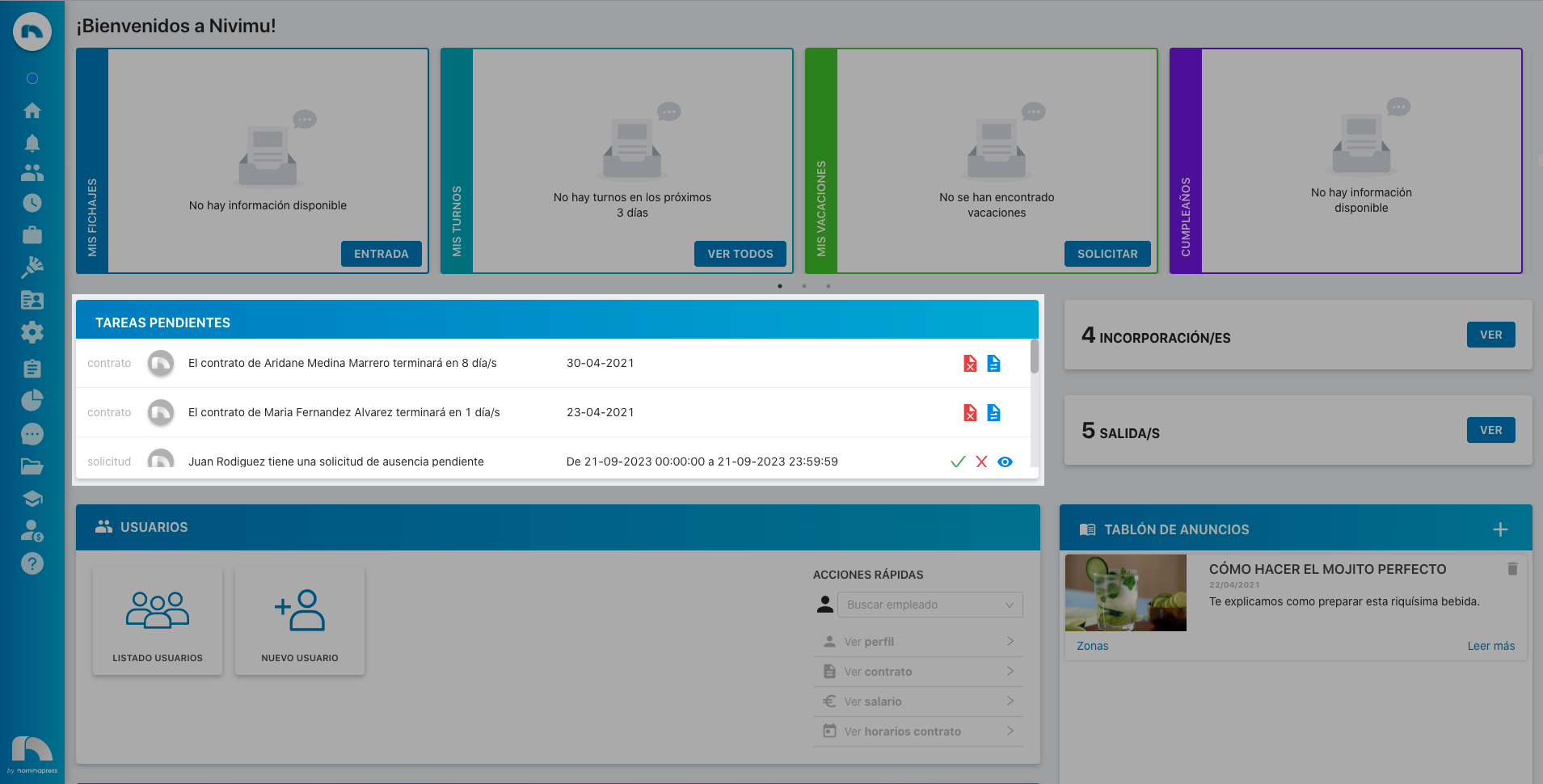
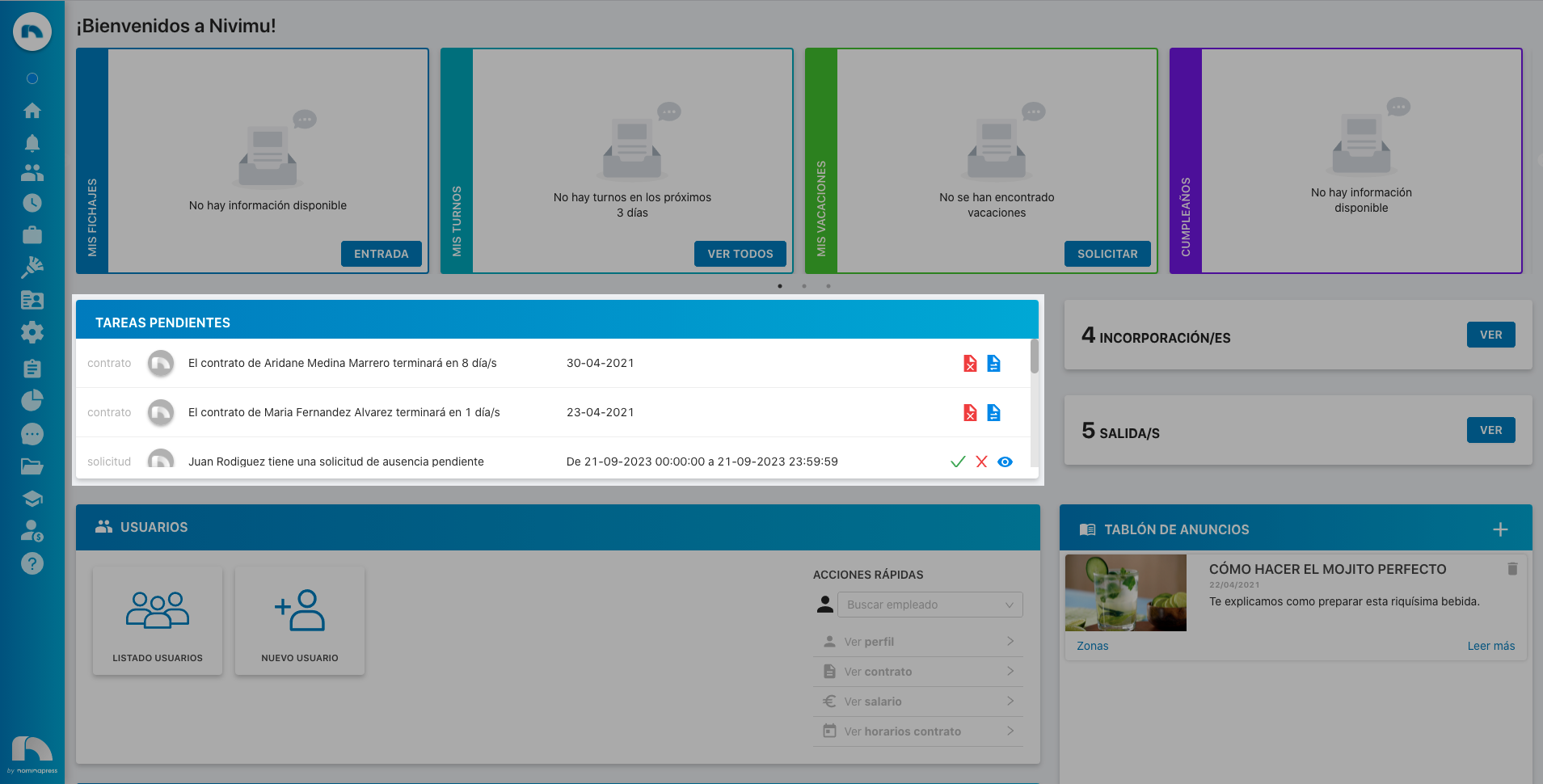
193. Pending Tasks: If you activate this permission, both in the View option and in the Edit option, it enables that pending tasks appear on Home (vacation requests, contract extensions, etc.), which can be accepted, rejected or viewed from there.
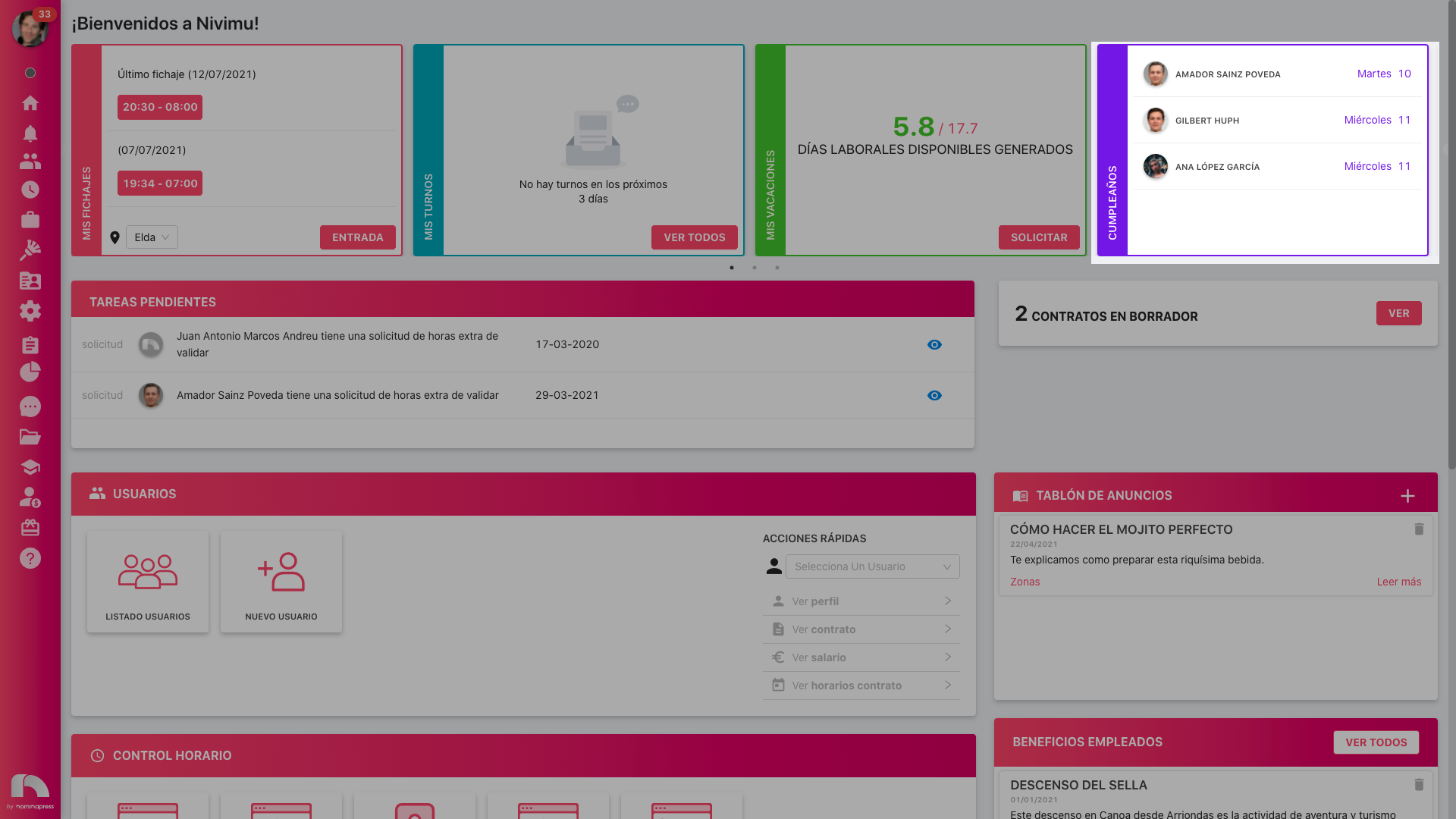
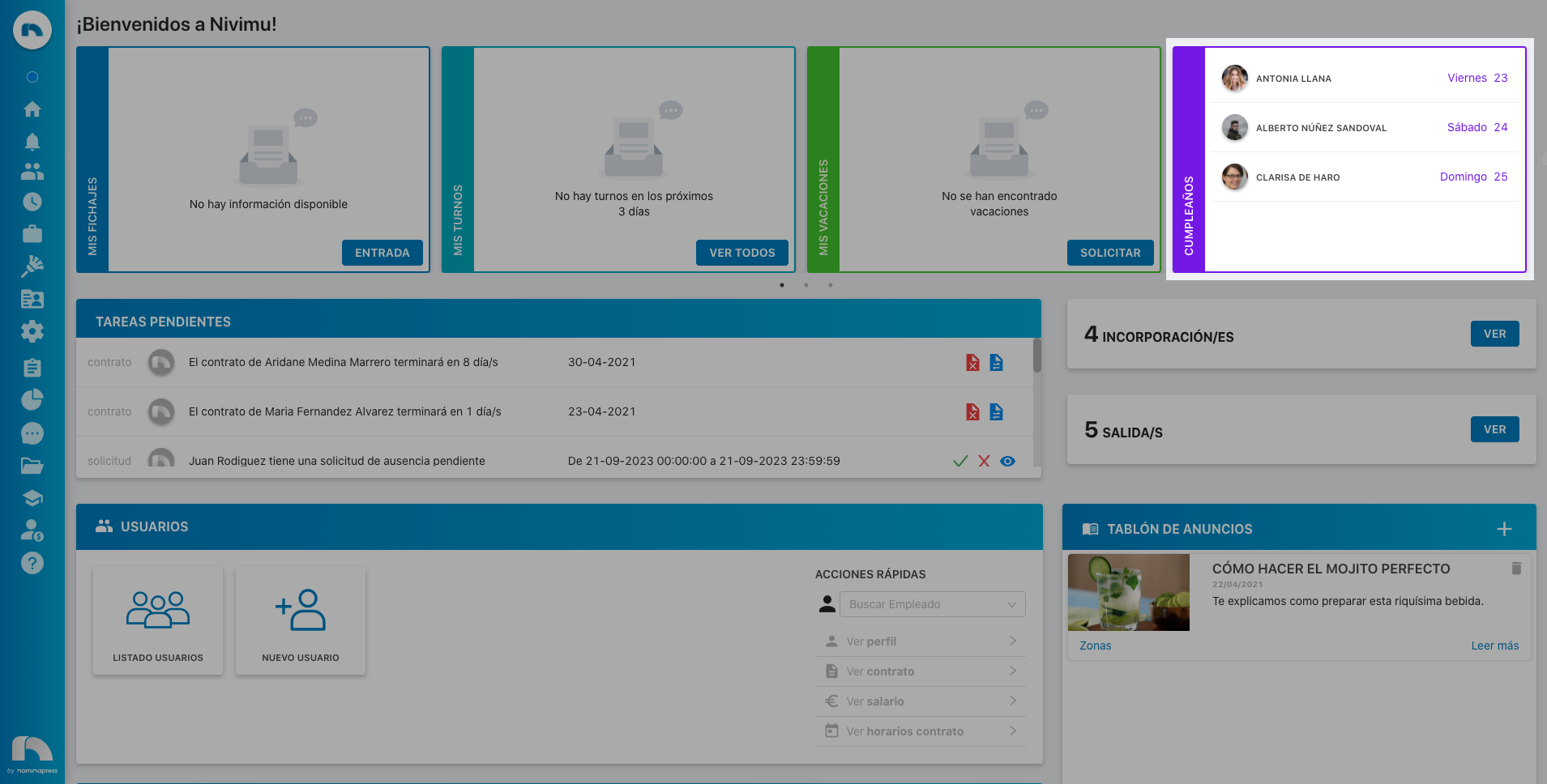
79. Widget Birthdays: If you activate this permission, both in the View option and in the Edit option, the birthdays widget can be seen on Home.
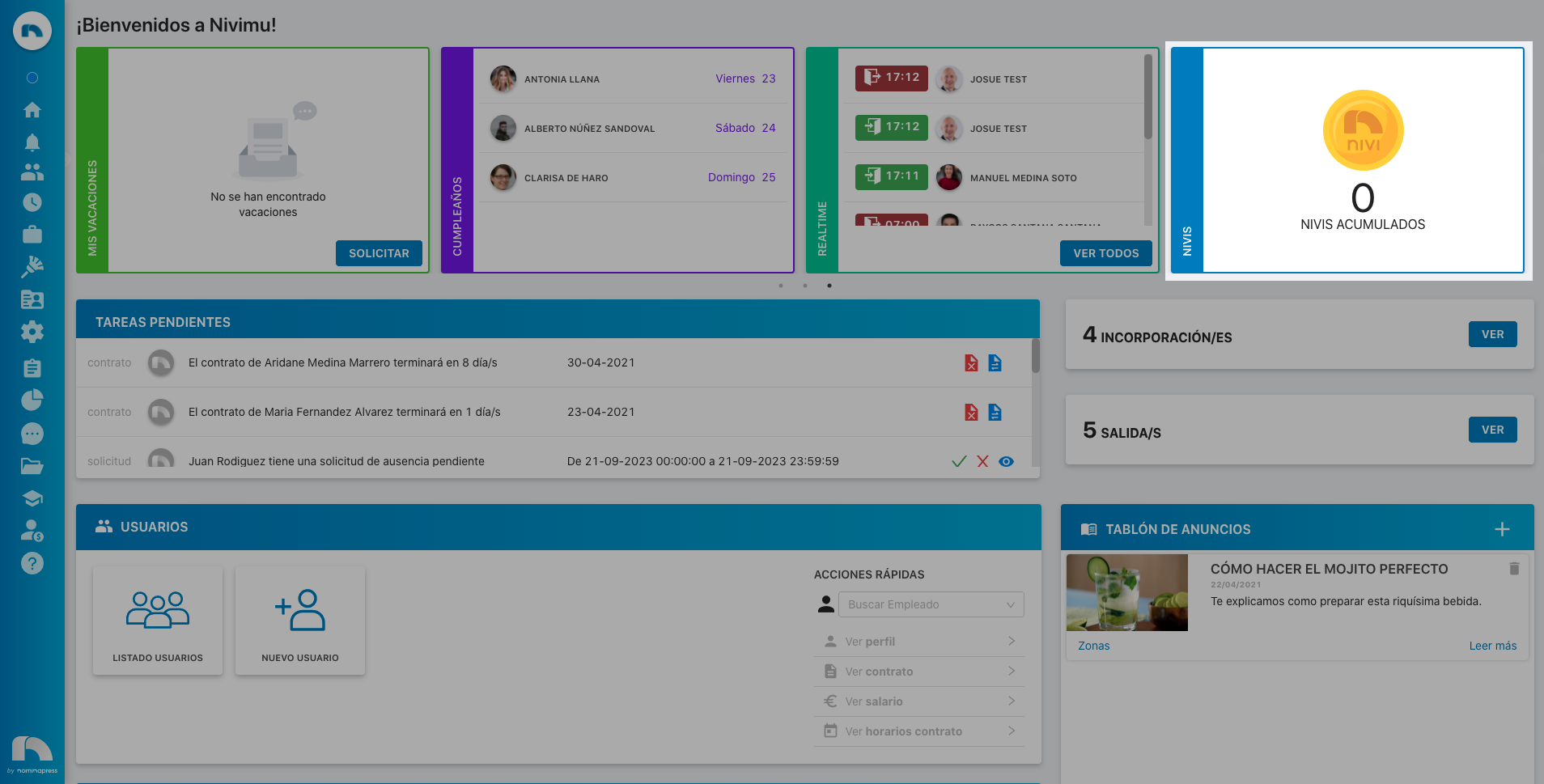
20. Widget Nivis: If you activate this permission, both in the View option and in the Edit option, accumulated nivis can be seen on Home.
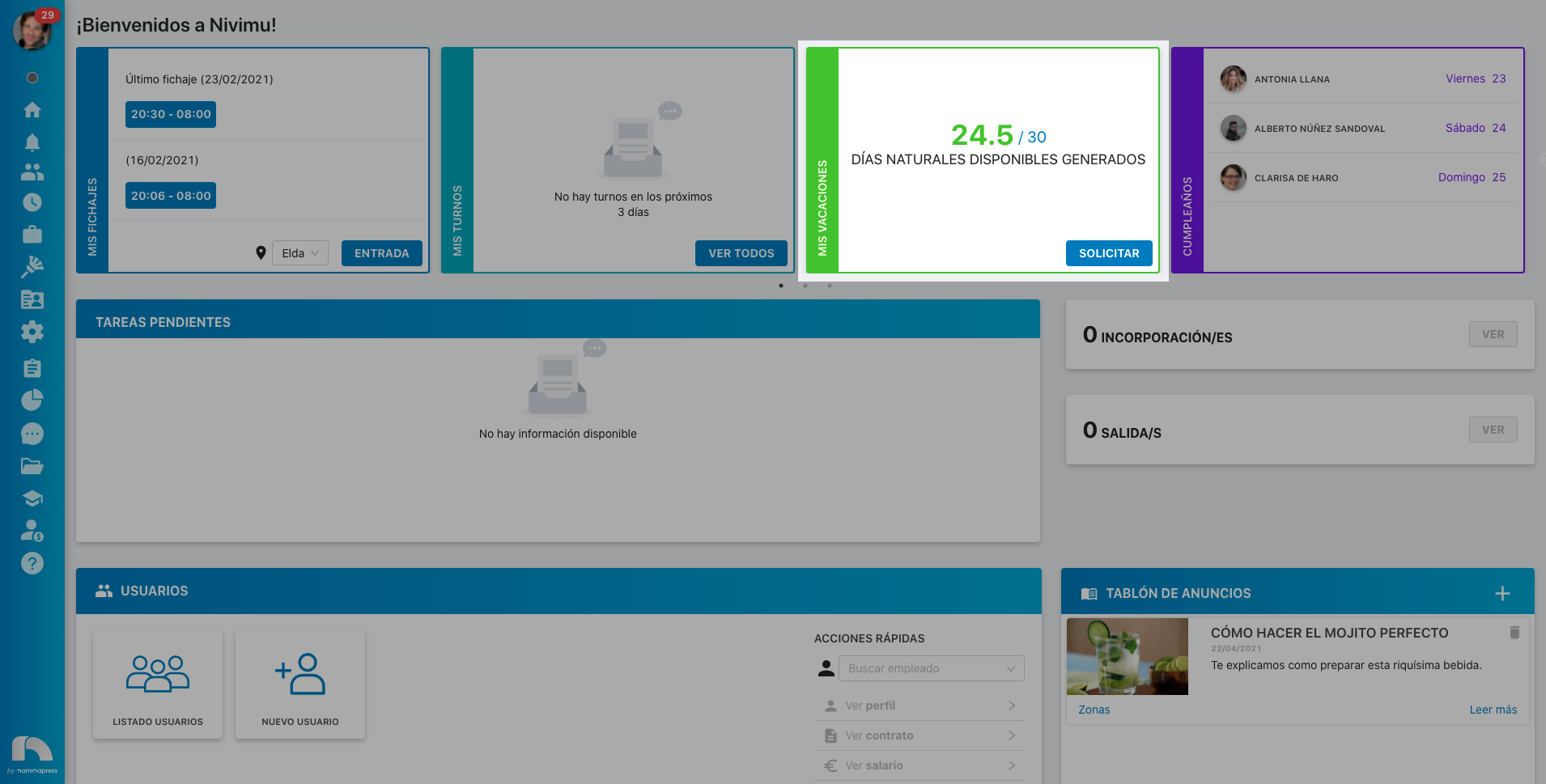
210. Widget Vacations: If you activate this permission, both in the View option and in the Edit option, each employee can see their vacations on Home.
6. Widget Latest Clockings: If you activate this permission, both in the View option and in the Edit option, each employee can see their latest clockings on Home.
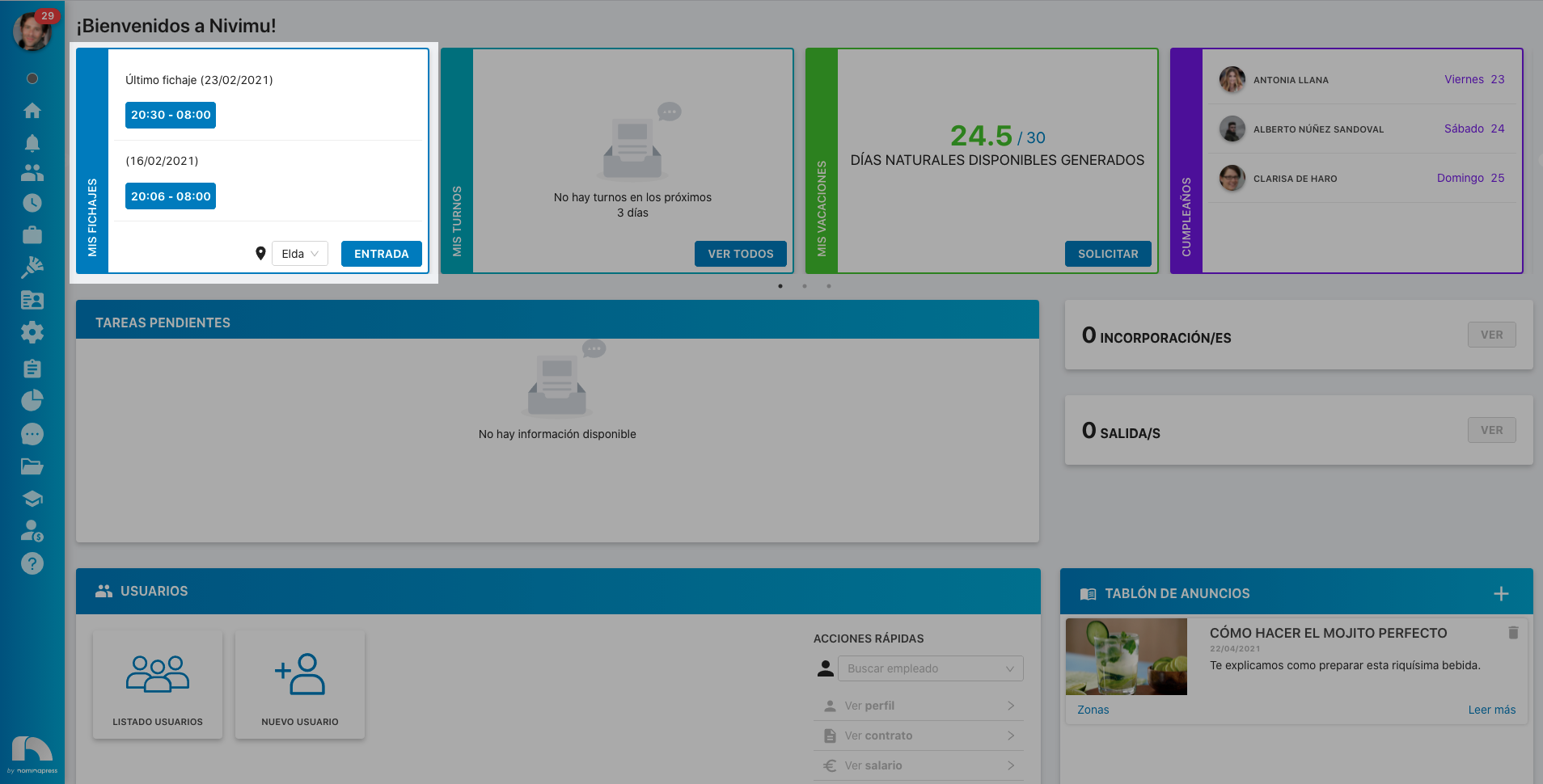
236. View birthdays of all users: If you activate this permission, both in the View option and in the Edit option, employees can see the birthdays of all users on Home.