My Profile Permissions
MY PROFILE
The permissions in this block refer to what the user sees and can do in their own profile.
145. Activate/deactivate payroll advance: If you activate this permission, the option to activate or deactivate the payroll advance option in the user's profile is enabled.

147. User Time Control: If you activate this permission, both in the View option and in the Edit option, the option to activate or deactivate their own user's time control is enabled.
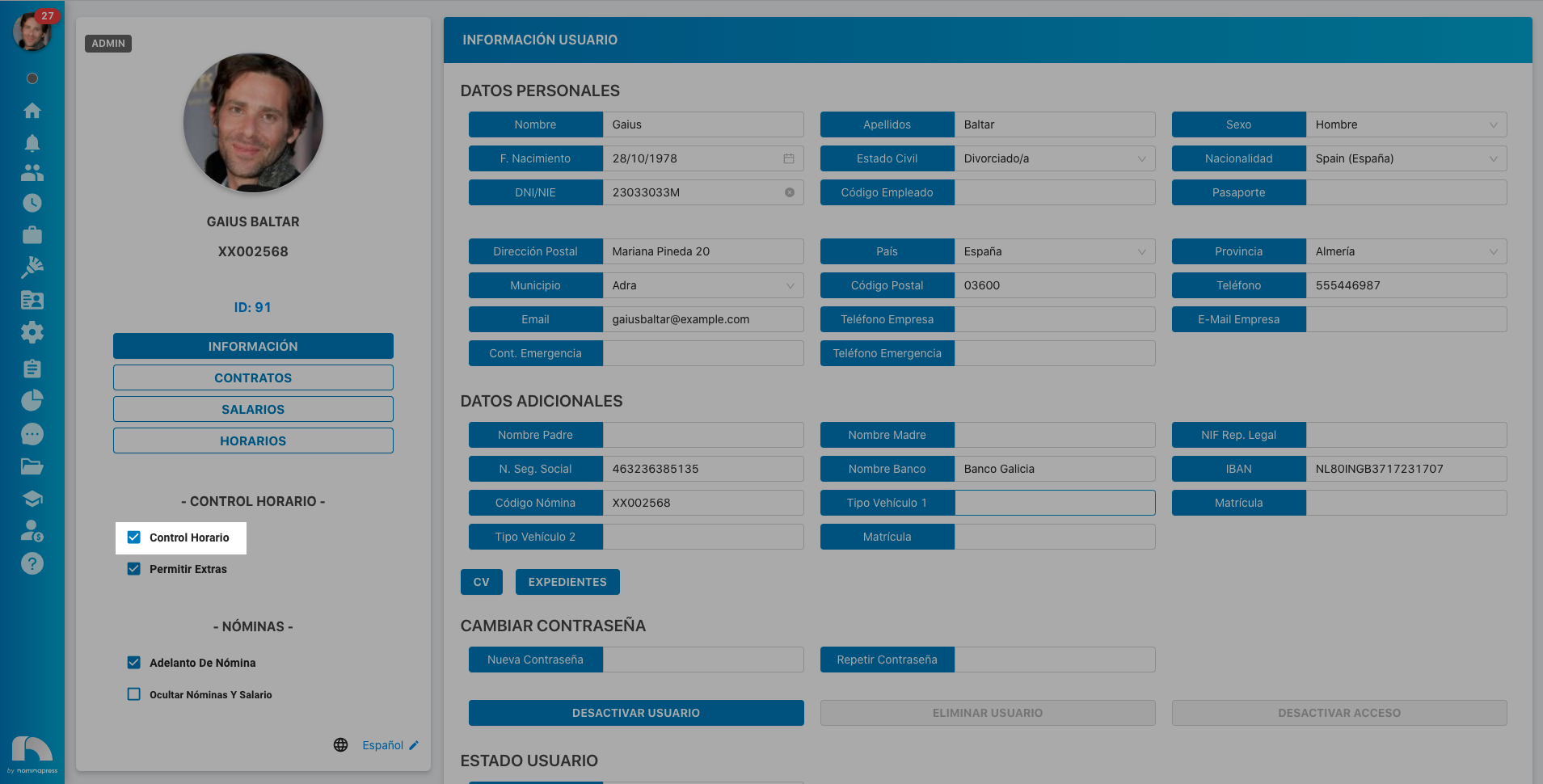
148. CV: If you activate this permission, in the View option, the option to view their CV appears. In the Edit option, it is enabled that each user can upload a new file.
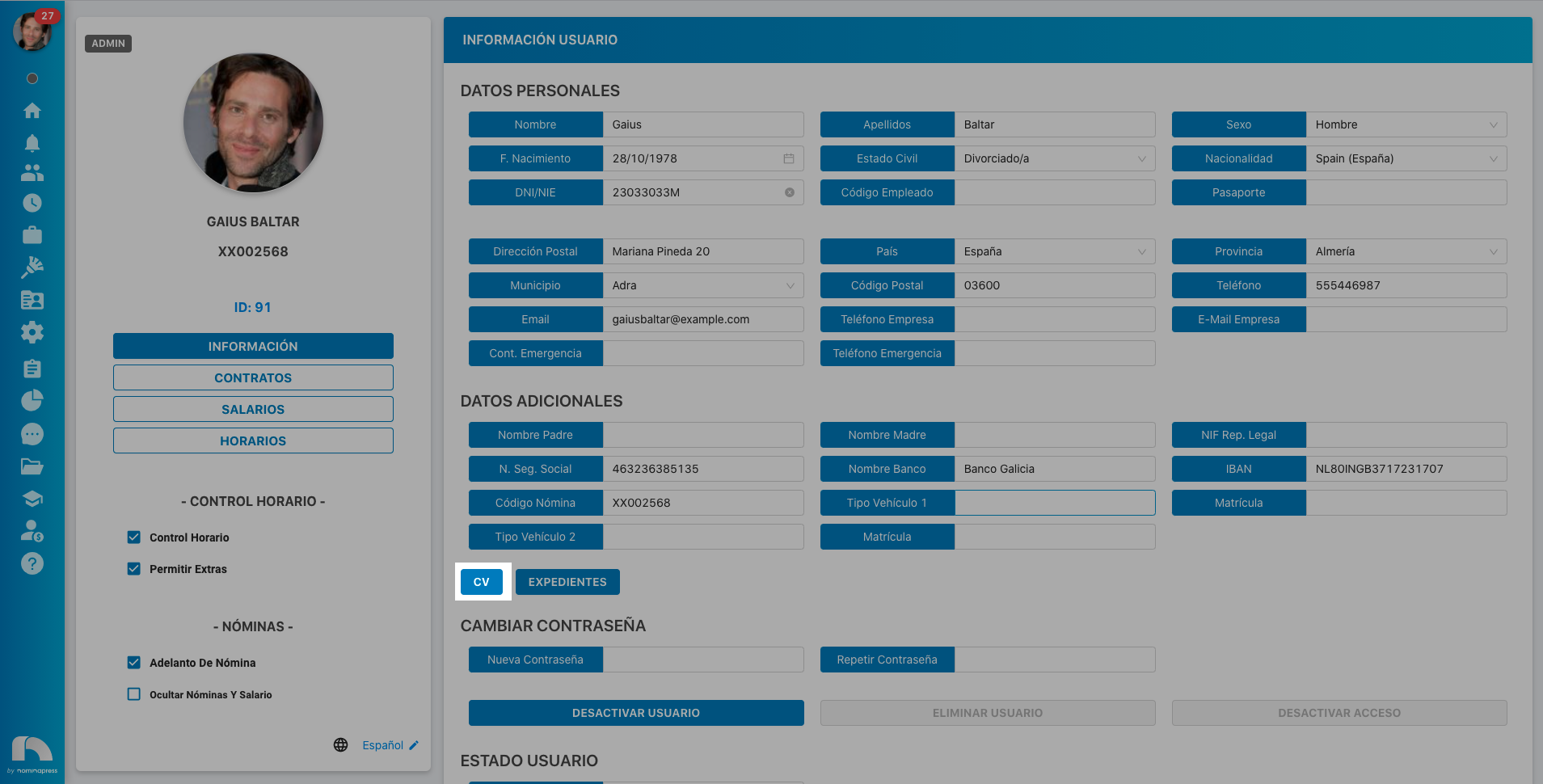
149. Payroll Code: If you activate this permission, in the View option, they can view their payroll code. In the Edit option, it is enabled that the user can also modify it.
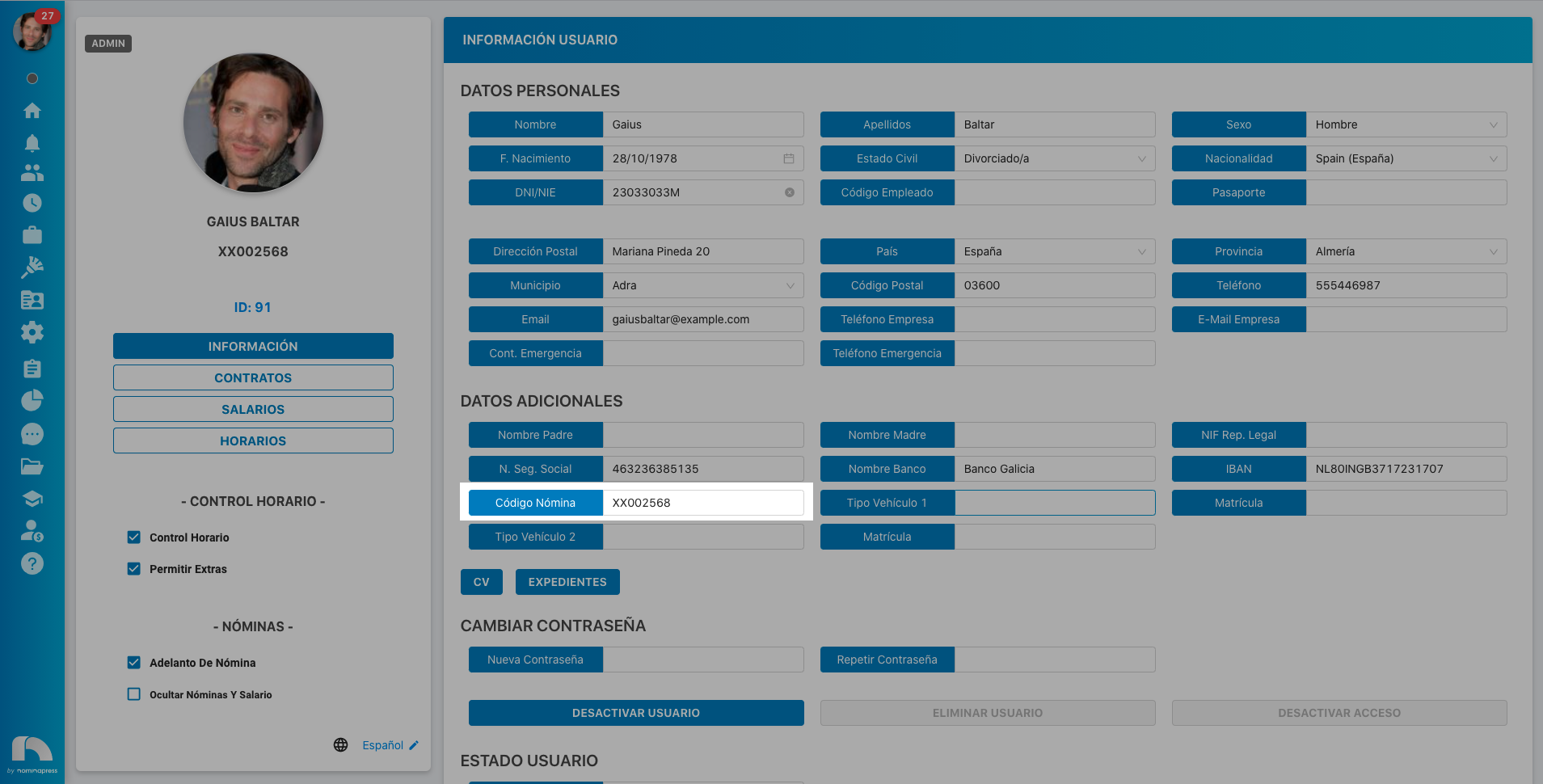
150. Additional Data: If you activate this permission, in the View option, they can view their additional data. In the Edit option, it is enabled that the user can also modify them.
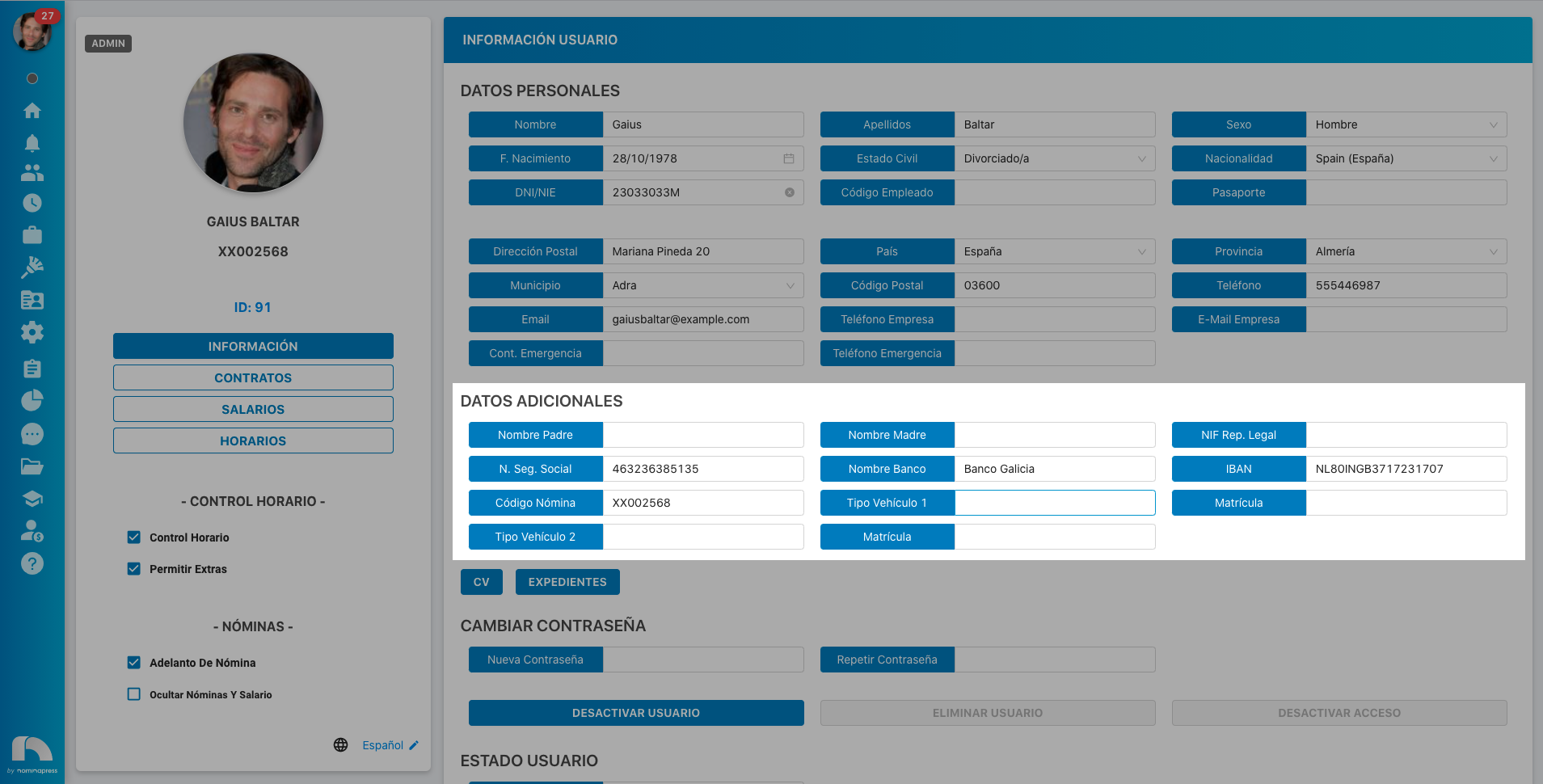
151. Contact Data: If you activate this permission, in the View option, they can view their contact data. In the Edit option, it is enabled that the user can also modify them.

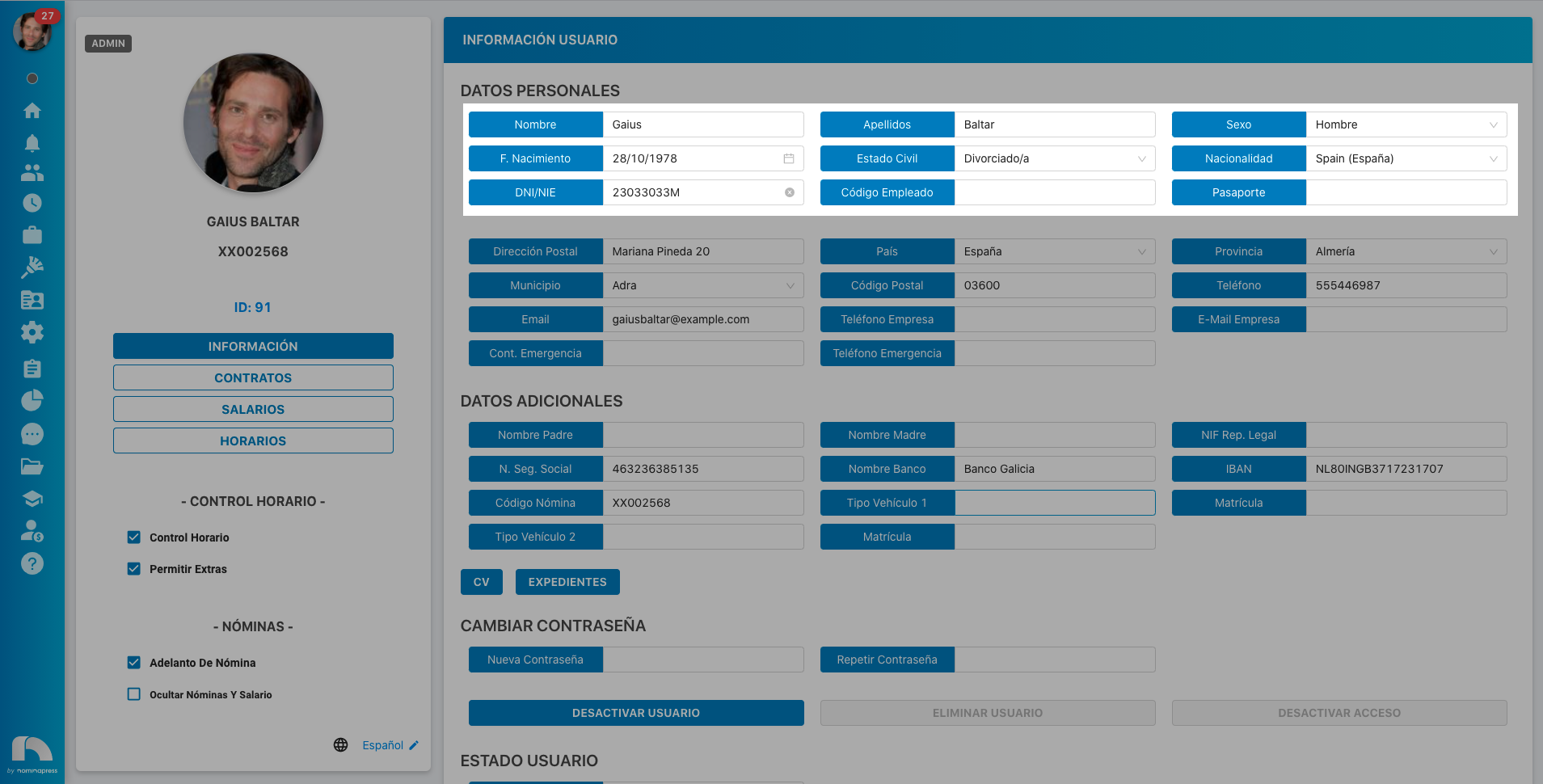
158. Personal Data: If you activate this permission, in the View option, they can view their personal data. In the Edit option, it is enabled that the user can also modify them.
175. Deactivate my access: If you activate this permission, in the View option, the user sees this option. In the Edit option, it is enabled that the user can actually deactivate their own user.
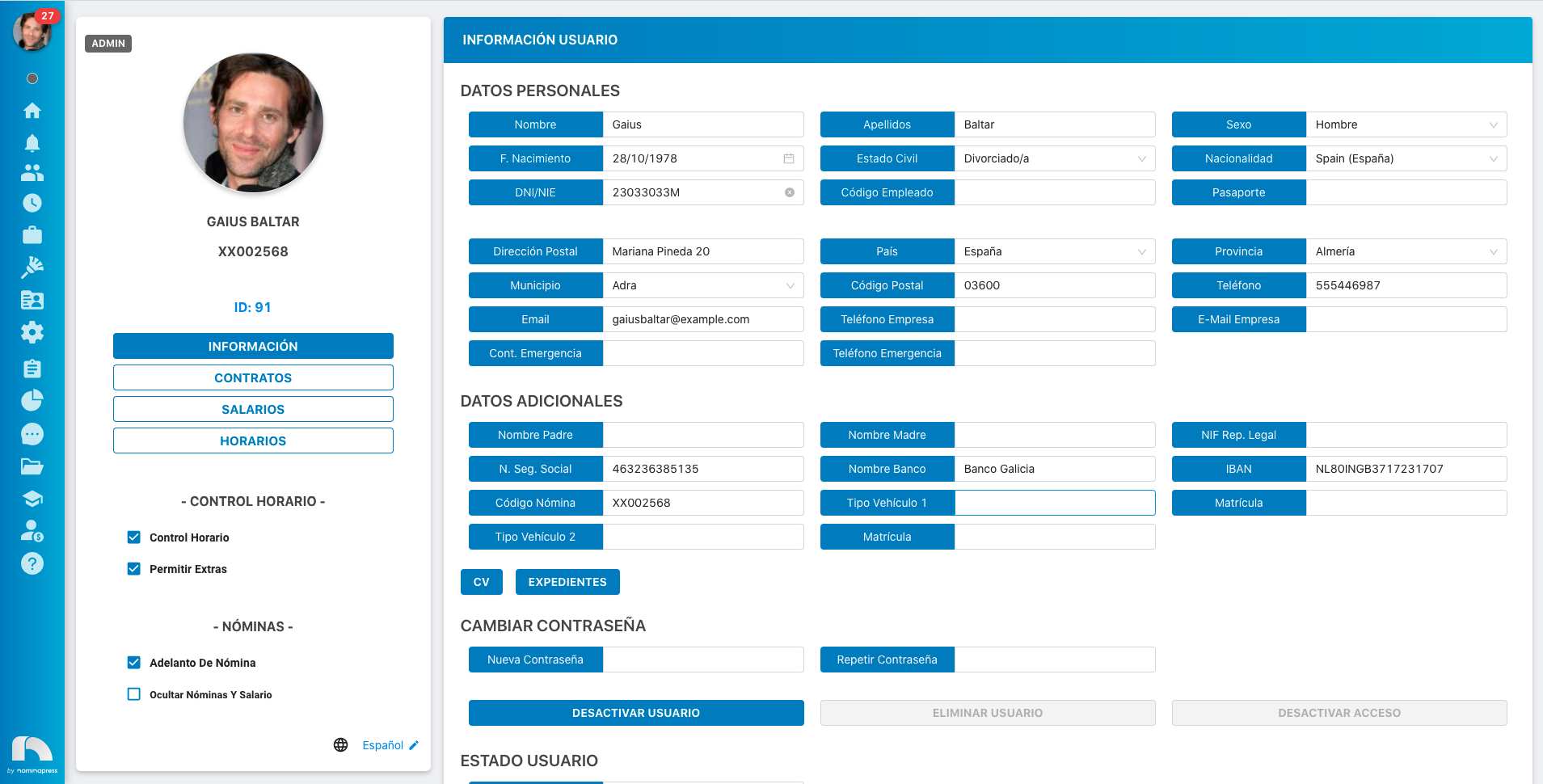
152. Files: If you activate this permission, in the View option, the option to view their files appears. In the Edit option, it is enabled that each user can upload a new file.
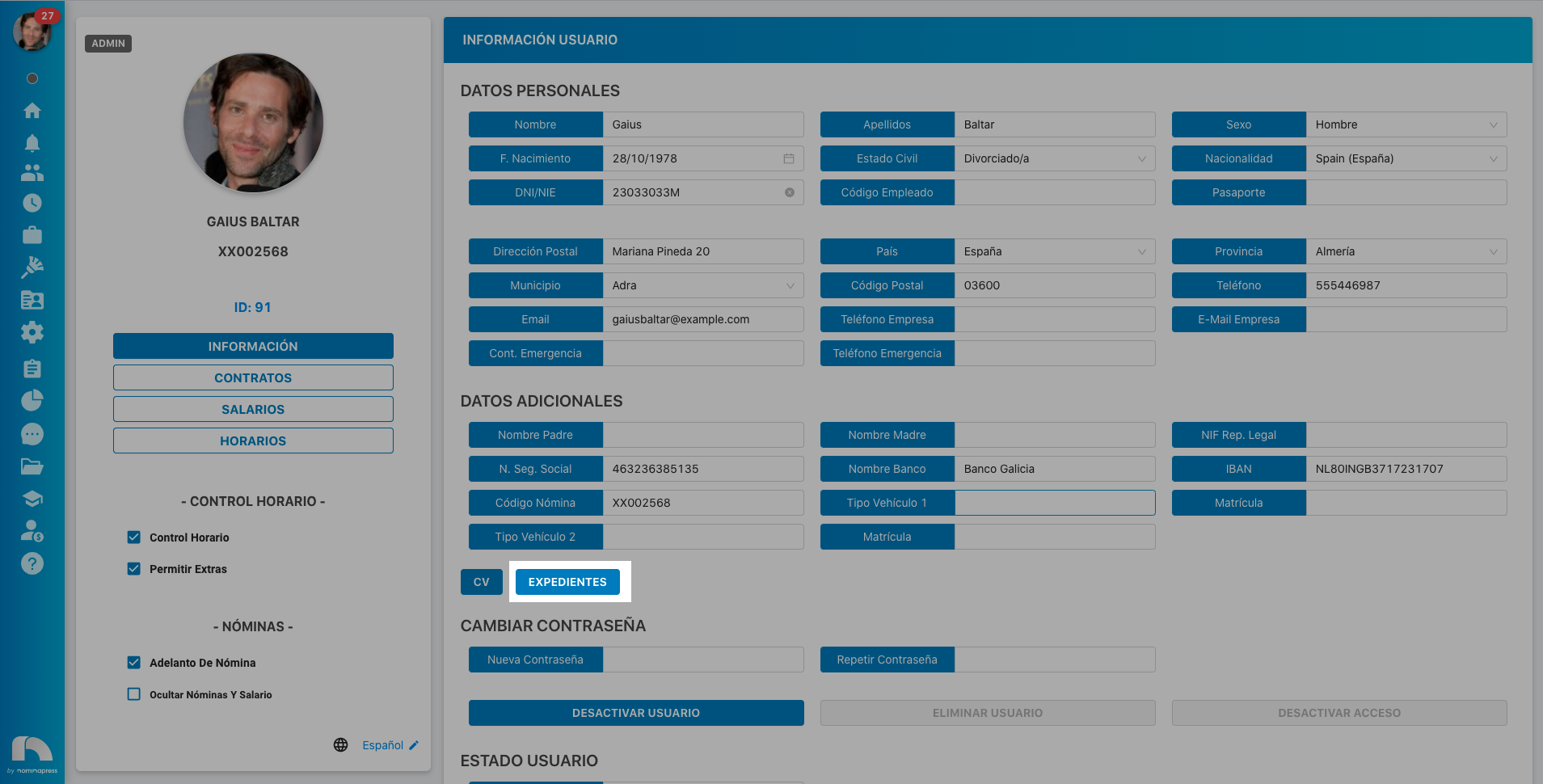
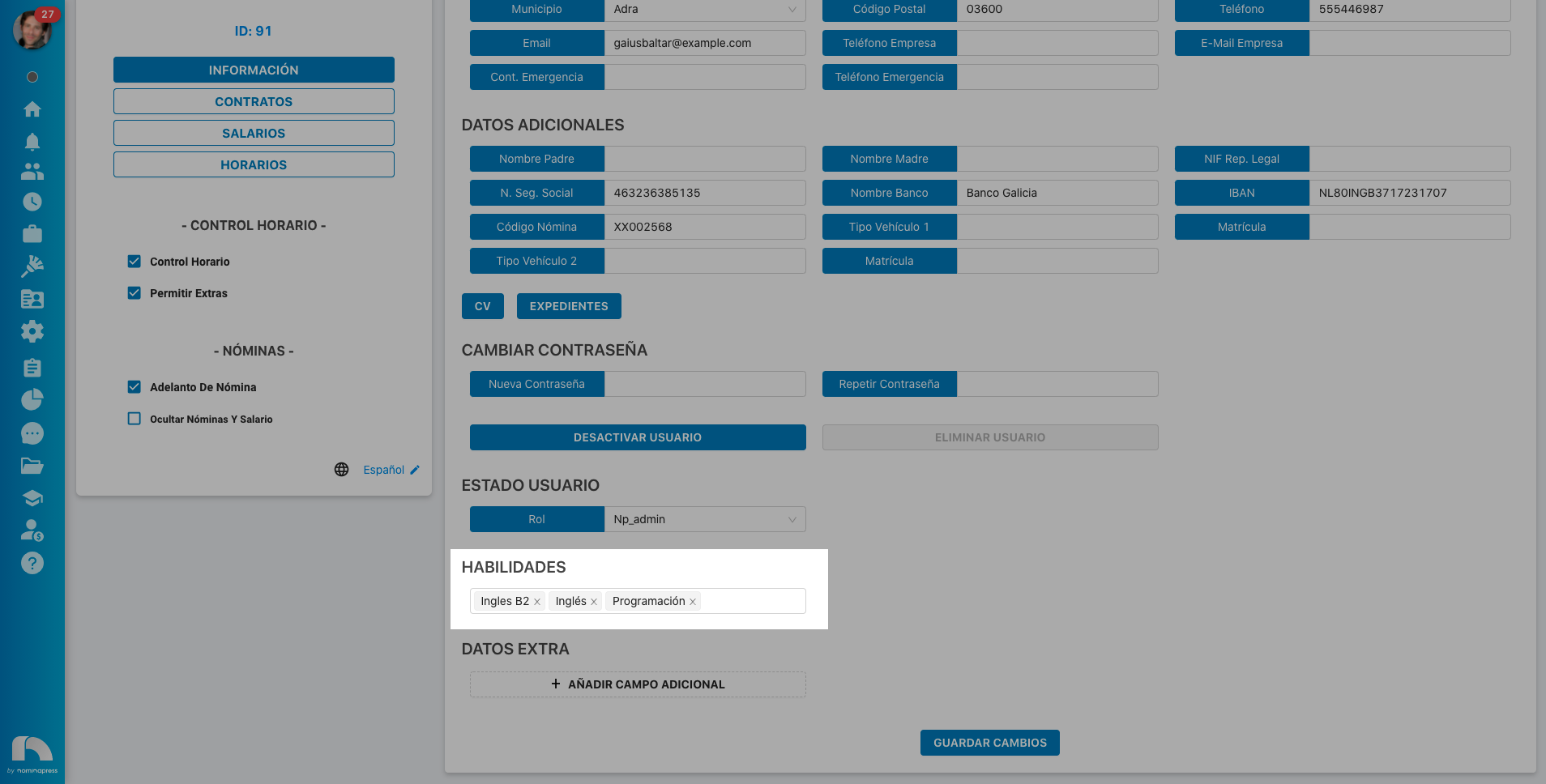
153. Skills: If you activate this permission, in the View option, they can view their skills. In the Edit option, it is enabled that the user can also modify them.
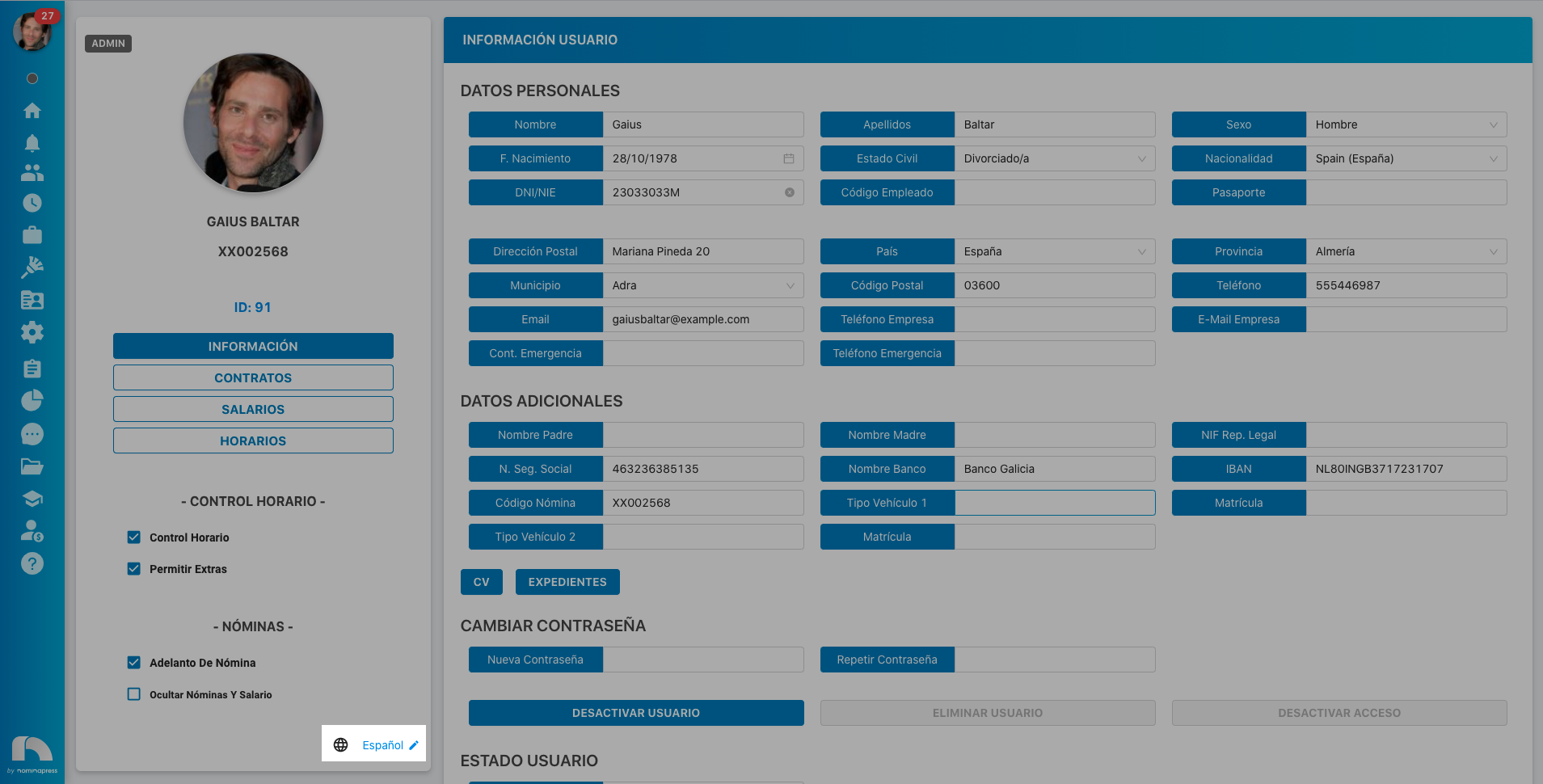
219. User Language: If you activate this permission, in the Edit option, each user can change their application language.
154. Read periods: If you activate this permission, both in the View option and in the Edit option, the option for each user to see their own periods in contracts, salaries and schedules is enabled.
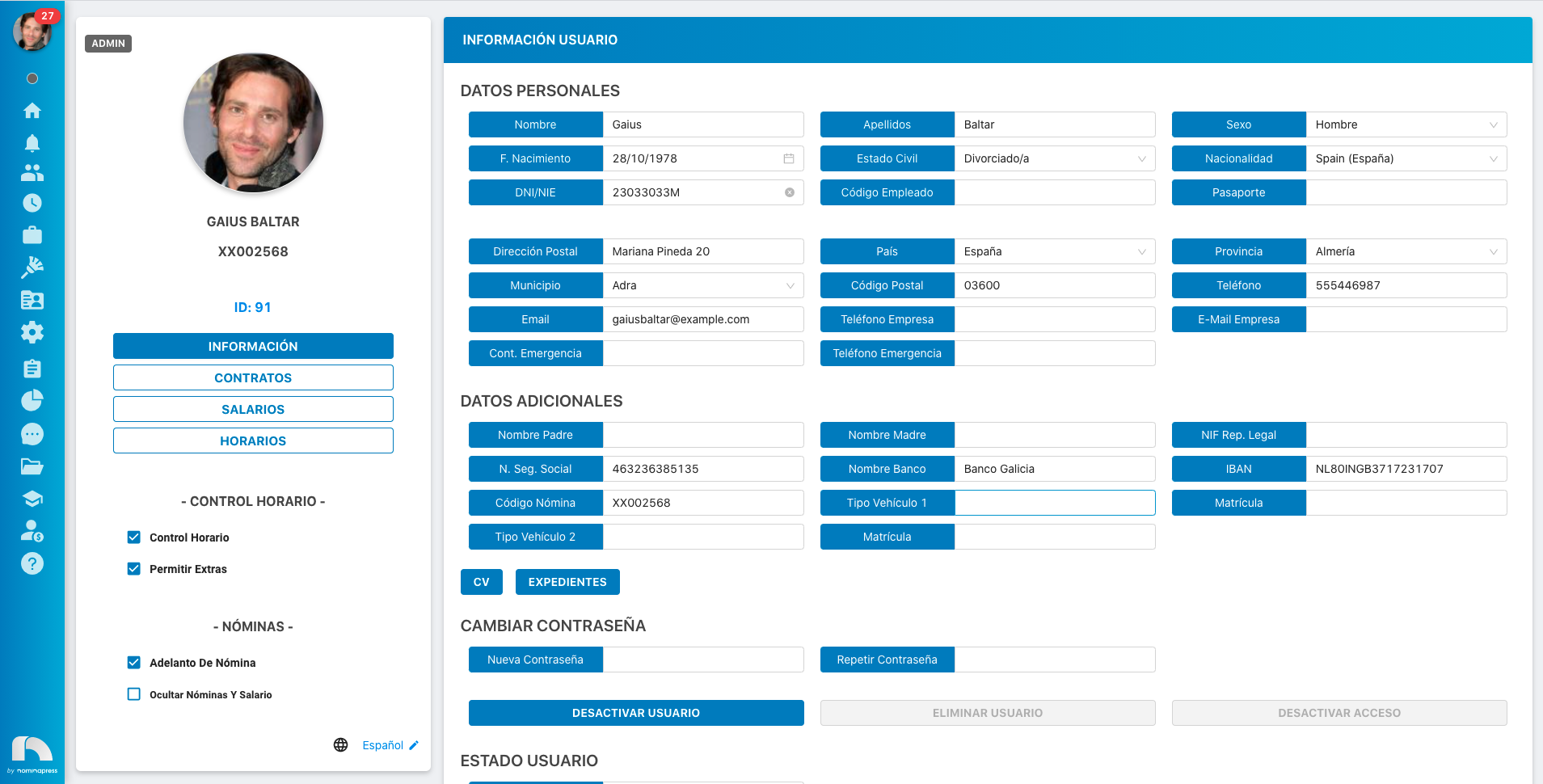
174. My Extra Data: If you activate this permission, in the View option, they can view their extra data. In the Edit option, it is enabled that the user can also modify them.
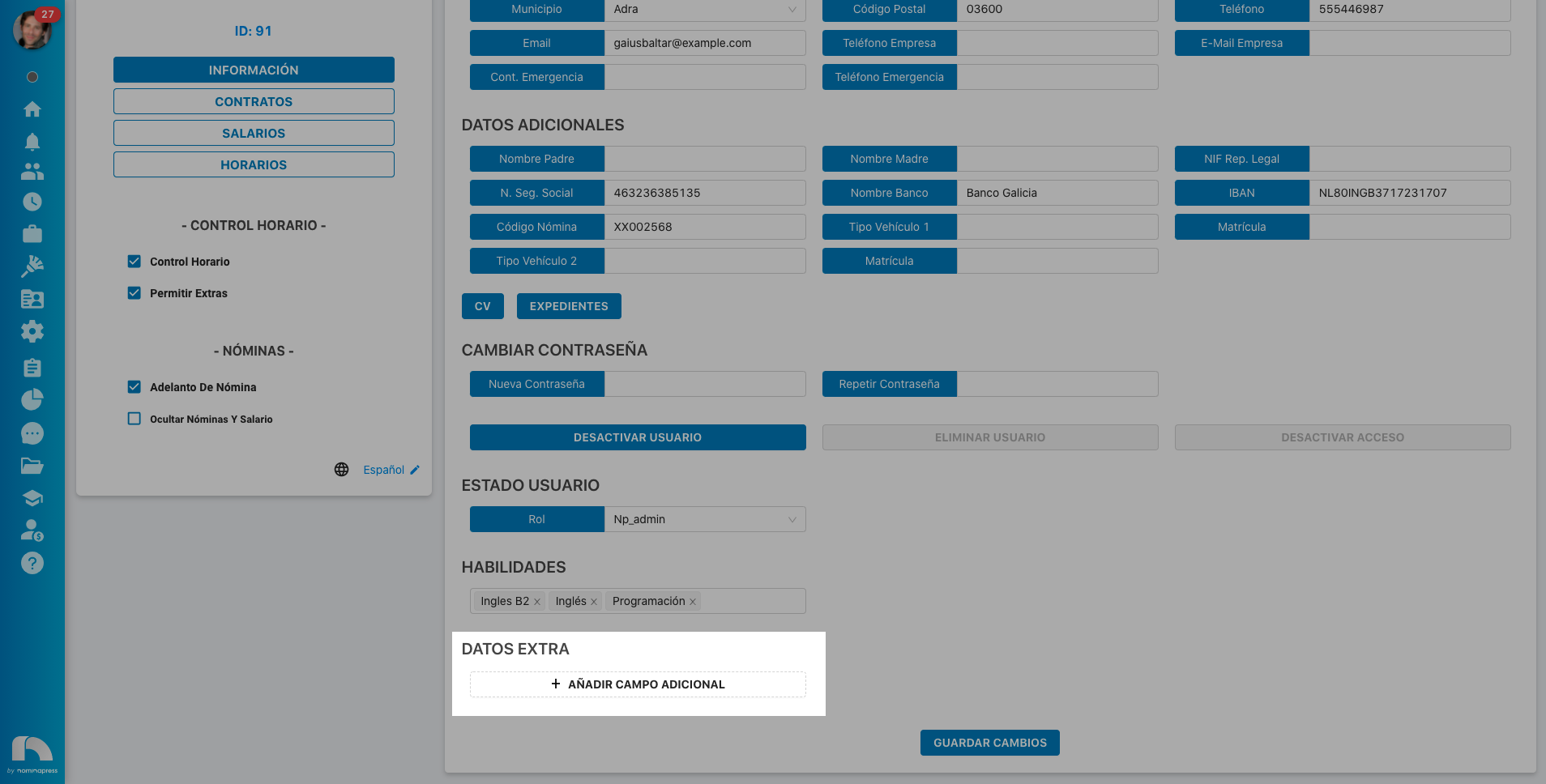
155. Modify Profile: If you activate this permission, both in the View option and in the Edit option, the option for each user to modify their own profile is enabled.
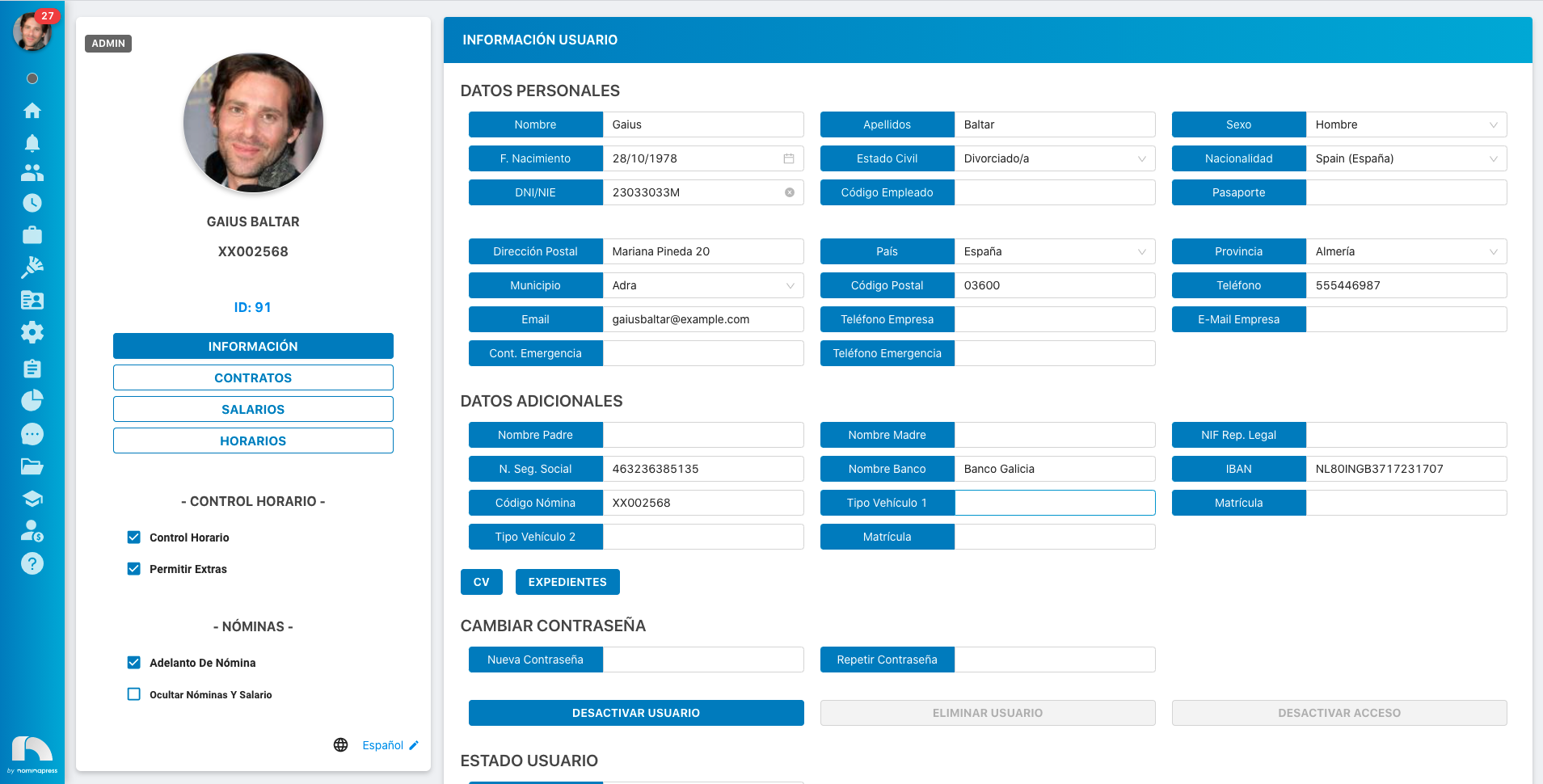
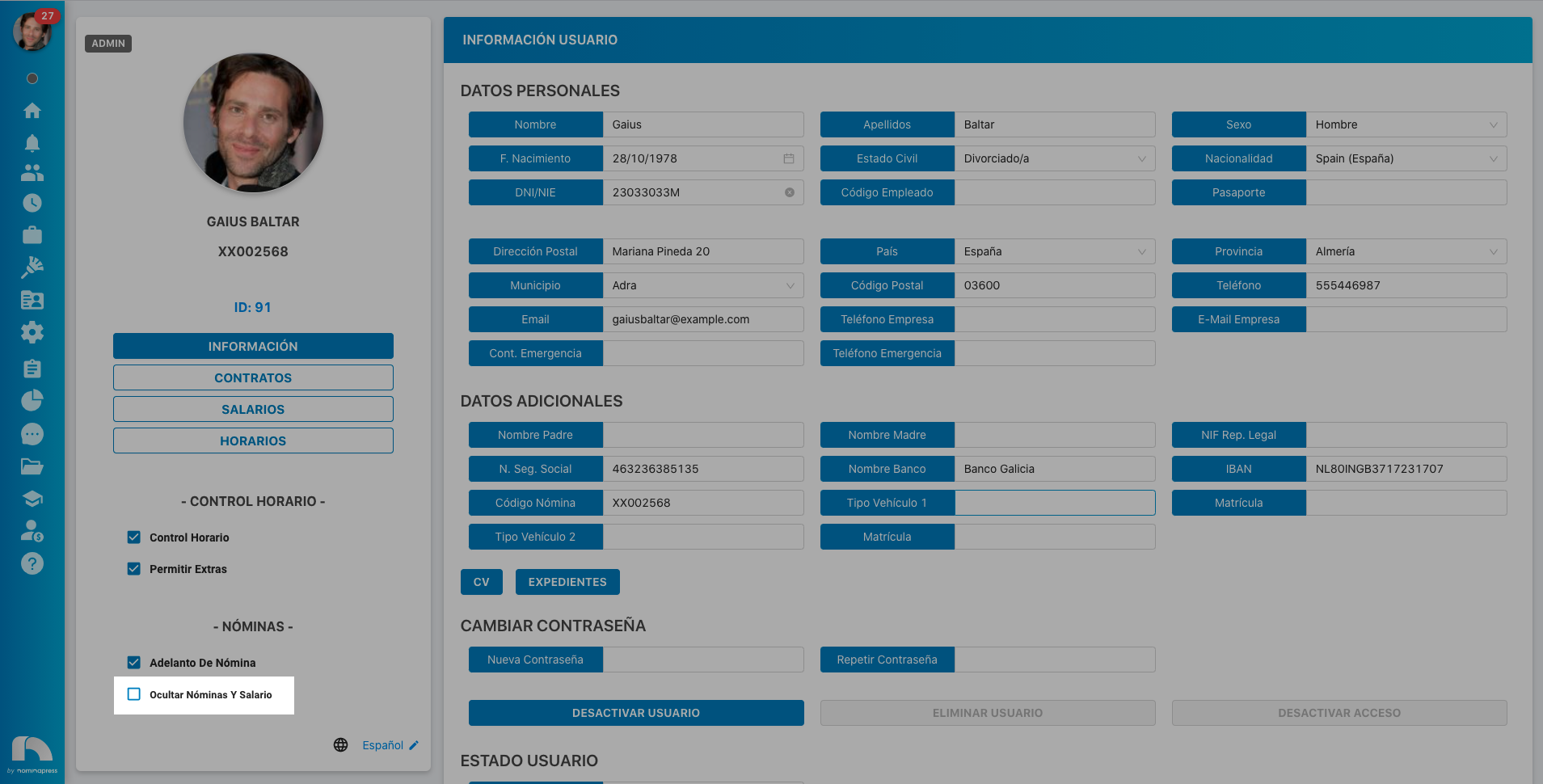
156. Hide admin payrolls: If you activate this permission, both in the View option and in the Edit option, the option to activate or deactivate hiding their own payrolls and salary is enabled.
157. Vehicles and Licenses: If you activate this permission, in the View option, they can view their vehicle and license data. In the Edit option, it is enabled that the user can also modify them.

226. Clocking pauses: If you activate this permission, both in the View option and in the Edit option, the option for the user to take pauses during their clocking is enabled, without needing to clock out and then clock in again during their pause.
MY PROFILE / CONTRACT
The permissions in this block refer to what the user sees and can do in the contracts of their own profile.
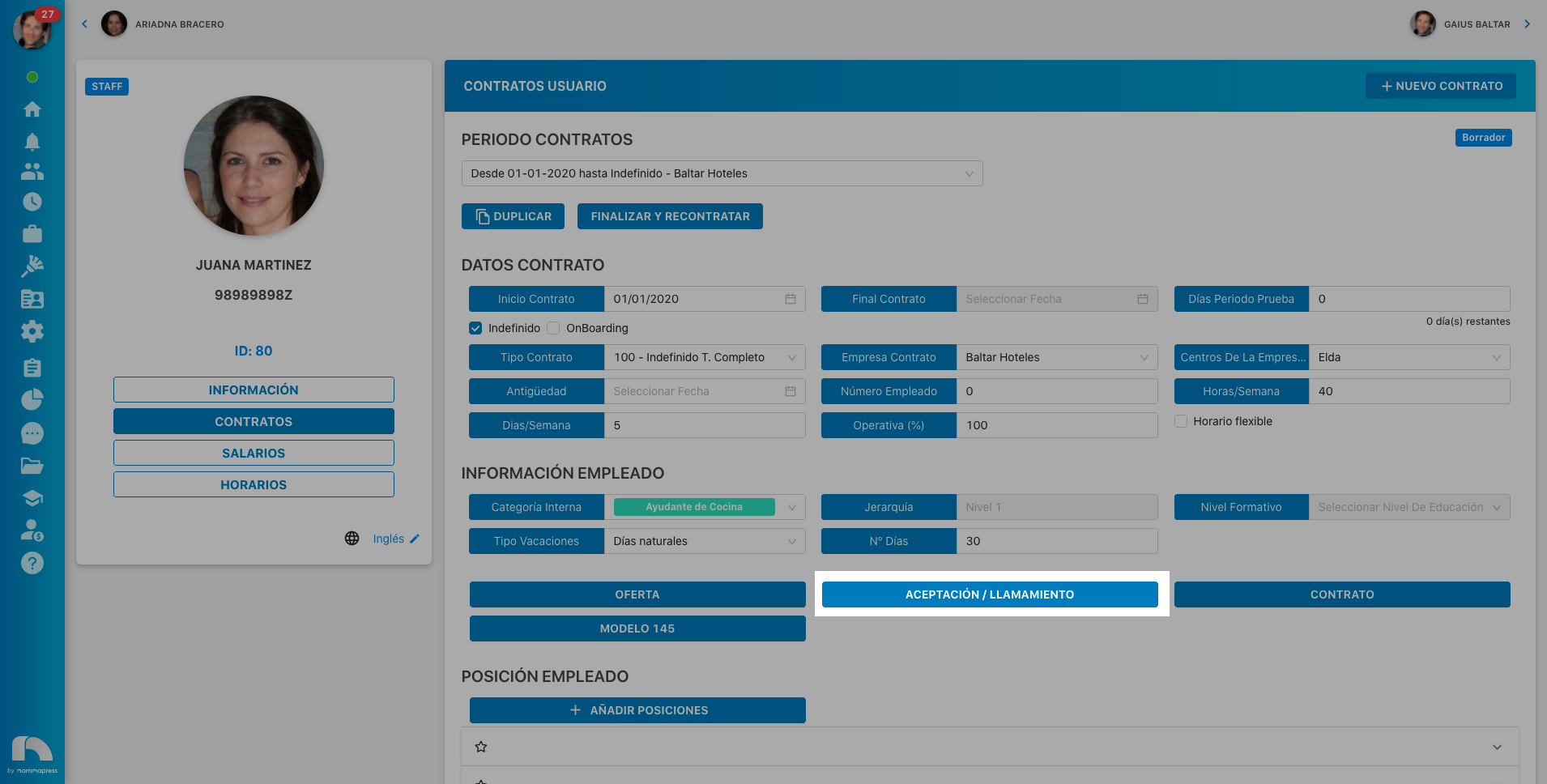
163. Acceptance: If you activate this permission, in the View option, the option to view their acceptances/calls appears. In the Edit option, it is enabled that each user can upload a new file.
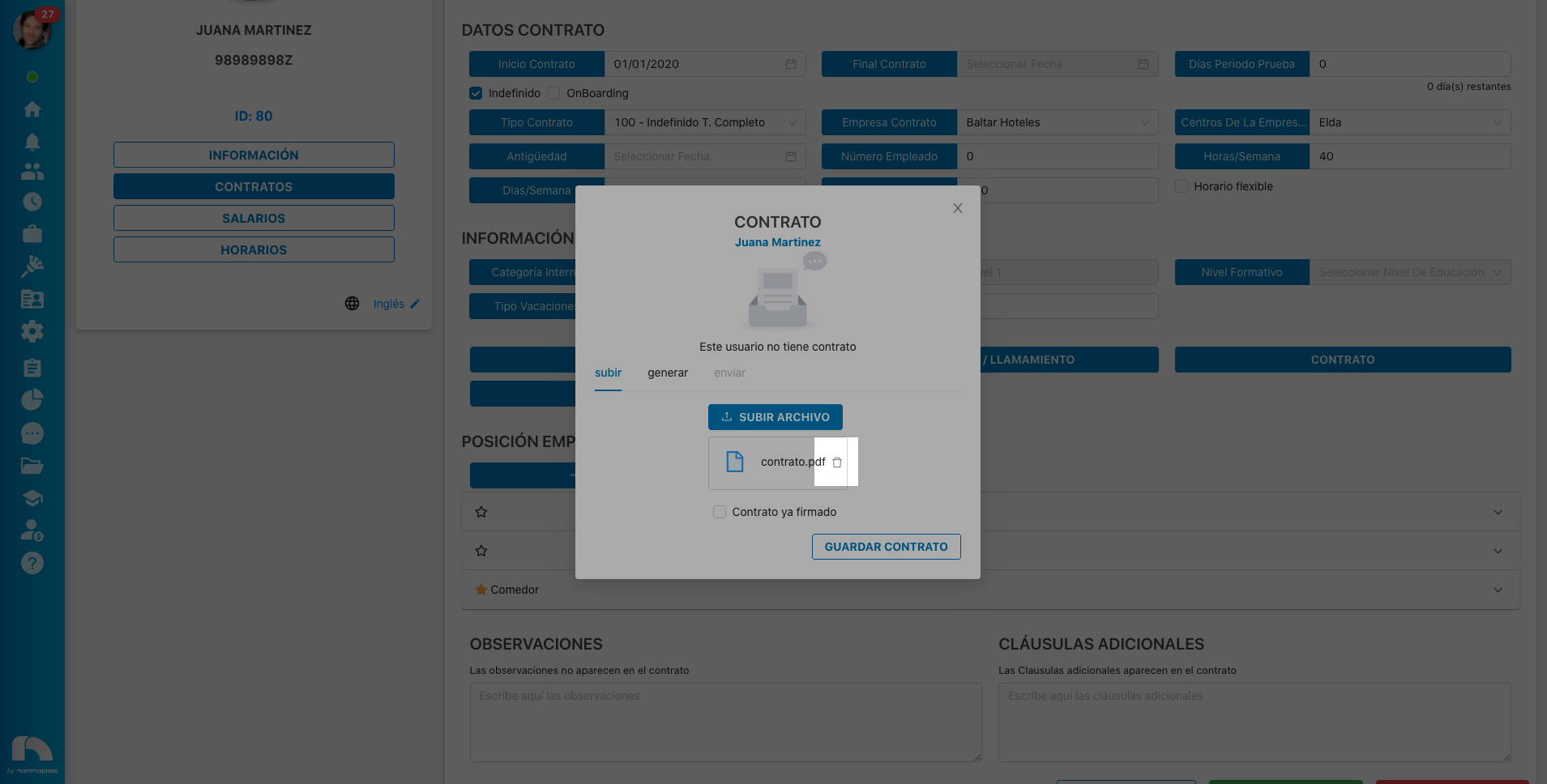
164. Delete Contract File: If you activate this permission, both in the View option and in the Edit option, the option for the user to delete the contract file is enabled.
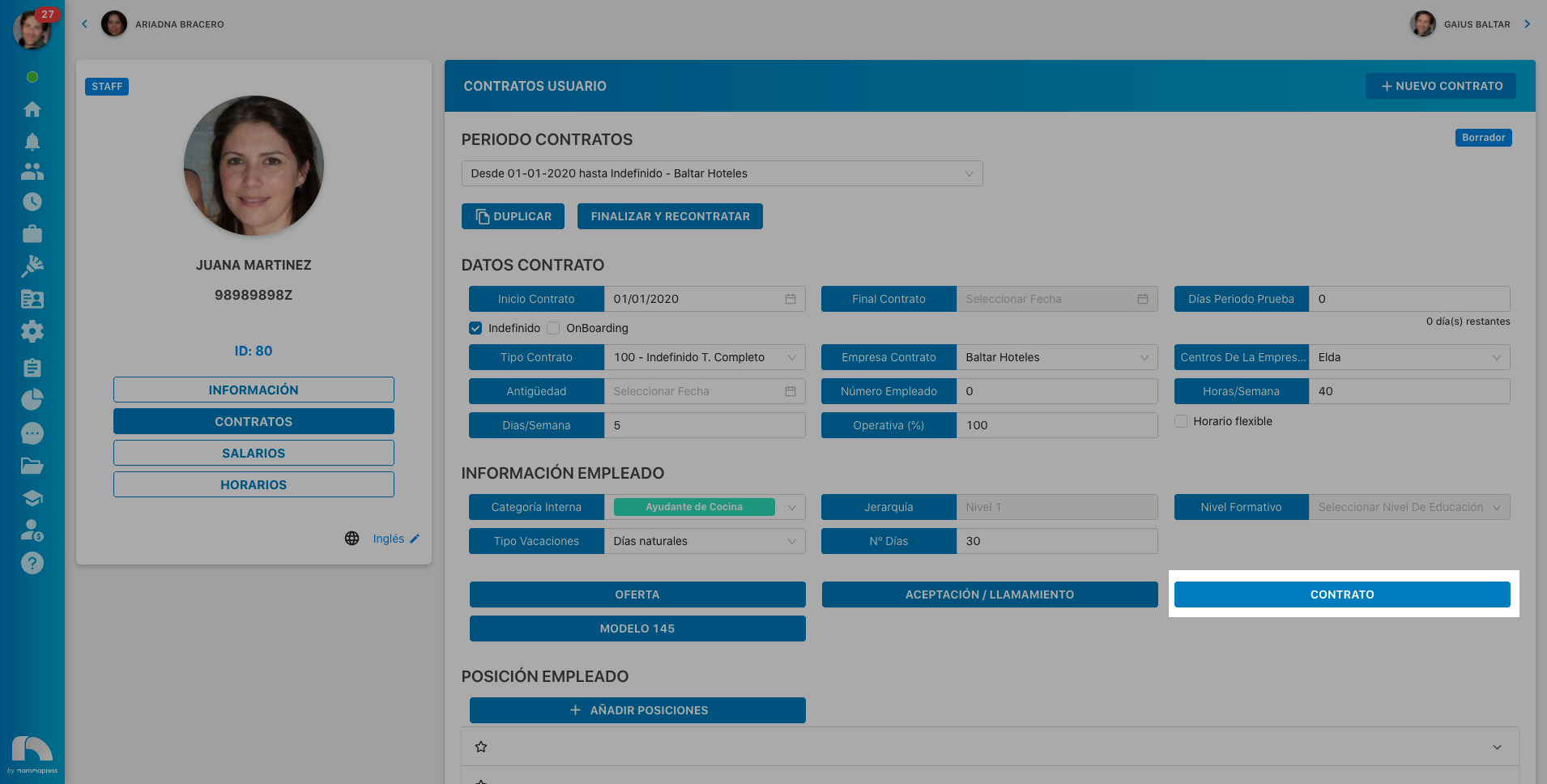
165. Contract: If you activate this permission, in the View option, the option to view contract appears. In the Edit option, it is enabled that each user can upload their contract.
166. Send Contract: If you activate this permission, in the Edit option, each user can send themselves their own contracts.
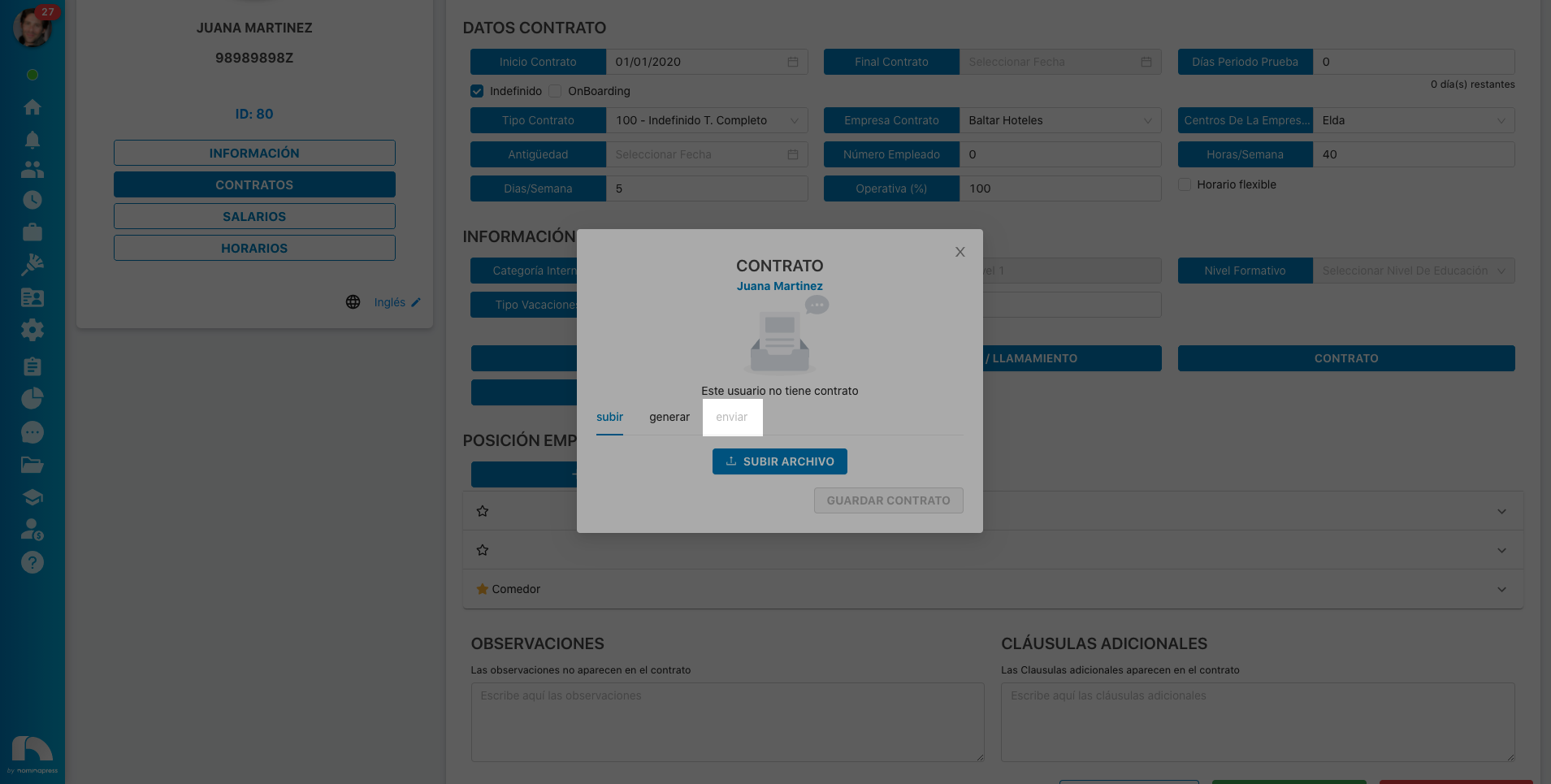
167. Generate Contract: If you activate this permission, in the Edit option, each user can generate their own contracts.
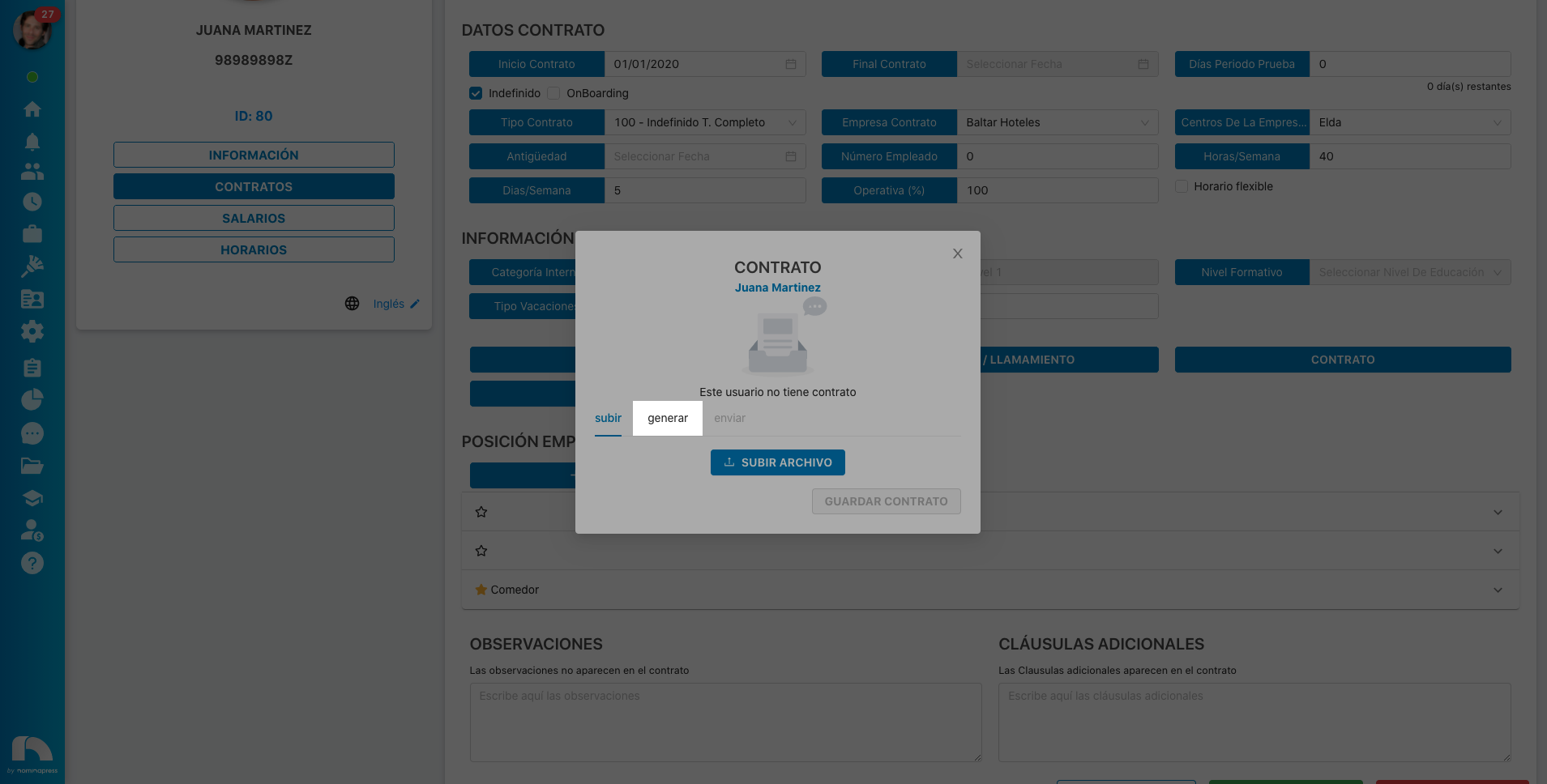
168. Contract Information: If you activate this permission, in the View option, they can view their contract information. In the Edit option, it is enabled that the user can also modify it.
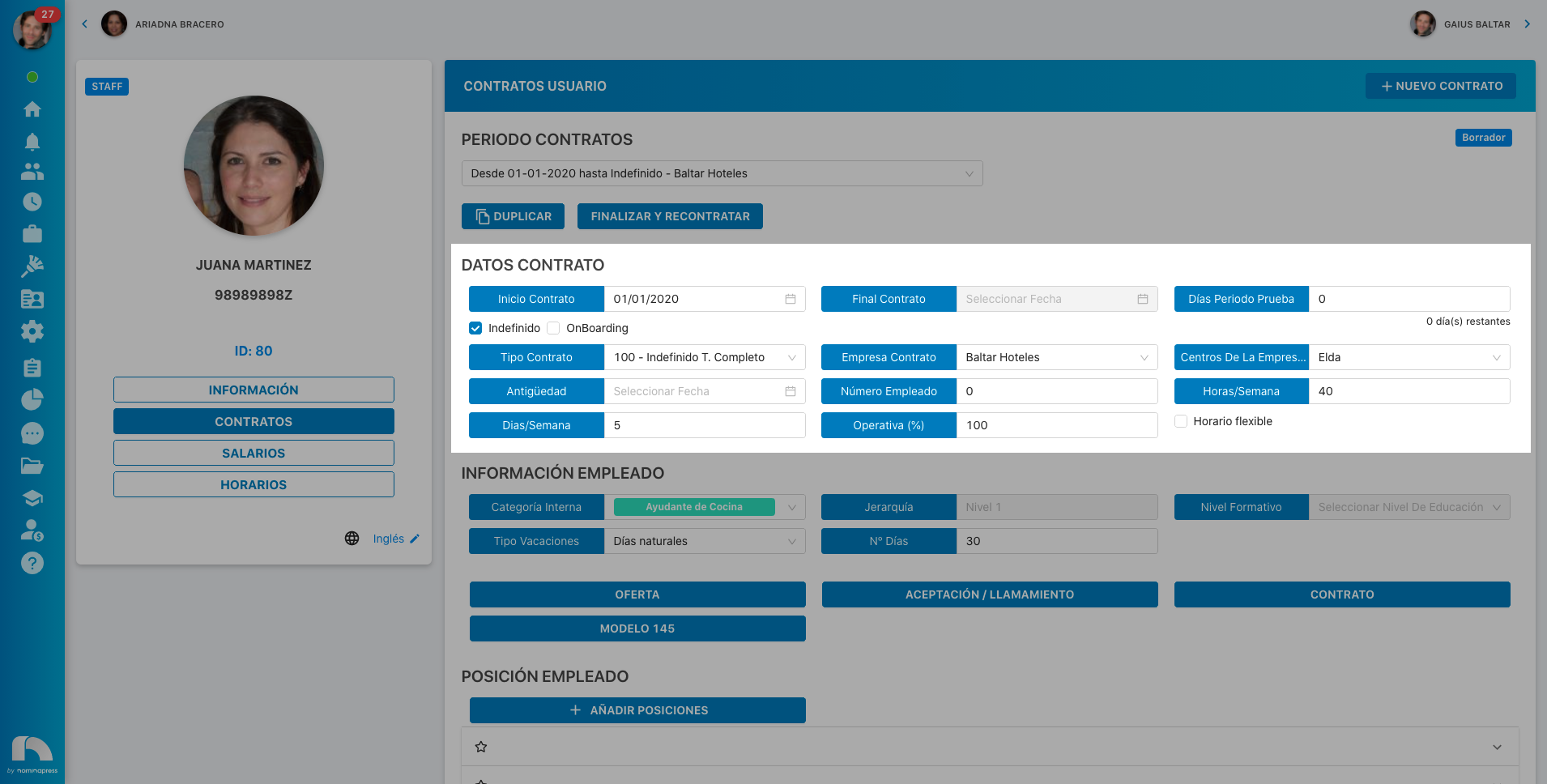
169. Employee Information: If you activate this permission, in the View option, they can view their employee information. In the Edit option, it is enabled that the user can also modify it.
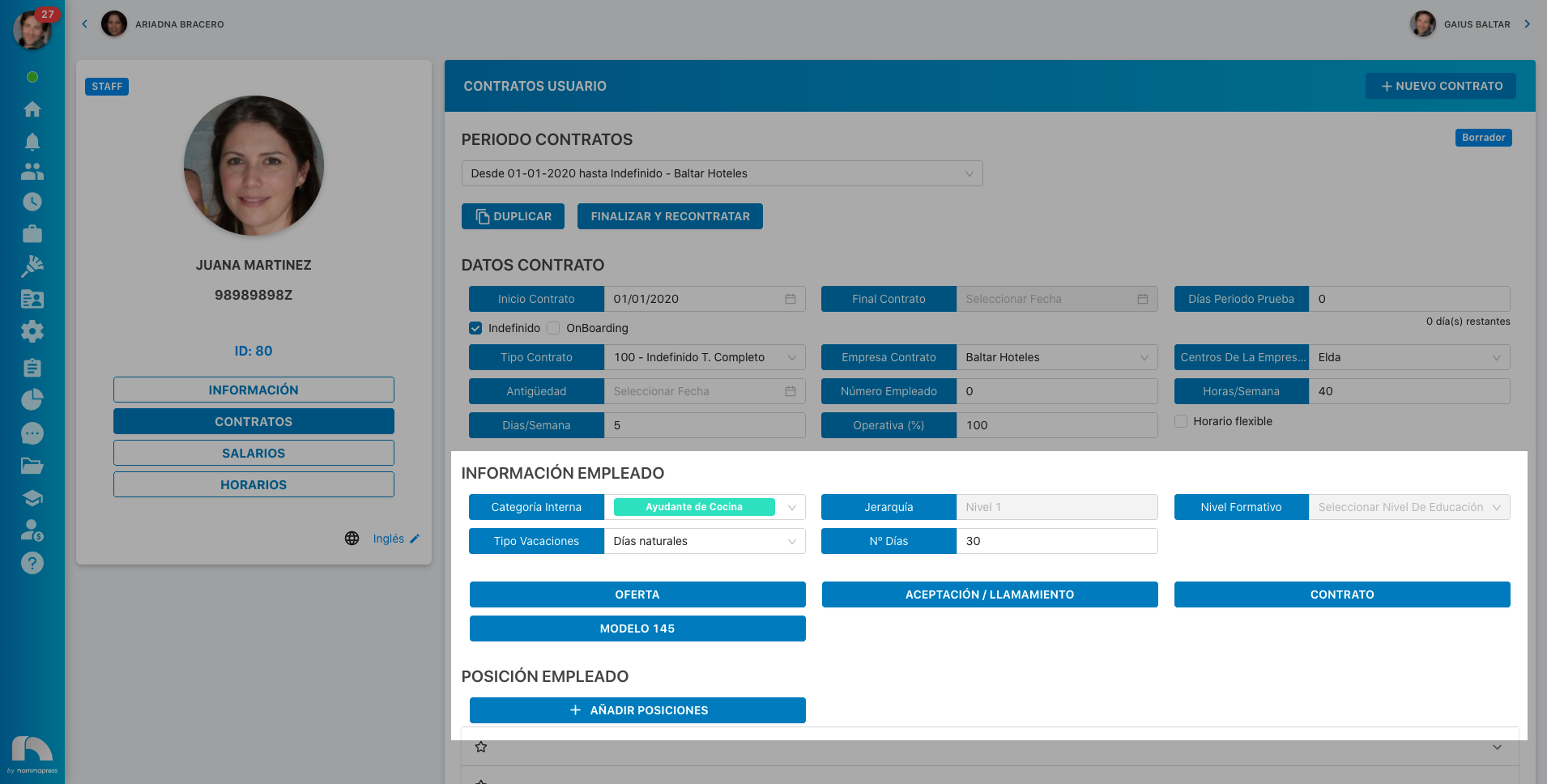
177. My Additional Clauses: If you activate this permission, in the View option, they can view their additional clauses. In the Edit option, it is enabled that the user can also modify them.
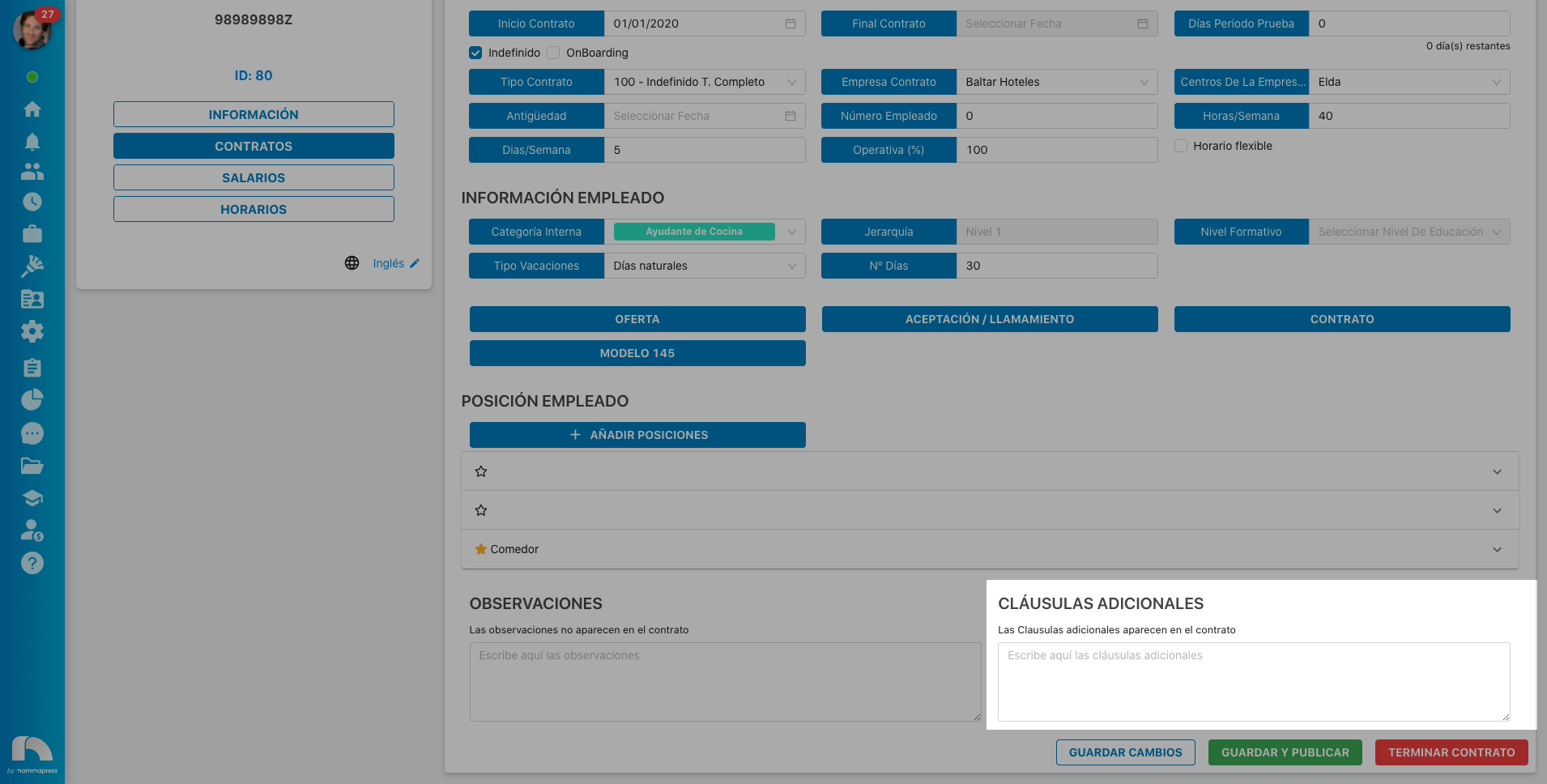
176. My Observations: If you activate this permission, in the View option, they can view their observations. In the Edit option, it is enabled that the user can also modify them.
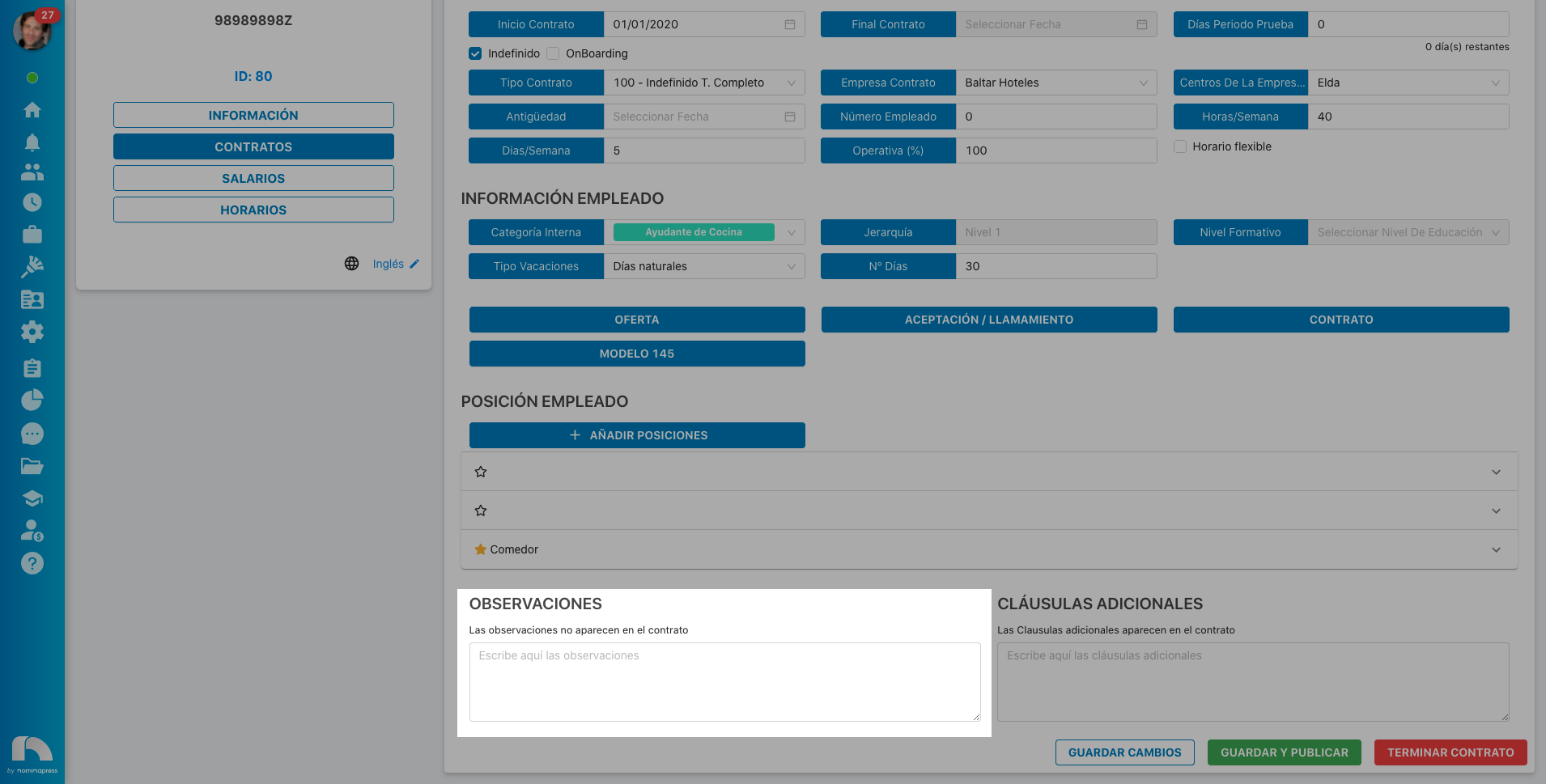
170. Model 145: If you activate this permission, in the View option, the option to view their Model 145 appears. In the Edit option, it is enabled that each user can upload a new file.
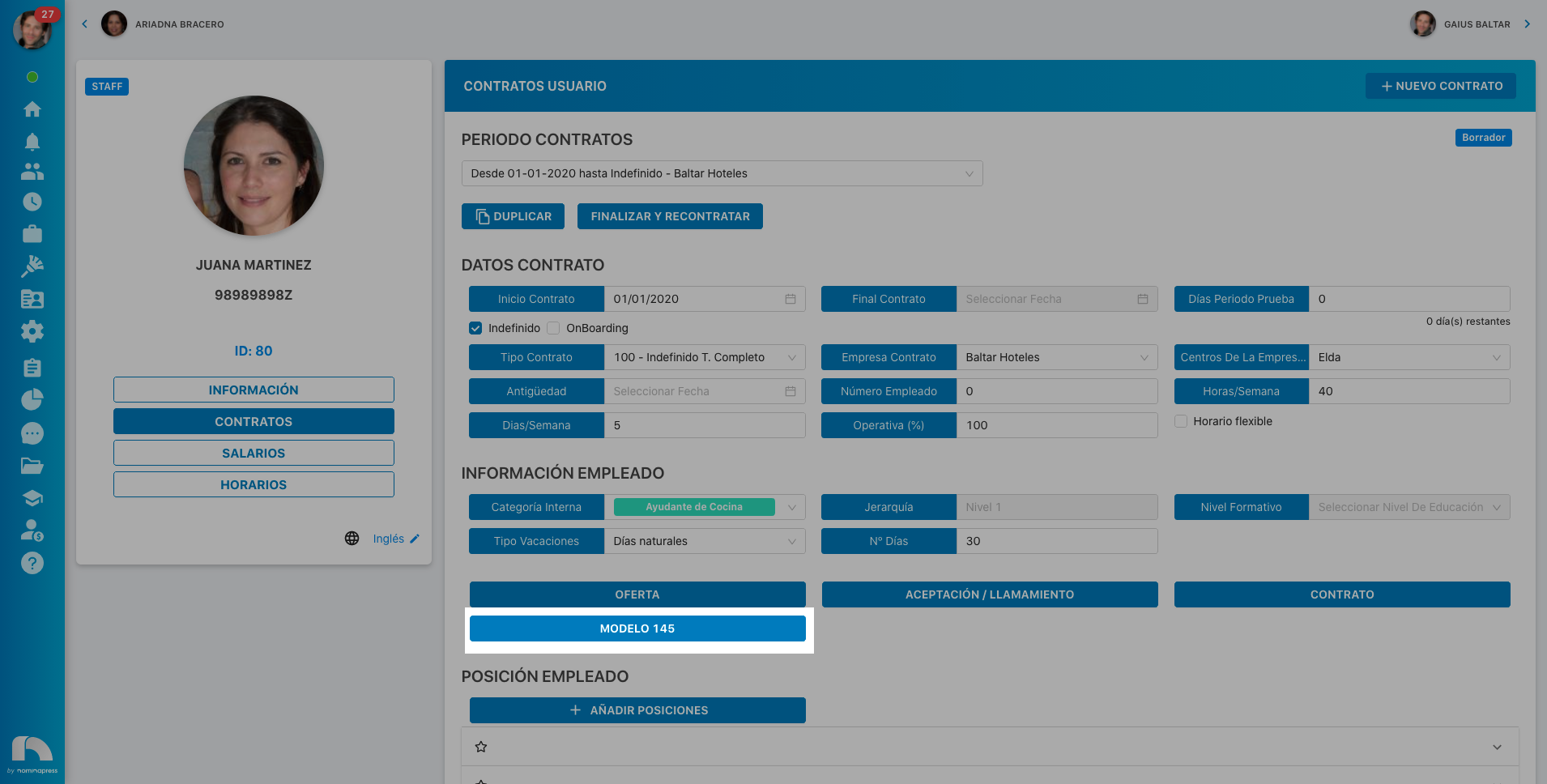
171. Offer: If you activate this permission, in the View option, the option to view their offer appears. In the Edit option, it is enabled that each user can upload a new file.
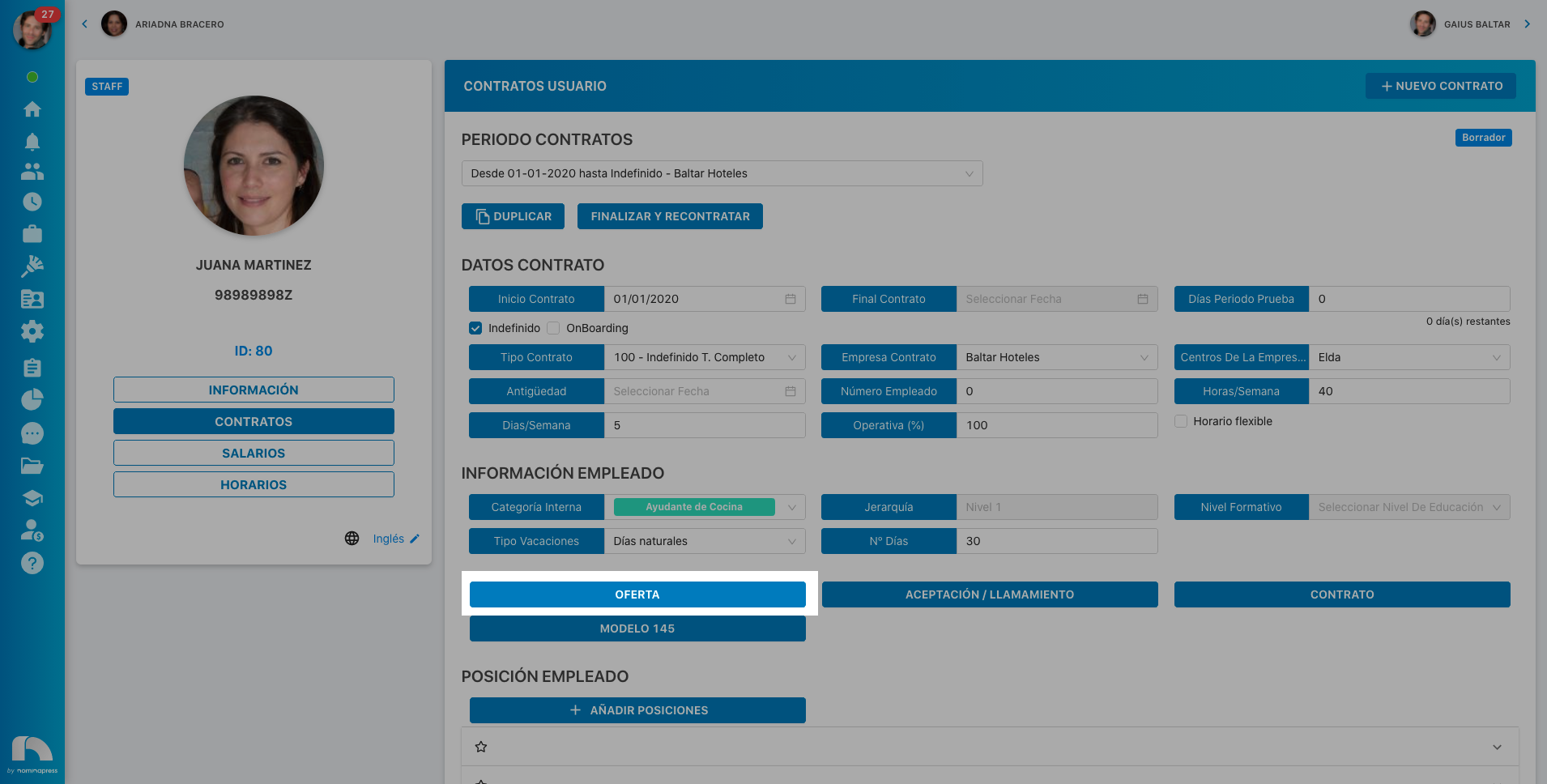
172. Employee Position: If you activate this permission, in the View option, they can view their position. In the Edit option, it is enabled that the user can also modify it.
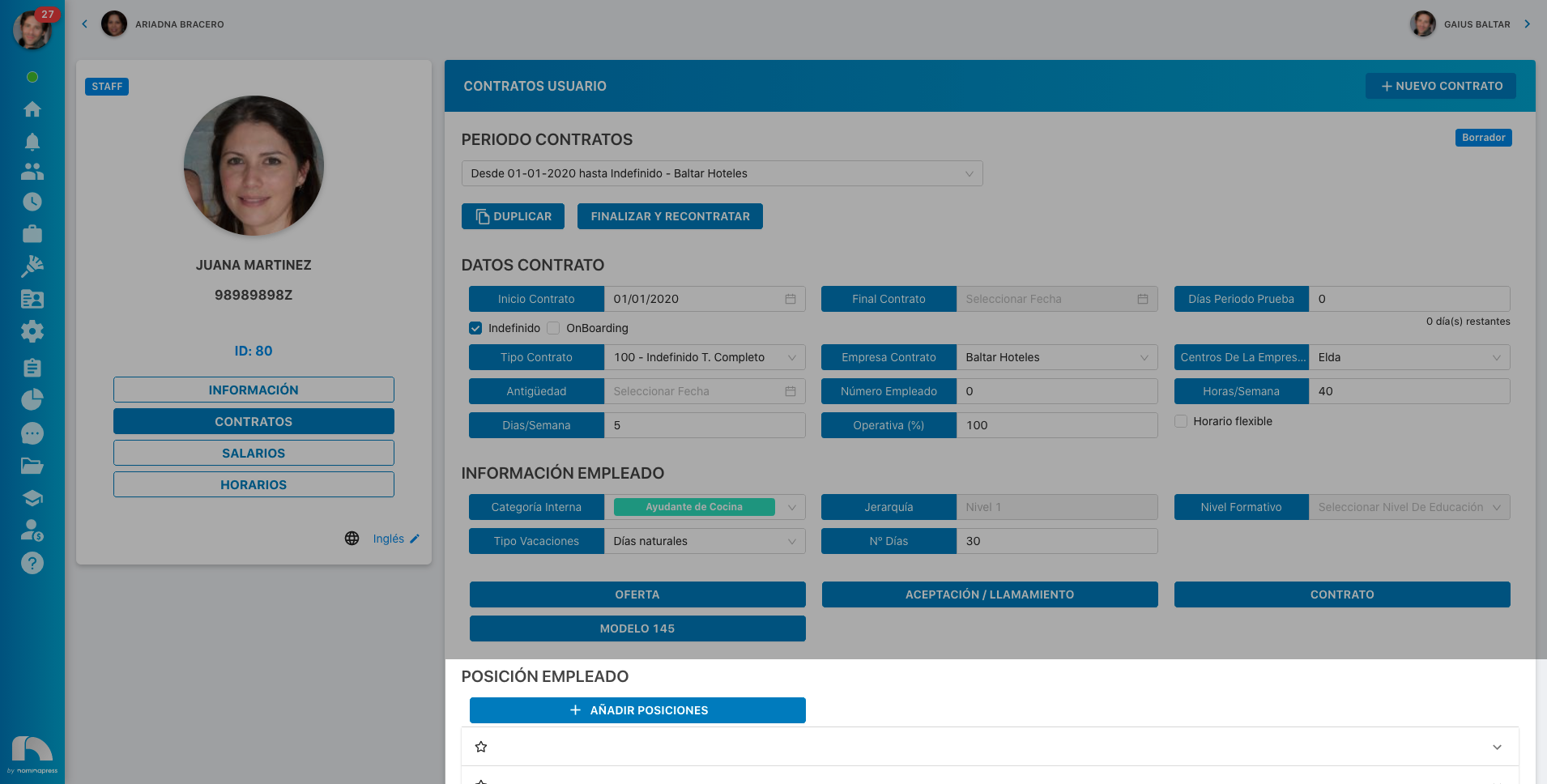
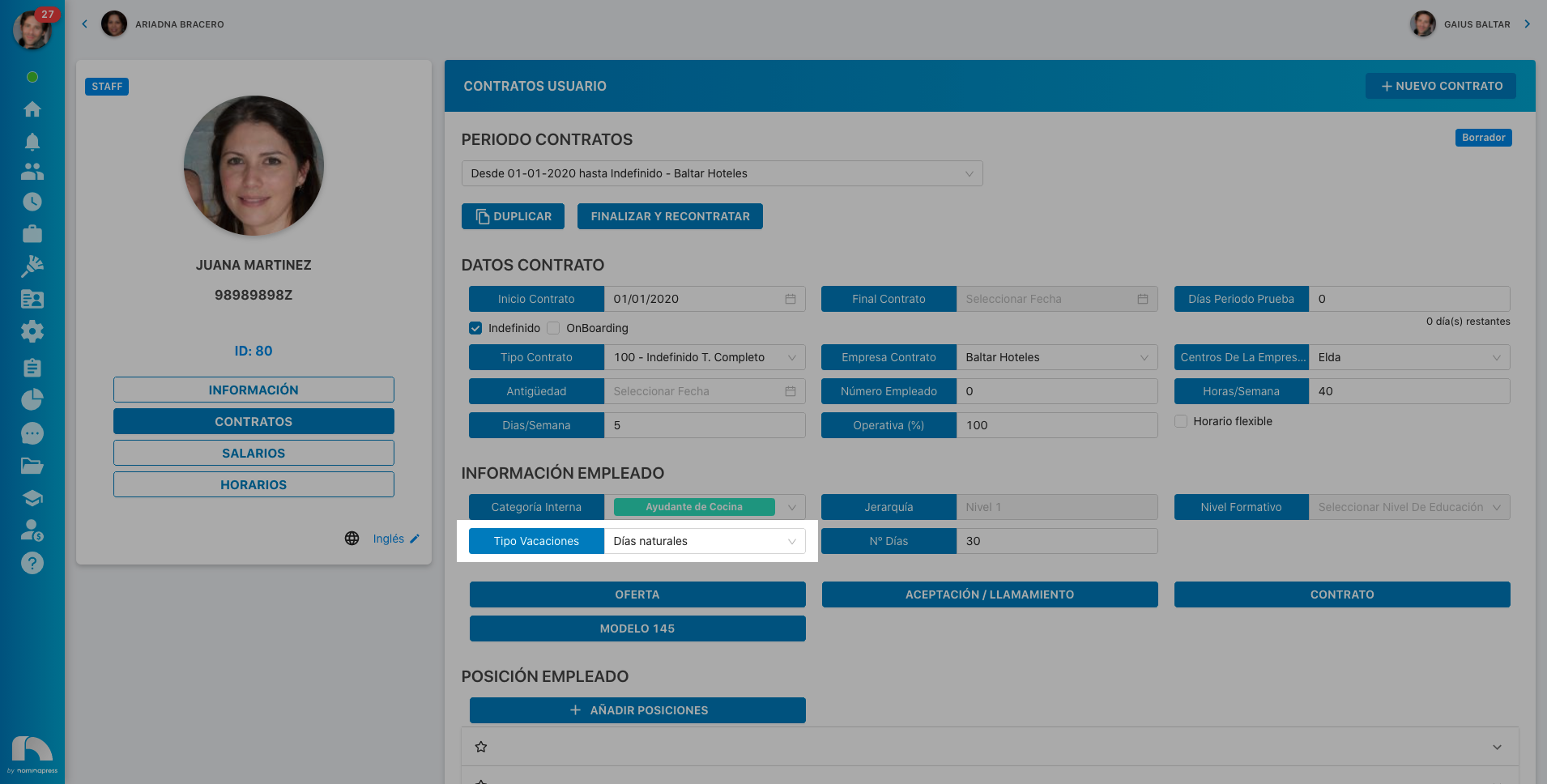
173. Vacations by contract period: If you activate this permission, in the View option, they can view their vacations by contract period. In the Edit option, it is enabled that the user can also modify them.
MY PROFILE / SUMMARY
159. ATTENDANCE:
This permission is currently not available
160. HOURS WORKED:
This permission is currently not available
161. SHIFT PUNCTUALITY:
This permission is currently not available
162. VACATIONS:
This permission is currently not available