Requests Permissions
REQUESTS
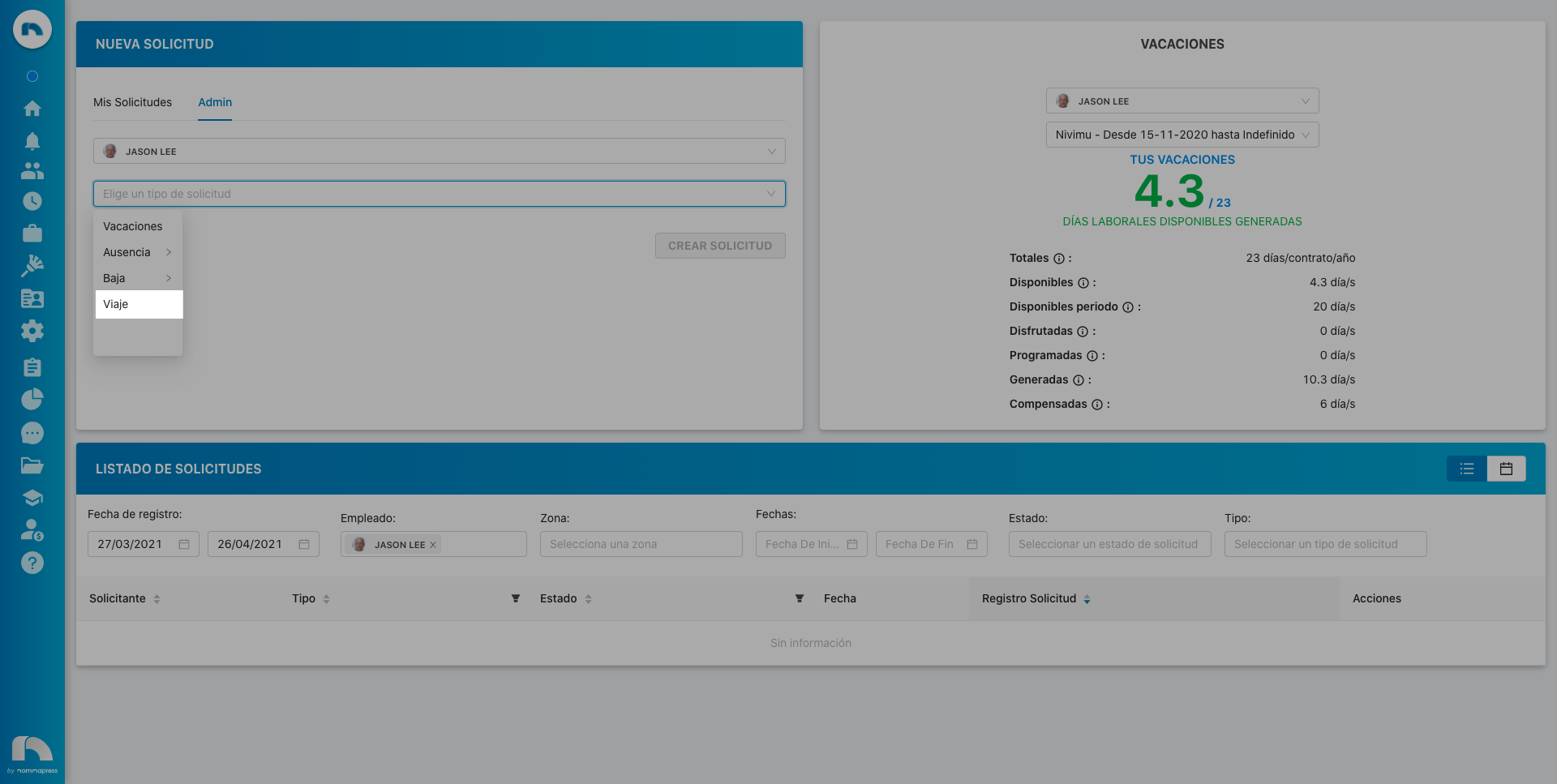
18. Payroll Advance: If you activate this permission, both in the View option and in the Edit option, the user can make a payroll advance request.
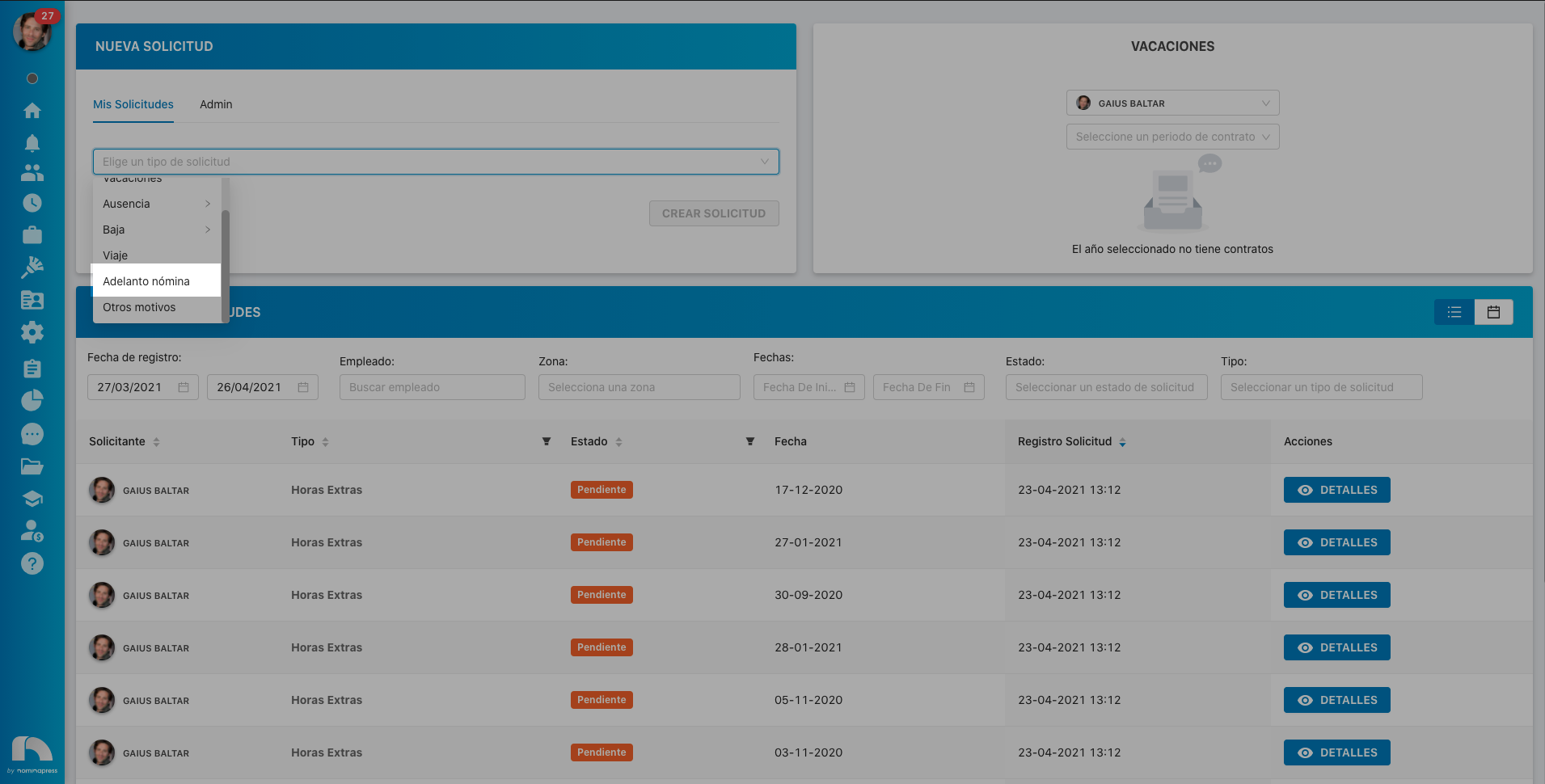
52. Absences: If you activate this permission, in the View option, they can request absences. In the Edit option, it is enabled that the user can also validate them (if manager) and can request those of their employees from time control.
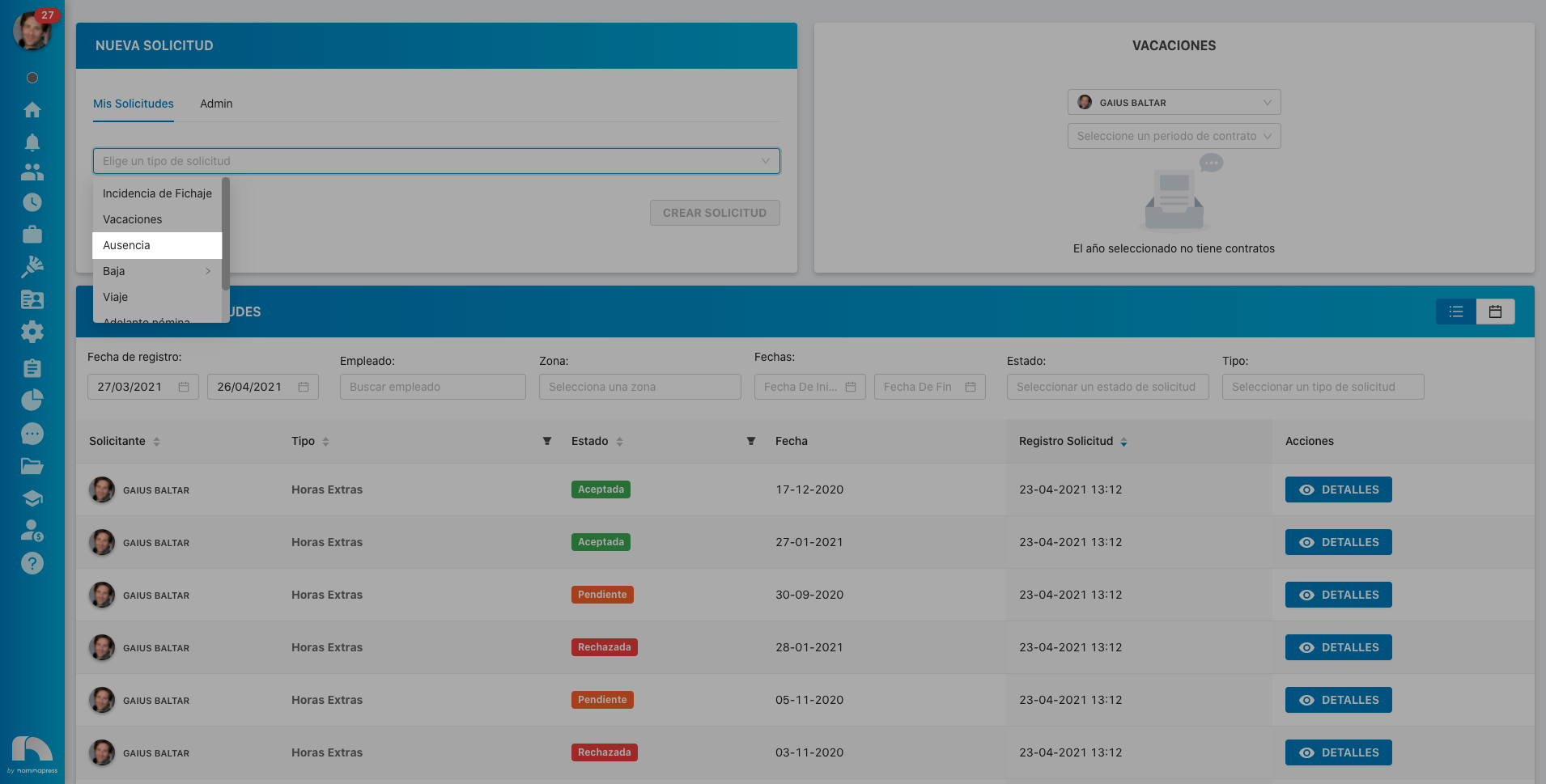
51. Leaves: If you activate this permission, in the View option, they can request leaves. In the Edit option, it is enabled that the user can also validate them (if manager) and can request those of their employees from time control.
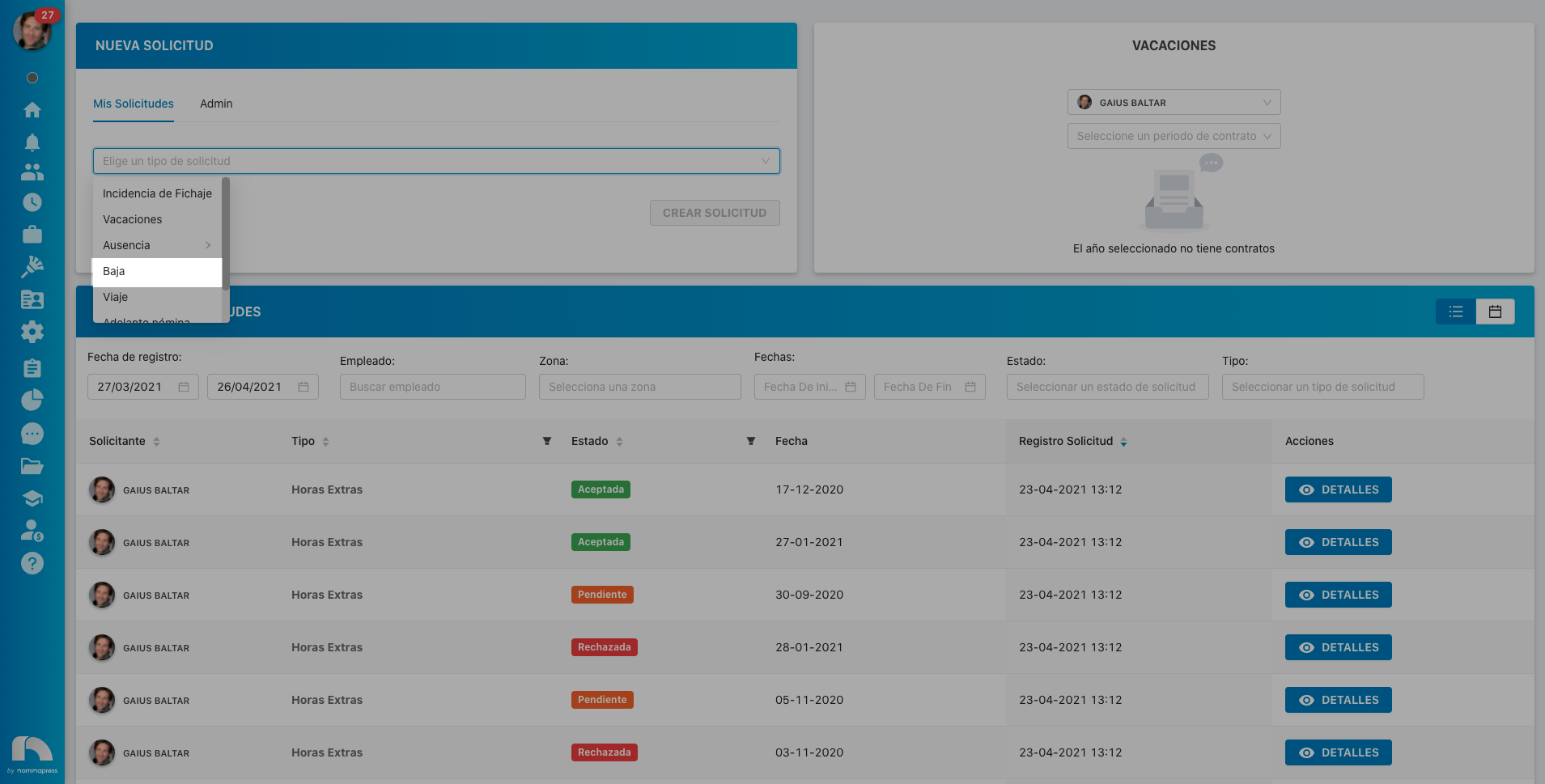
16. Clocking Incident: If you activate this permission, both in the View option and in the Edit option, the user can make a clocking incident request.
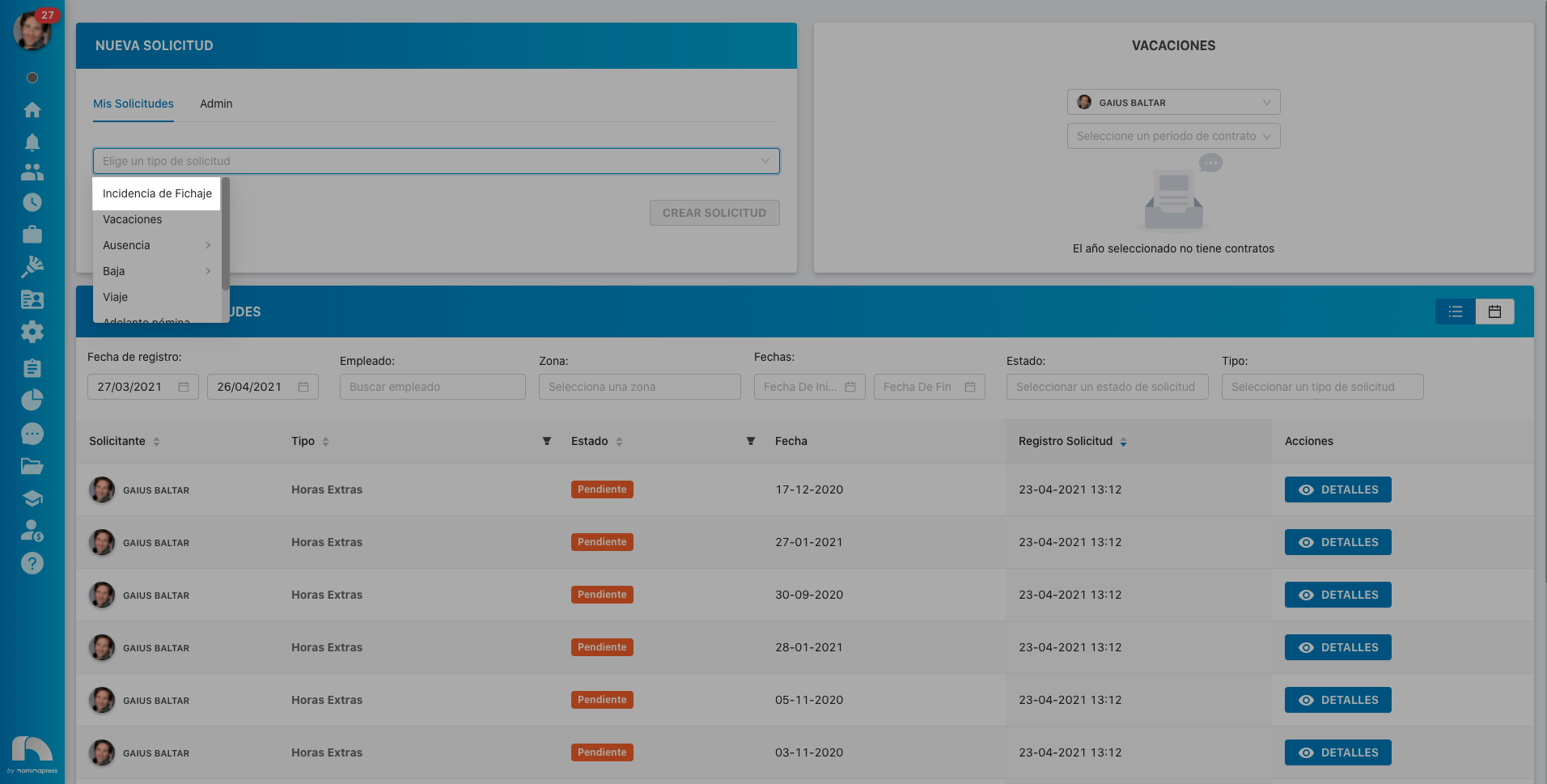
140. Accepted/rejected requests: If you activate this permission, in the View option, the user can see accepted/rejected requests. In the Edit option, it is enabled that the user can also validate them (if manager).
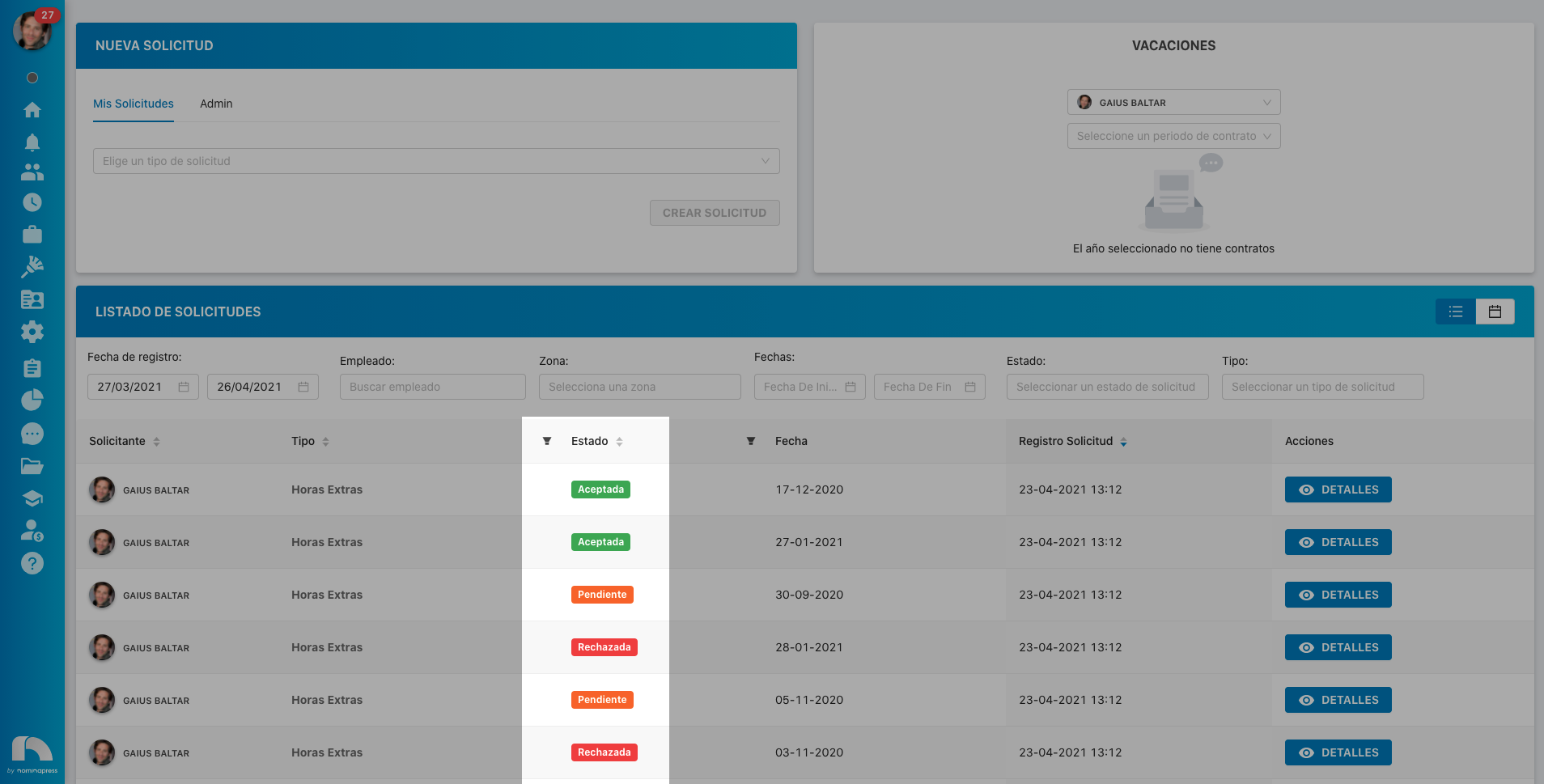
199. Contract termination request: If you activate this permission, both in the View option and in the Edit option, the option to request contract termination of the users the user sees from the user list screen is enabled.
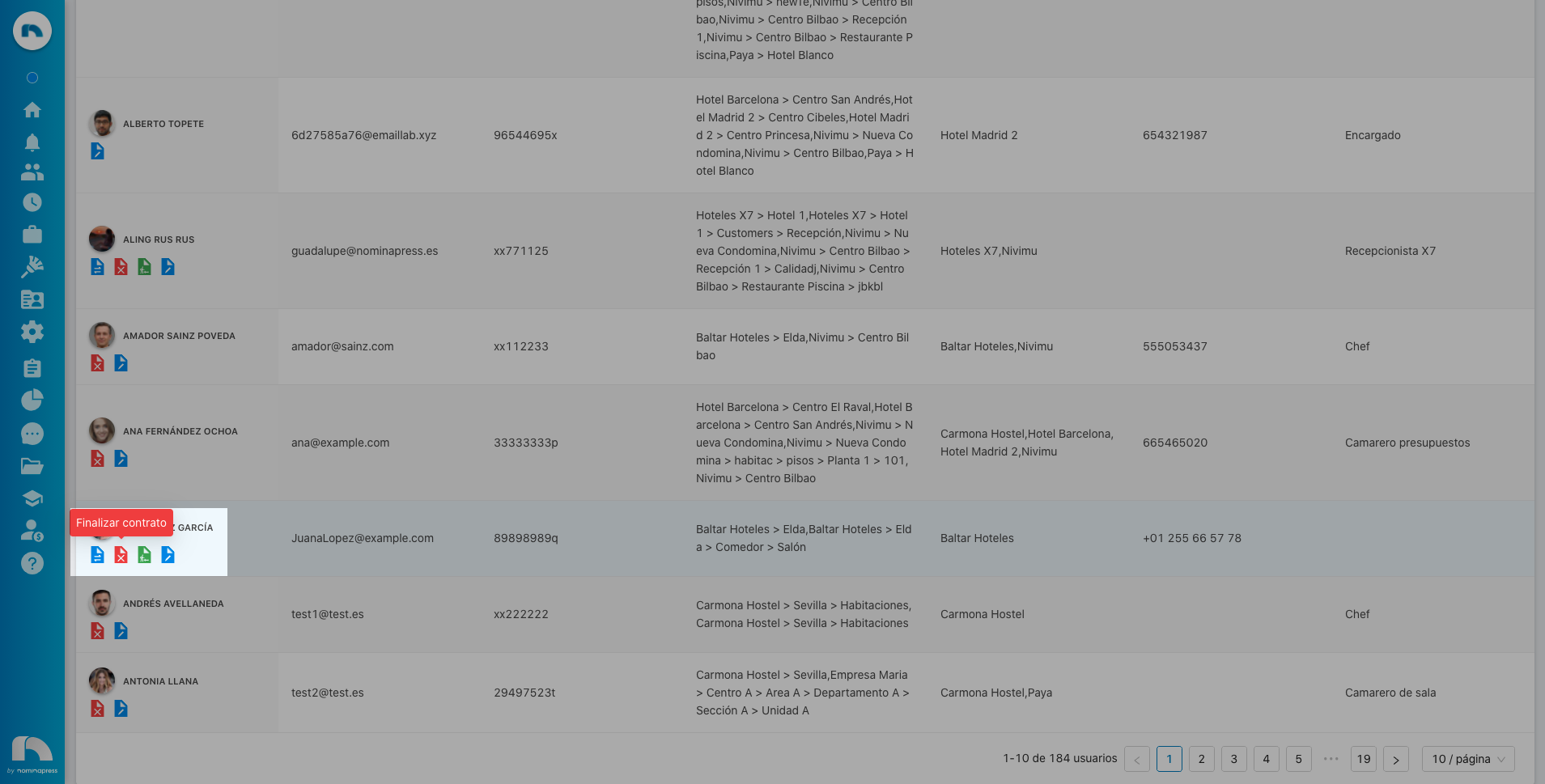
202. Contract modification request: If you activate this permission, both in the View option and in the Edit option, the option to request contract modification of the users the user sees from the user list screen is enabled.
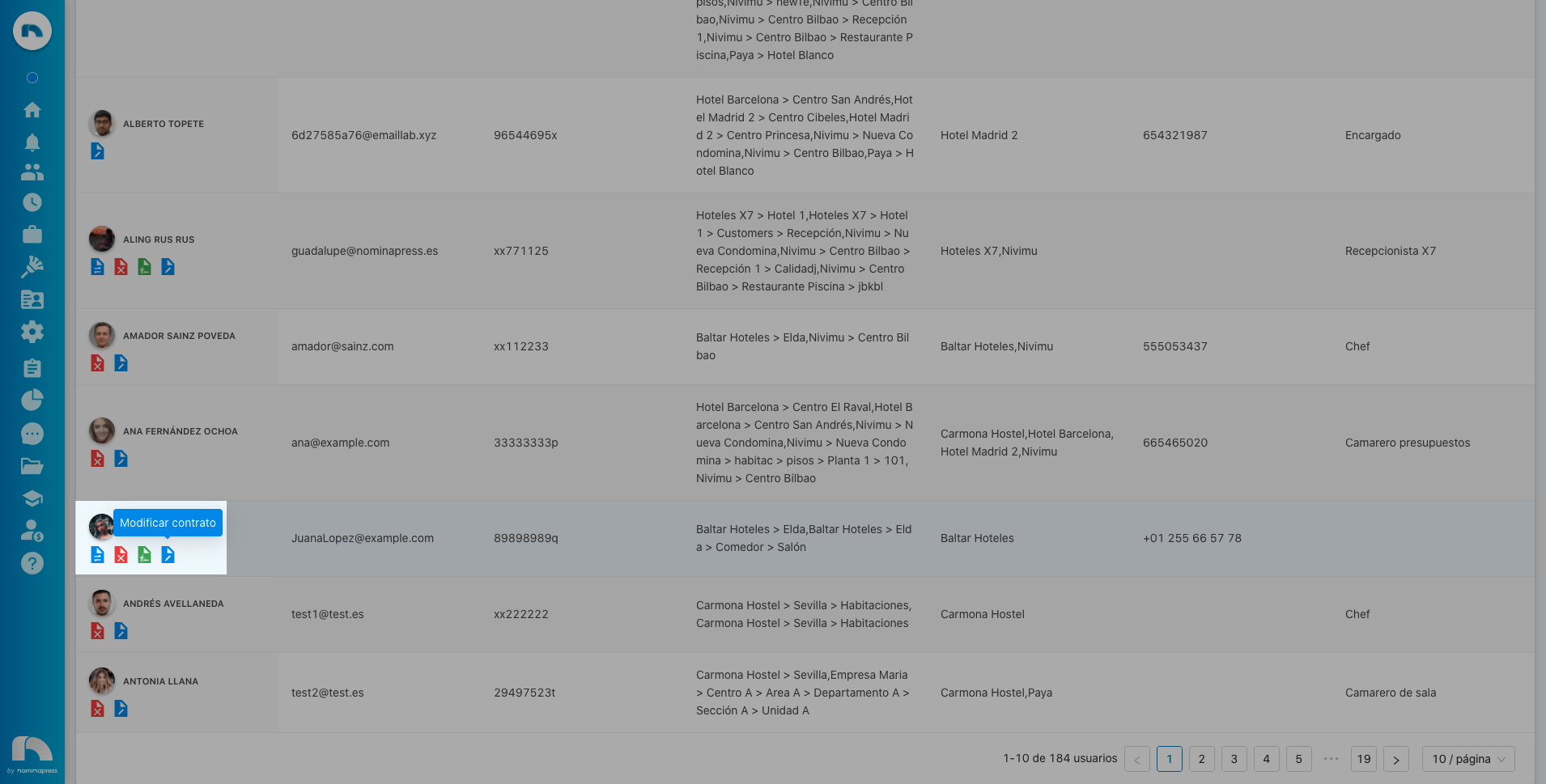
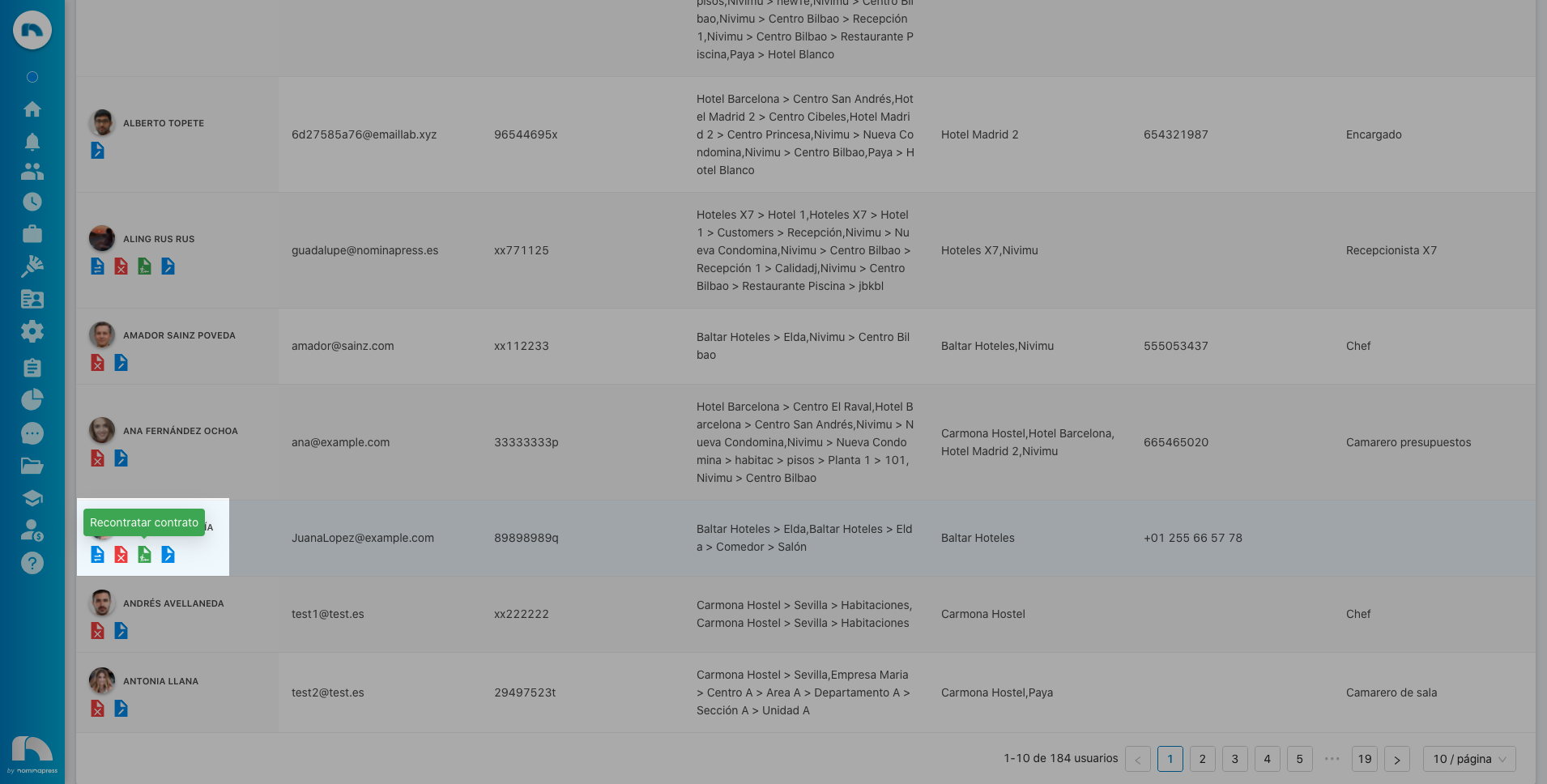
200. Contract extension request: If you activate this permission, both in the View option and in the Edit option, the option to request contract extension of the users the user sees from the user list screen is enabled.
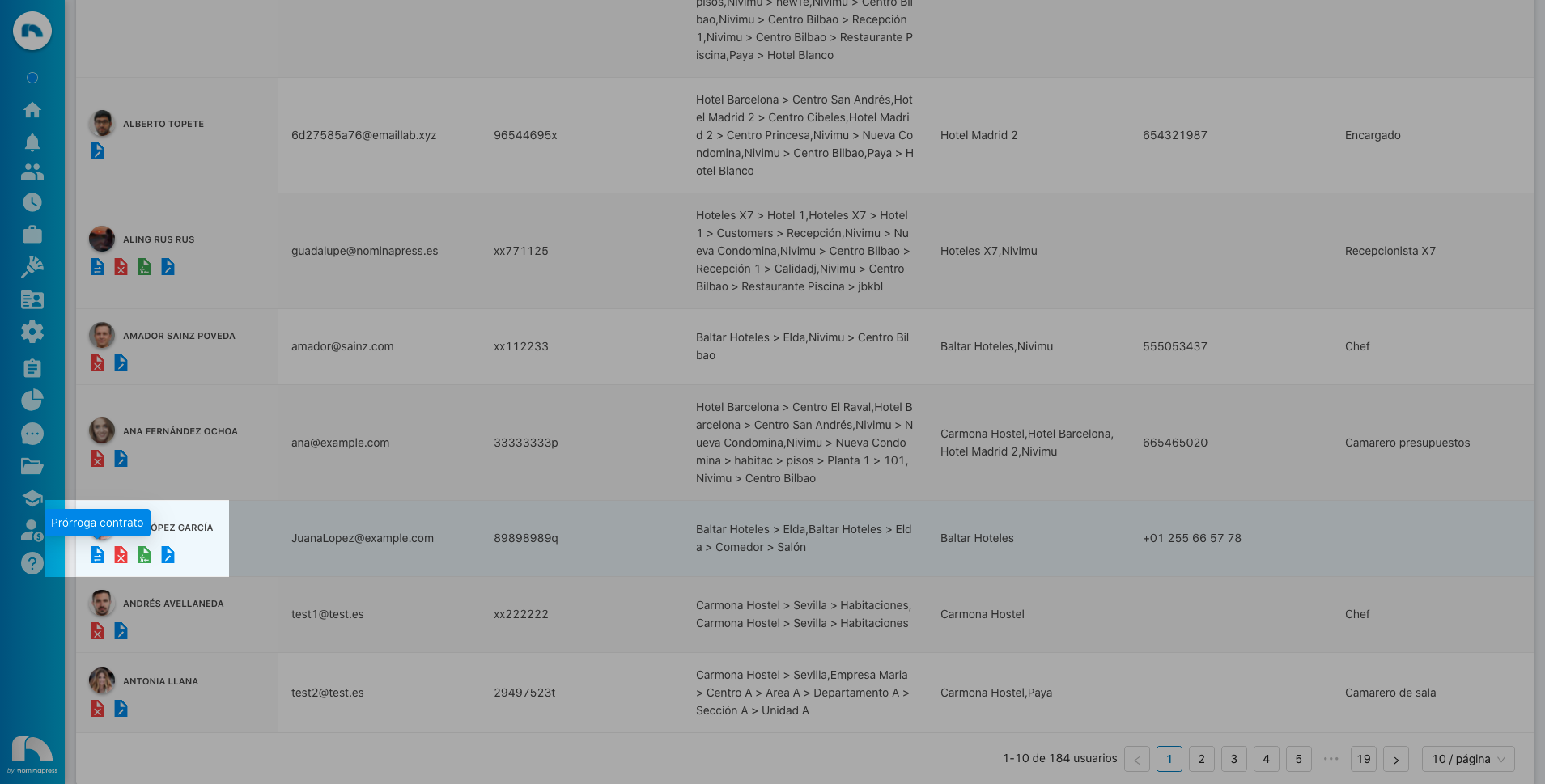
201. Rehire request: If you activate this permission, both in the View option and in the Edit option, the option to request rehire of the users the user sees from the user list screen is enabled.
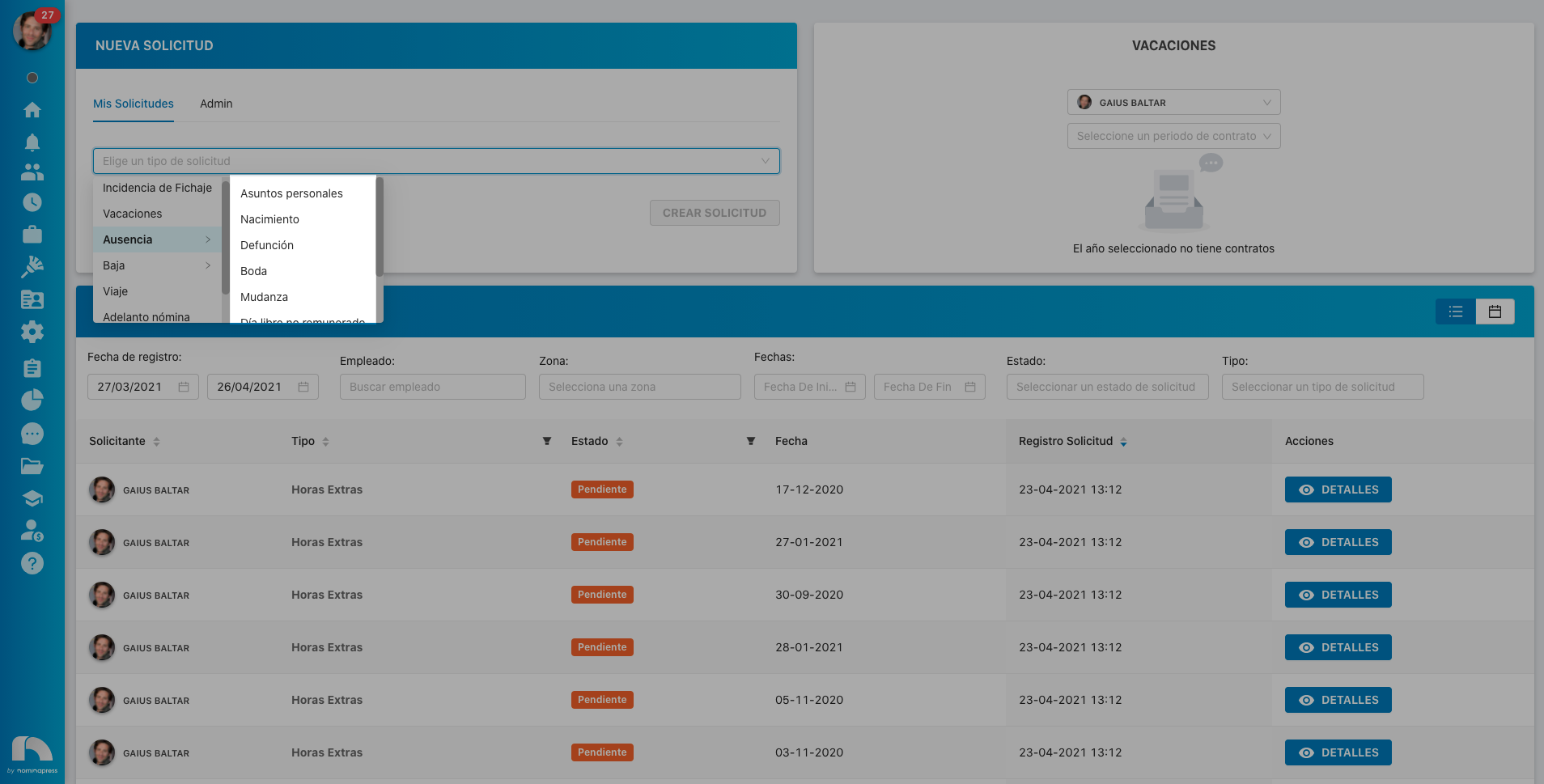
8. Absence subtypes: If you activate this permission, both in the View option and in the Edit option, the option to view and request absence subtypes is enabled.
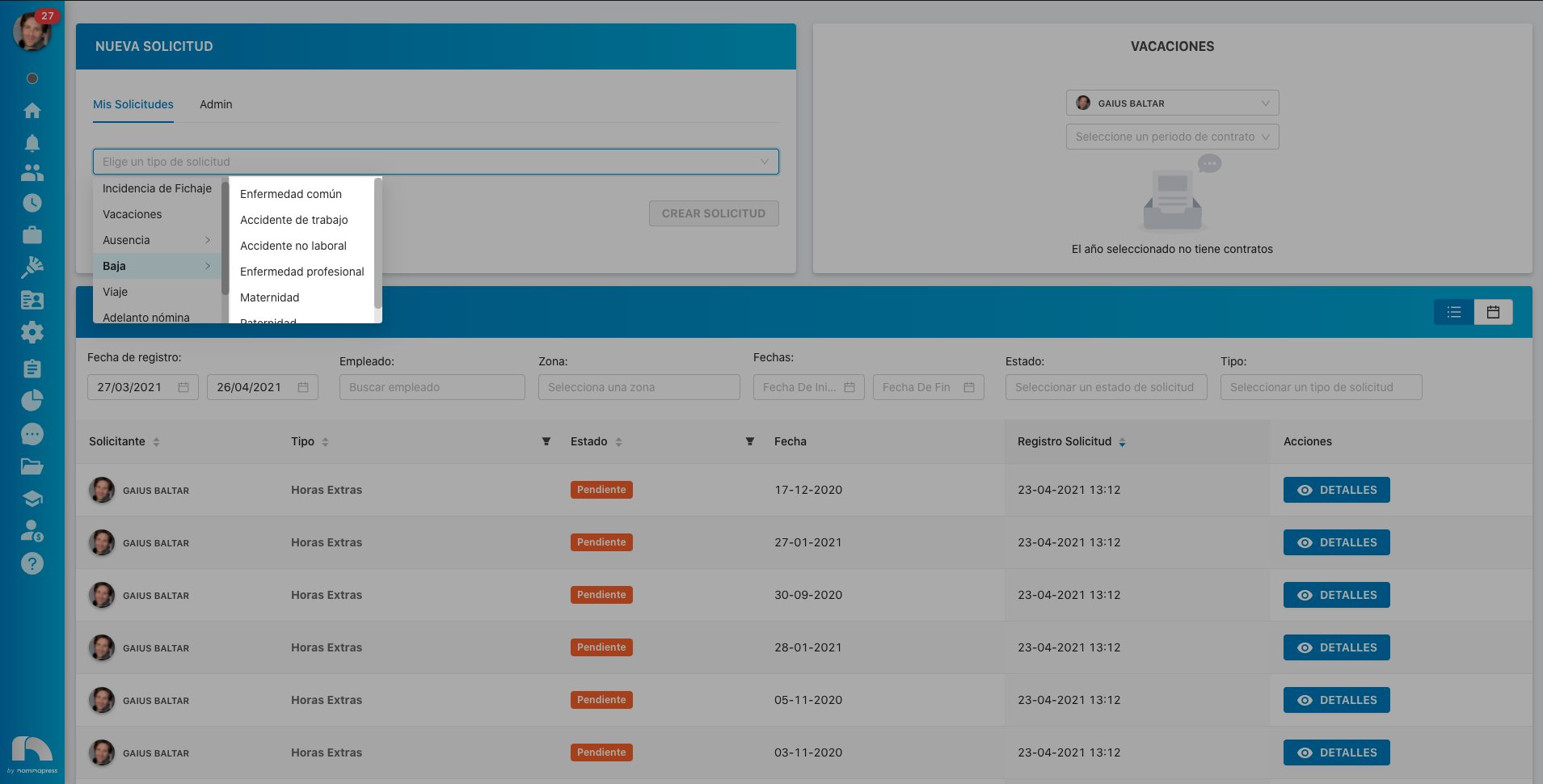
137. Leave subtypes: If you activate this permission, both in the View option and in the Edit option, the option to view and request leave subtypes is enabled.
47. Vacations: If you activate this permission, in the View option, they can request vacations. In the Edit option, it is enabled that the user can also validate them (if manager) and can request those of their employees from time control.
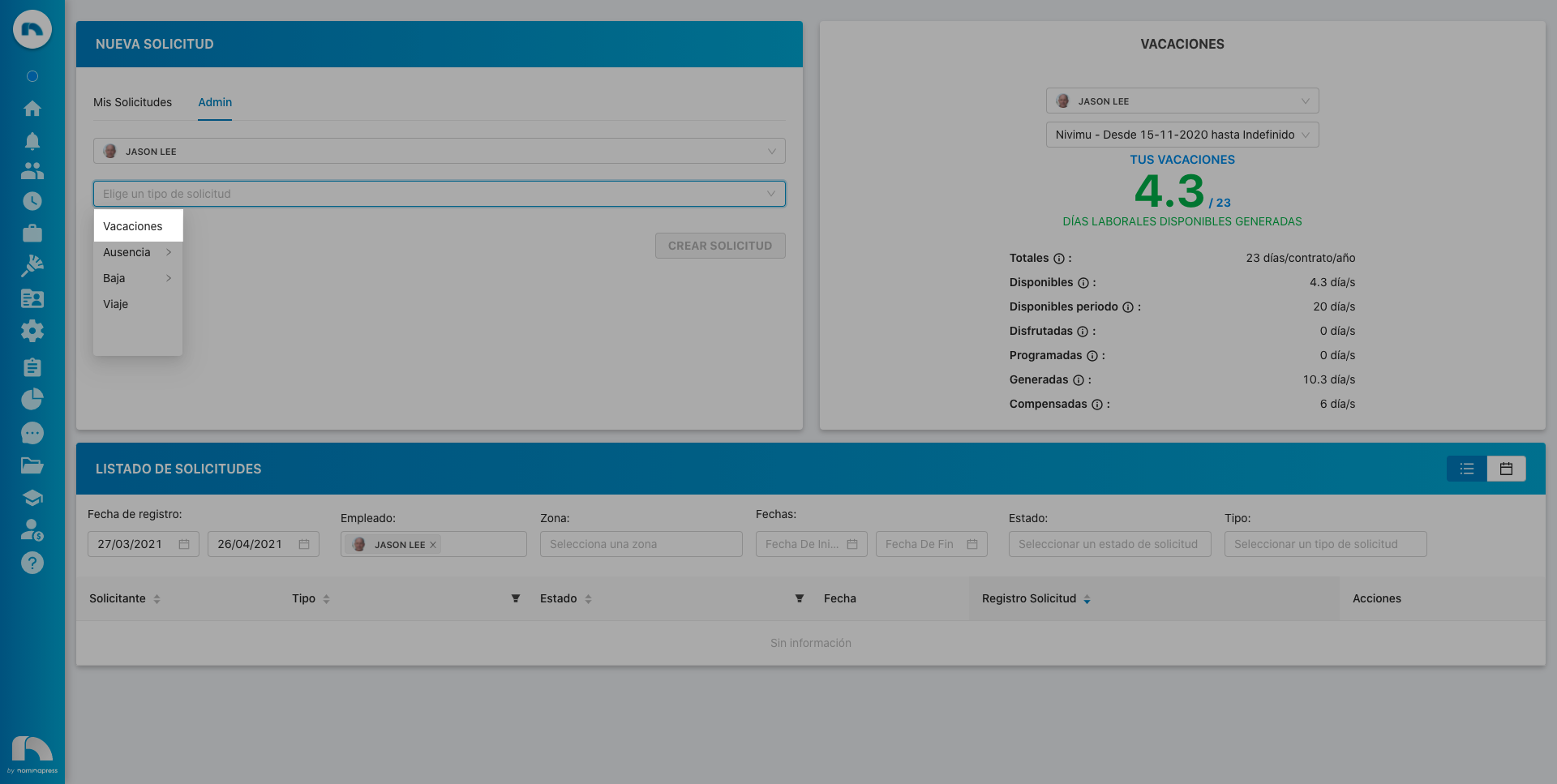
17. Travel: If you activate this permission, in the View option, the user can request absence for travel. In the Edit option, it is enabled that the user can also validate them (if manager).