Cleenrs Permissions
CLEENRS
209. Cleenrs Clocking: If you activate this permission, both in the View option and in the Edit option, the clocking option from the Cleenrs module screen is enabled.
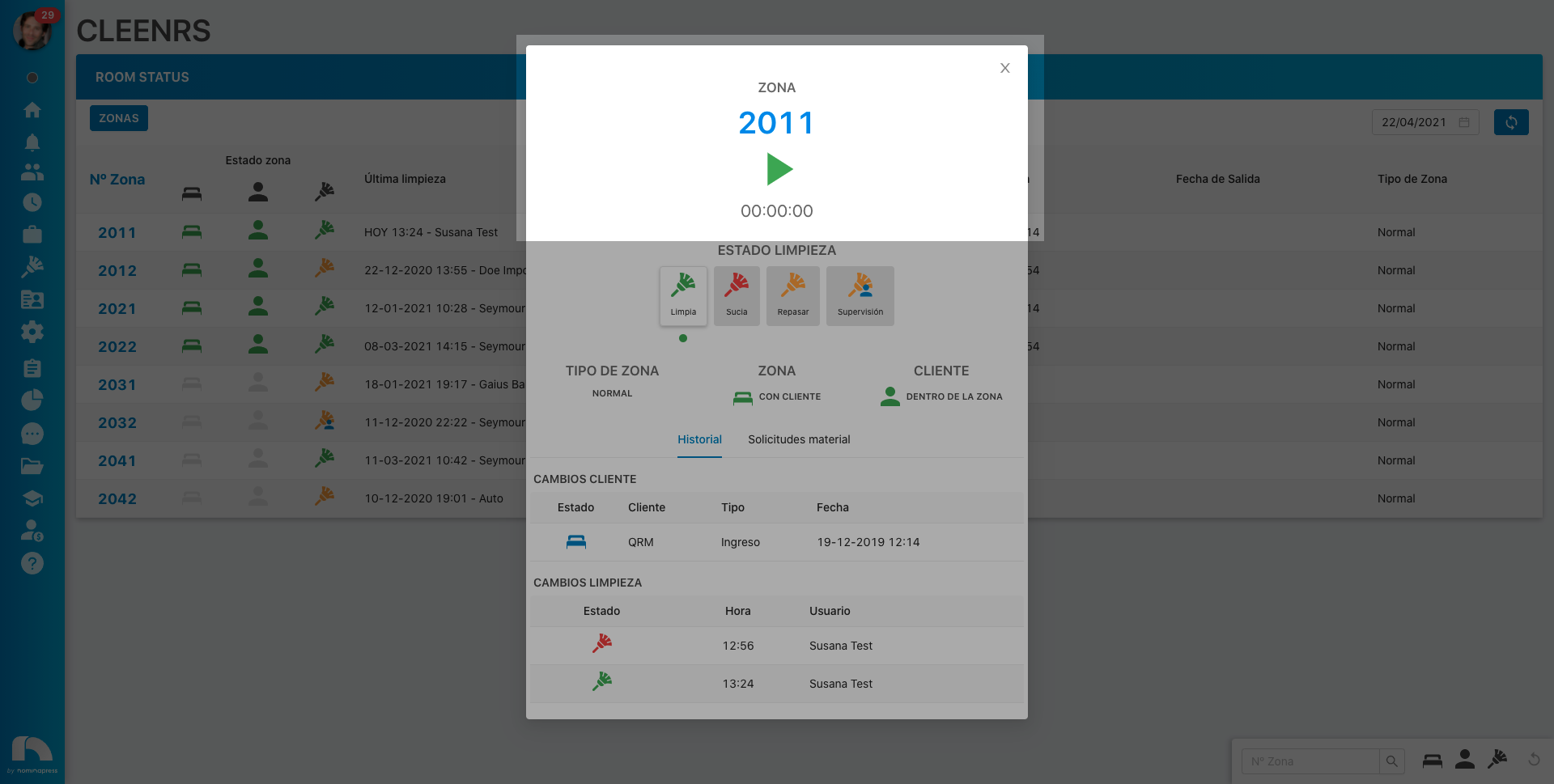
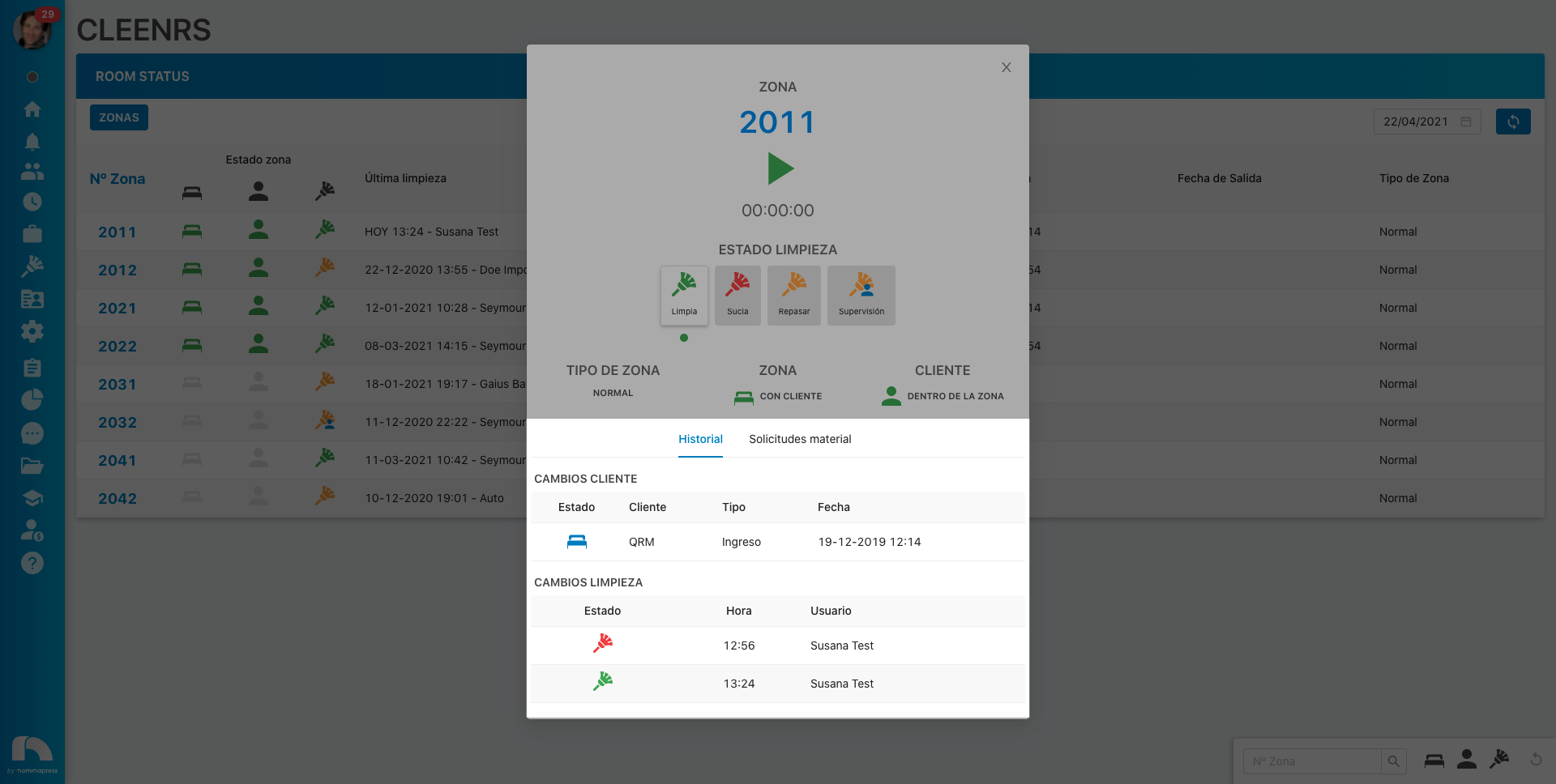
80. Room Status History: If you activate this permission, both in the View option and in the Edit option, the option to view the history of room changes from the Cleenrs module screen is enabled.
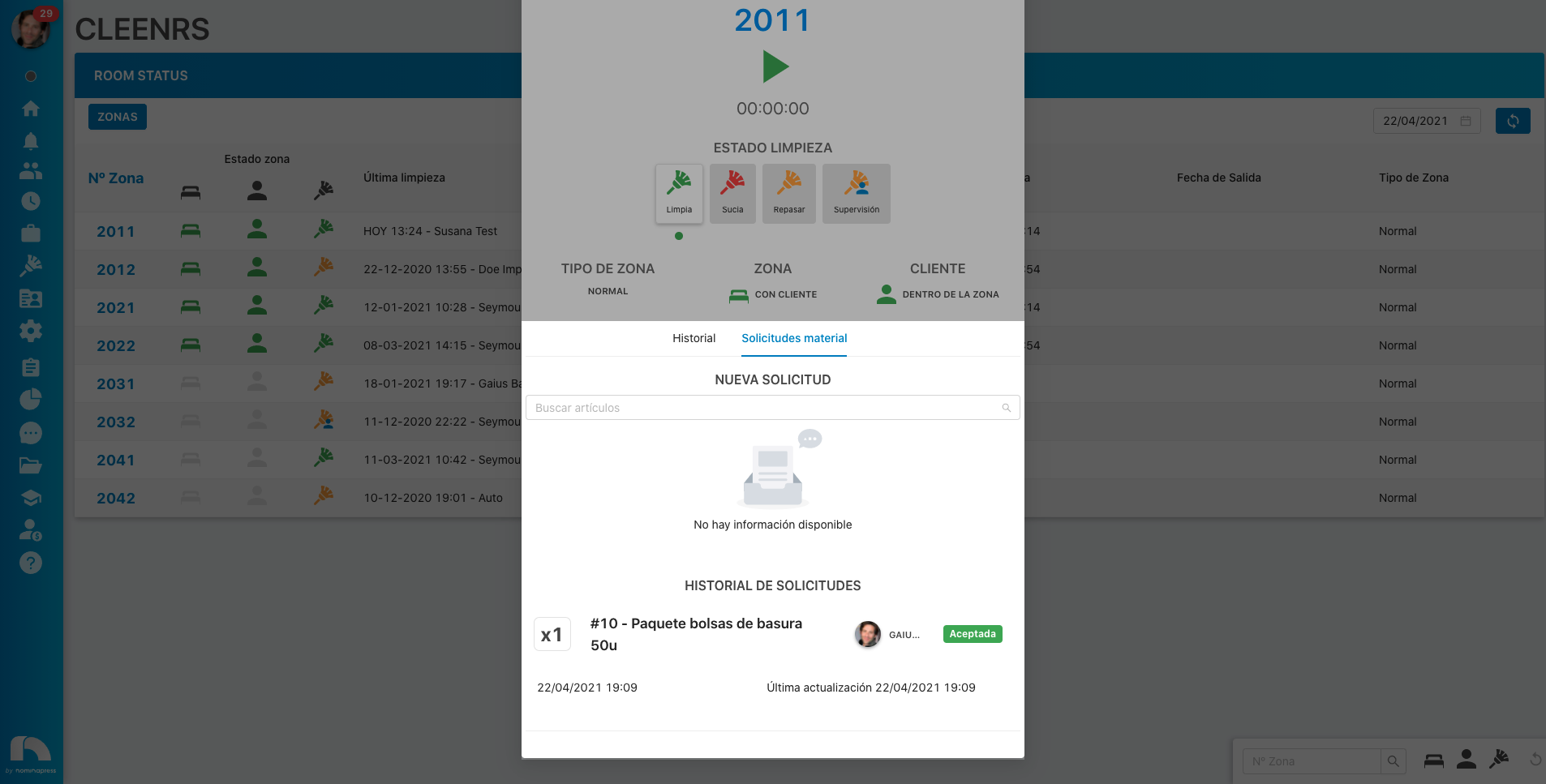
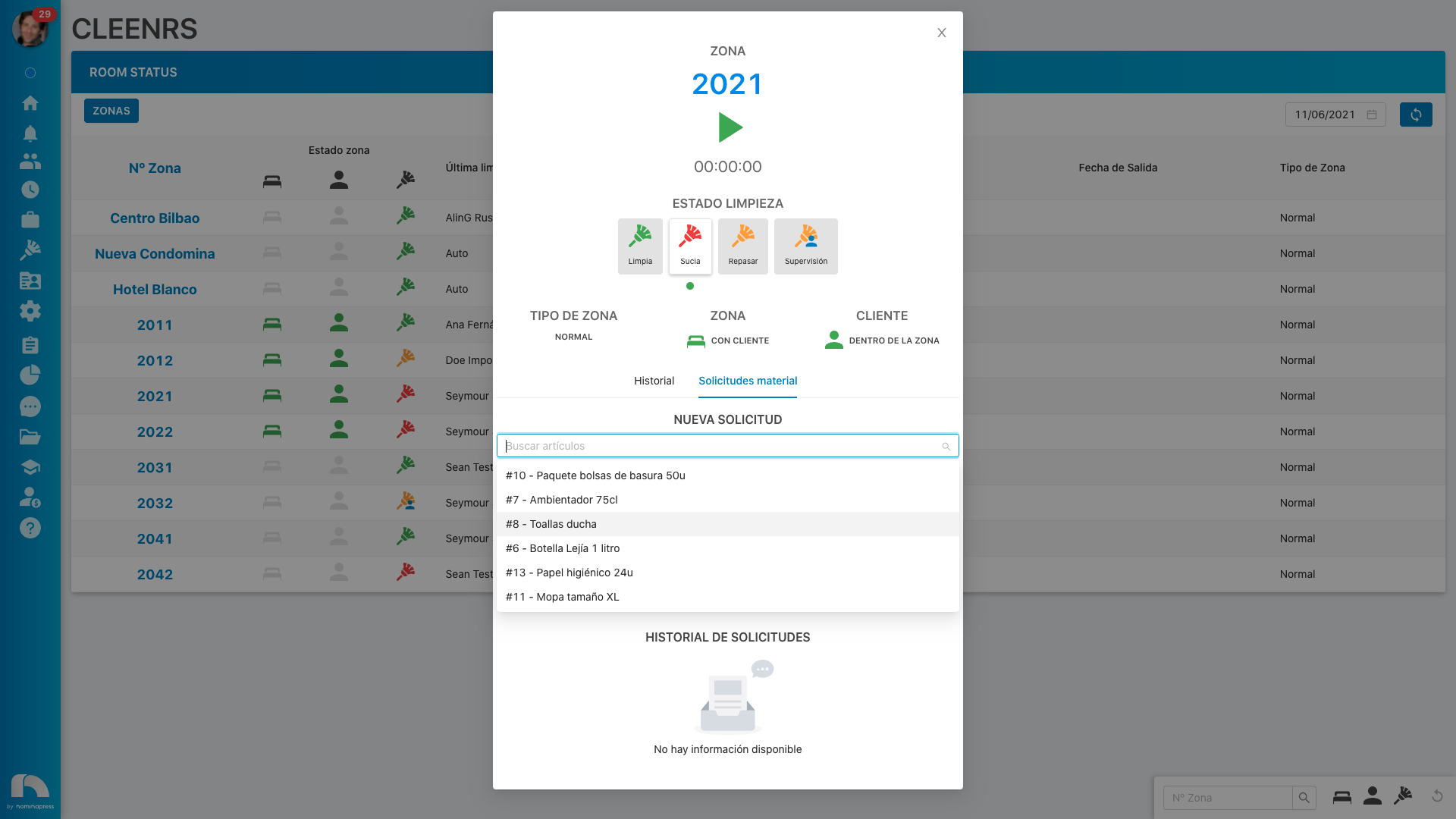
195. Orders: If you activate this permission, in the View option, the material requests for each room appear on the Cleenrs module screen. In the Edit option, it is enabled that requests can also be made and approved or rejected.
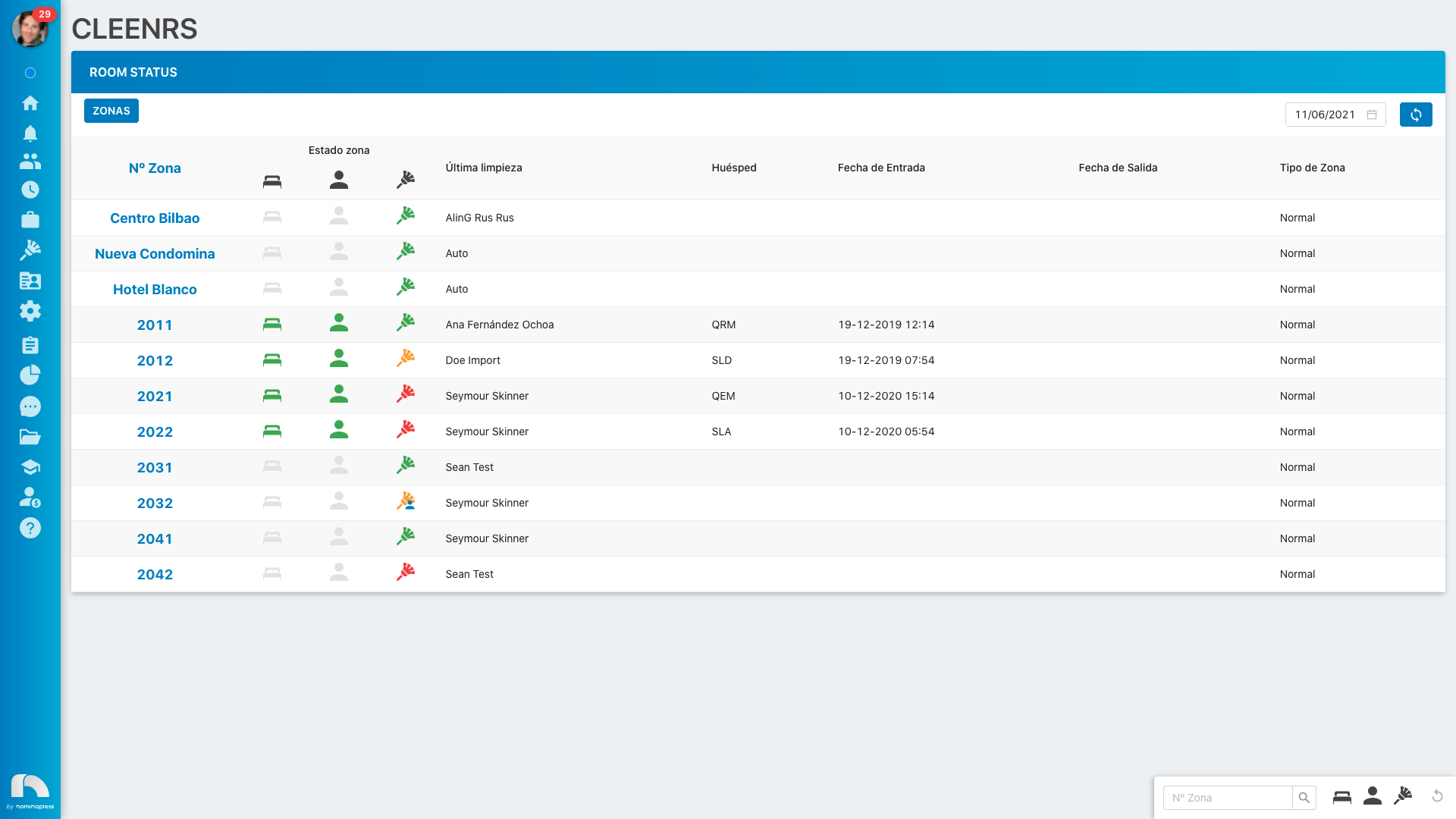
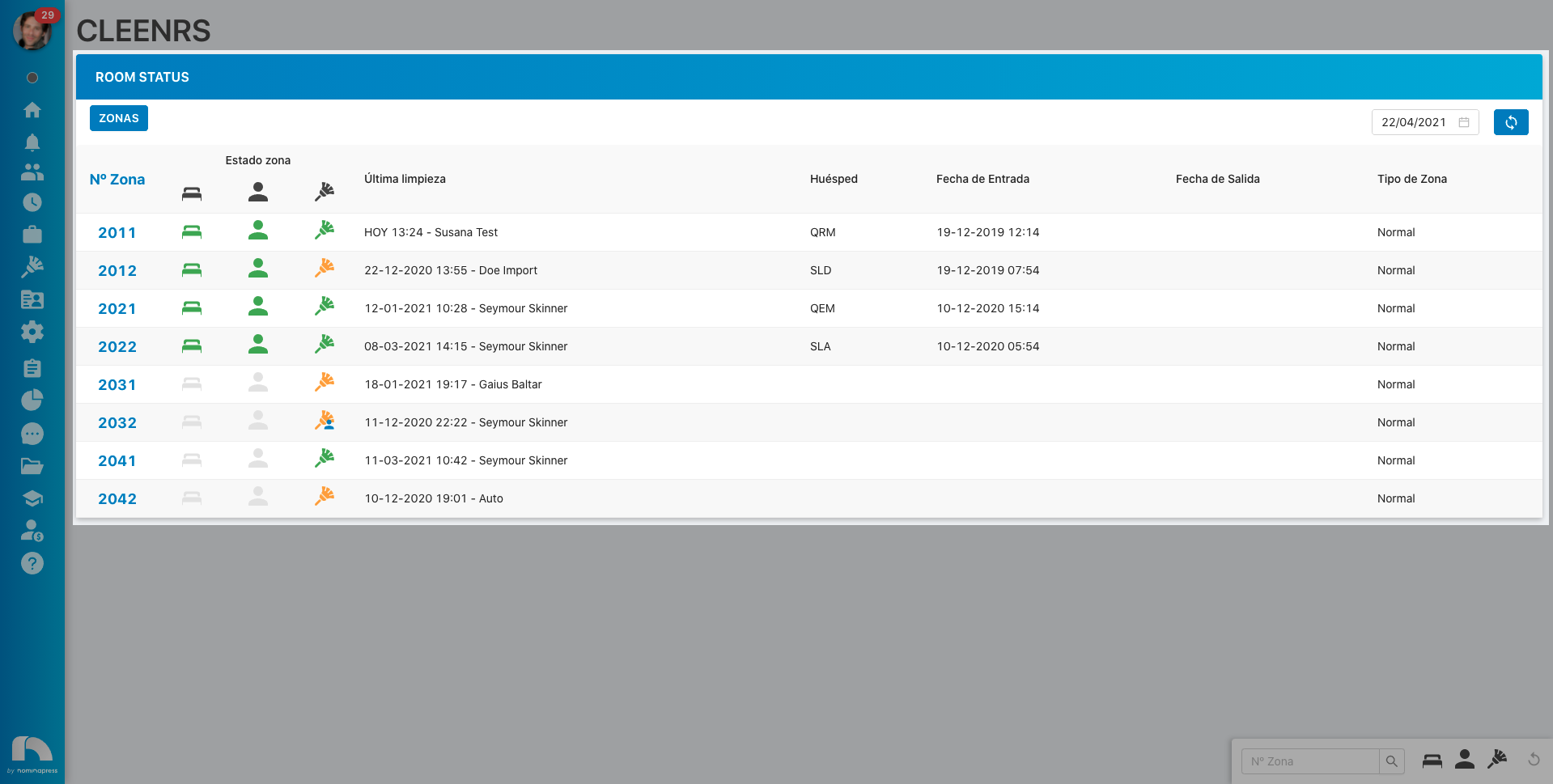
78. Room Status Extended Table: If you activate this permission, both in the View option and in the Edit option, the option to view the Room Status screen in extended version, with more data, from the Cleenrs module screen is enabled.
228. Product requests list: If you activate this permission, in the View option, material requests can be viewed and made. In the Edit option, it is enabled that their status can also be changed (accept, reject, etc.)
230. Receive Push Notifications: If you activate this permission, both in the View option and in the Edit option, the option for the user to receive Cleenrs push notifications, such as when the cleaning status is updated, is enabled.