Impersonate
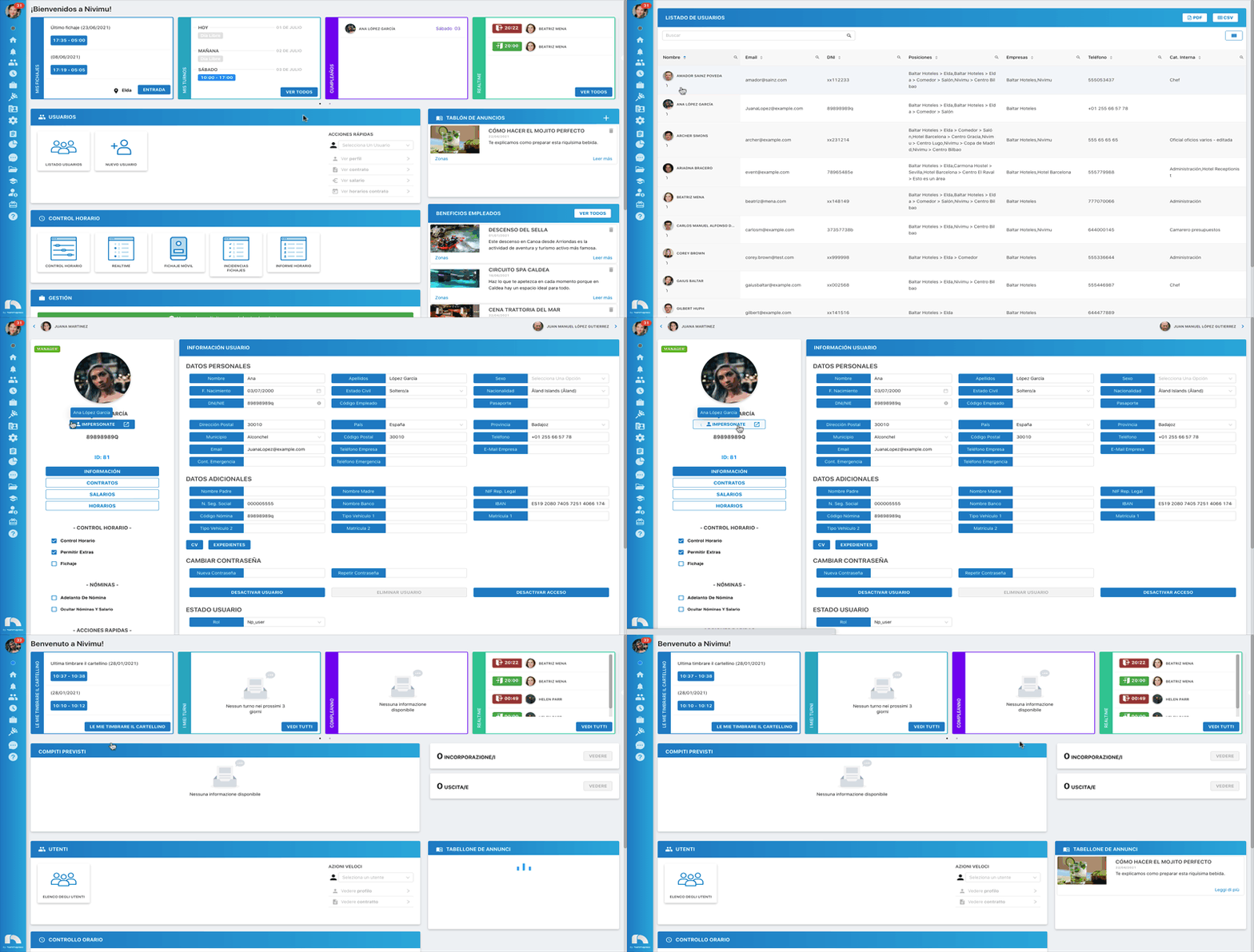
Thanks to the Impersonate button, we can access our app as if we were the desired user. To use the impersonate functionality:
-
Open the app menu and under Users, access User List.
-
Find the user and click View Profile
-
Once you've accessed the profile, click Impersonate.
-
Next, your current session will close, and the app will automatically be accessed with the user you've selected.
-
To return to your user, simply log out and access again with your credentials.